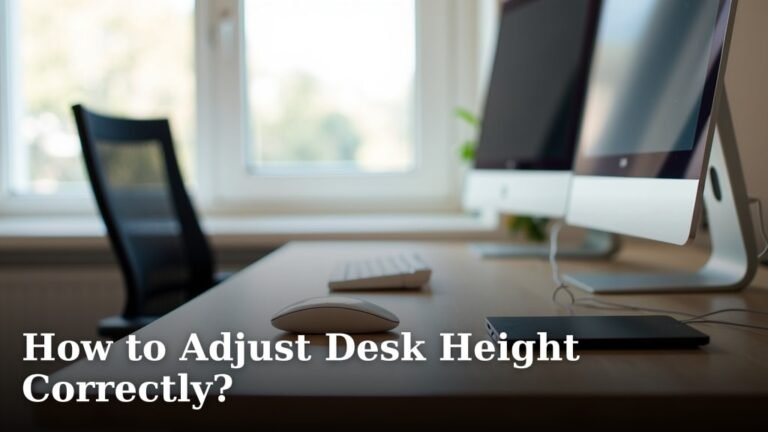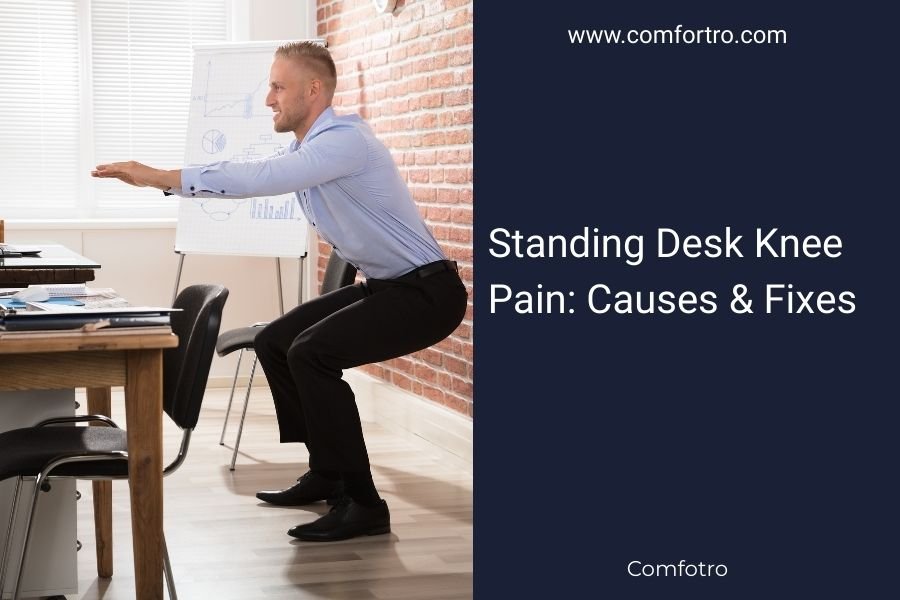
Standing desk knee pain typically comes from improper posture, too much standing time, or sudden changes in your routine that strain leg muscles and joints.
You can fix standing desk knee pain by adjusting your desk height, using an anti-fatigue mat, taking regular sitting breaks, and doing simple stretches throughout your day.
Why Your Knees Hurt at Your Standing Desk
Let’s get straight to the point. Your knees weren’t built to stay locked in one position for hours. When you stand at your desk, several things happen that can cause pain.
Your body weight puts constant pressure on your knee joints. Think of it like holding a heavy bag – fine for a few minutes, but your arms would ache after an hour.
The Most Common Causes
Poor posture tops the list. Many people lock their knees straight when standing. This creates tension up your entire leg.
Standing too long without breaks comes next. Even marathon runners take walking breaks during races. Your knees need the same consideration.
Desk Height Problems
If your desk is too high, you’ll stand on your toes. Too low, and you’ll bend forward awkwardly. Both positions stress your knees.
Hard Floor Surfaces
Concrete and hardwood floors offer zero cushioning. Your knees absorb every bit of impact from your body weight.
Hidden Muscle Issues
Weak hip muscles often cause knee pain. When your hips can’t support you properly, your knees work overtime.
Tight calf muscles also pull on your knee joints. It’s all connected – like a chain reaction through your leg.
Quick Fixes You Can Try Right Now
Good news – you don’t need expensive equipment or major changes. Start with these simple adjustments.
Adjust Your Standing Position
Keep a slight bend in your knees. Never lock them straight. This small change can eliminate pain within minutes.
Shift your weight between feet every 10-15 minutes. Rock back and forth slightly. Keep things moving.
Fix Your Desk Height
Your elbows should hang naturally at your sides with a 90-degree bend when typing. This usually puts your desk at elbow height.
Use What You Have
No anti-fatigue mat? Try a folded towel under your feet. It’s not perfect, but it helps.
Prop one foot on a small box or phone book occasionally. Switch feet every few minutes.
The 20-20 Rule
Stand for 20 minutes, then sit for 20 minutes. This gives your knees regular relief without losing the benefits of standing.
Stretches That Actually Work
These stretches target the muscles that directly affect knee comfort. Do them right at your desk.
Calf Stretch
Step one foot back about two feet. Keep your heel down and lean forward. Hold for 30 seconds, then switch sides.
Quad Stretch
Hold your desk for balance. Bend one knee and pull your foot toward your back. Feel the stretch in your thigh.
Hip Flexor Release
Step into a lunge position. Push your hips forward gently. This relieves tension that travels down to your knees.
Equipment That Makes a Real Difference
Some tools are worth buying if you plan to stick with your standing desk.
Anti-Fatigue Mats
These foam mats cushion your feet and encourage small movements. Research shows they can reduce leg fatigue by up to 50% (Journal of Physical Therapy Science).
Footrests and Rails
A small footrest lets you shift positions throughout the day. Even a simple wooden rail works.
Supportive Shoes
Ditch the high heels and flat shoes with no support. Your feet are your foundation – treat them well.
Building Up Your Standing Stamina
You wouldn’t run a marathon without training. Standing desks work the same way.
Week One Approach
Start with just 15-30 minutes of standing per hour. Your body needs time to adapt.
Gradual Increases
Add 10-15 minutes each week. Listen to your body. Some soreness is normal, but sharp pain isn’t.
Track Your Progress
Use your phone timer or a simple notepad. Write down how long you stand and how you feel.
When to Take Knee Pain Seriously
Most standing desk knee pain goes away with simple changes. But some signs need attention.
Red Flags to Watch For
Sharp, shooting pain that doesn’t improve with rest could signal something more serious. Same goes for swelling that lasts more than a day.
If pain gets worse instead of better after a week of adjustments, talk to a healthcare provider.
Common Conditions
Sometimes knee pain comes from existing issues that standing desks make worse. Arthritis and old injuries can flare up.
A physical therapist can spot these issues and suggest specific exercises (American Physical Therapy Association).
| Time Standing | Expected Comfort Level | Action Needed |
|---|---|---|
| 0-2 weeks | Mild soreness, some fatigue | Take frequent breaks, stretch often |
| 2-4 weeks | Improving comfort, less fatigue | Gradually increase standing time |
| 4+ weeks | Comfortable for long periods | Maintain good habits, stay active |
Conclusion
Standing desk knee pain doesn’t have to end your standing desk dreams. Most people find relief within a week of making simple adjustments.
Remember the key points: keep your knees slightly bent, take regular breaks, and listen to your body. Start slowly and build up your tolerance over time.
The benefits of standing desks – better posture, more energy, improved focus – are worth a little adjustment period. Your knees will thank you once they adapt to your new routine.
Can standing desks cause permanent knee damage?
No, standing desks don’t cause permanent knee damage when used properly. Temporary soreness during the adjustment period is normal, but persistent pain usually means you need to modify your setup or take more frequent breaks.
How long should I stand at my desk if I have knee problems?
Start with 15-minute standing intervals if you have knee issues. Gradually increase by 5-10 minutes weekly as your comfort improves. Many people with knee problems successfully use standing desks by alternating positions every 20-30 minutes.
Are there specific shoes that help prevent standing desk knee pain?
Yes, shoes with good arch support and cushioned soles work best. Athletic shoes or comfort work shoes are ideal. Avoid high heels, completely flat shoes, and worn-out footwear that no longer provides support.
Should I use knee braces while using my standing desk?
Knee braces aren’t necessary for most people using standing desks. Focus first on proper posture, desk height, and anti-fatigue mats. If you have existing knee conditions, consult your doctor before adding braces to your routine.
What’s the difference between normal adjustment pain and concerning knee pain?
Normal adjustment pain feels like mild soreness or fatigue that improves with rest and gets better over time. Concerning pain is sharp, shooting, causes swelling, or gets progressively worse despite making proper adjustments to your setup.