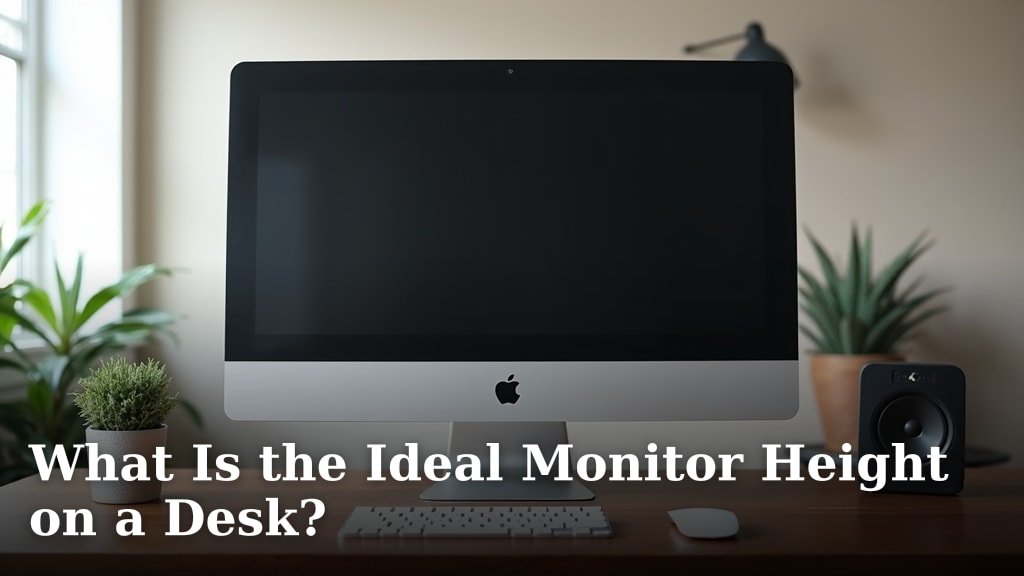
The ideal monitor height on a desk positions the top of your screen at or slightly below eye level. This simple adjustment helps you maintain a neutral neck and spine posture. We found this is a key factor for preventing strain and discomfort throughout your workday.
Getting your monitor height just right can make a big difference. It helps you avoid hunching or craning your neck, which can lead to aches and pains. Good ergonomics means you can focus better and feel more comfortable, especially during long hours at your desk.
TL;DR:
- Align the top of your monitor with your eye level.
- Keep your neck in a neutral, relaxed position.
- Prevent strain and discomfort.
- Improve focus and productivity.
Let’s walk through how to set up your monitor perfectly and understand why it matters for your health and comfort.
Getting Your Monitor Height Just Right
The sweet spot for your monitor height is where the top edge of the screen aligns with your eye level. This generally means your gaze falls naturally to the center of the screen without tilting your head. It’s all about maintaining a neutral spine.
Why Monitor Height Matters for Your Body
Think about your neck. It’s not meant to be a constant crane or a permanent slump. When your monitor is too high, you’ll be tilting your head back. Too low, and you’ll find yourself hunching forward. Both positions can lead to soreness and long-term issues.
Protecting Your Neck and Shoulders
A poorly positioned monitor forces your neck into awkward angles. This can strain the muscles and ligaments in your neck and shoulders. Over time, you might experience headaches, stiffness, or even chronic pain. We’ve all felt that knot in our shoulders after a long day, right?
Supporting Your Spine
Your spine has natural curves that help absorb shock and distribute weight. When you constantly look up or down, you disrupt these curves. This can put undue pressure on your discs and vertebrae. Proper monitor height helps your spine stay in its natural, healthy alignment (Occupational Safety and Health Administration).
Finding Your Personal Ideal Monitor Height
While the general rule is “top of the screen at eye level,” your ideal height is also a bit personal. It depends on your unique body, chair, and desk setup. Let’s make it easy to figure out.
The Eye-Level Rule: A Deeper Look
When you sit up straight, imagine a horizontal line from your eyes. The very top of your monitor screen should sit right on that line. This allows your eyes to naturally look slightly downward to view the content, which is a comfortable and less straining position for your eyes.
Considering Bifocals or Progressive Lenses
If you wear bifocals or progressive lenses, you might need to adjust this rule slightly. You might find it more comfortable to lower your monitor by an inch or two. This lets you view the screen through the correct part of your lenses without tilting your head back. Experiment a little to find your personal comfort zone.
How Far Away Should Your Monitor Be?
Monitor distance goes hand-in-hand with height. A good rule of thumb is to place your monitor about an arm’s length away from you. This usually means 20-40 inches, depending on the screen size. If it’s too close, your eyes work harder. Too far, and you’ll squint or lean in, defeating the purpose of good height.
Here’s a quick guide:
| Screen Size (Inches) | Recommended Distance (Inches) |
|---|---|
| 20-22 | 20-24 |
| 23-26 | 24-30 |
| 27-32 | 30-40 |
Tools to Achieve the Perfect Monitor Height
You’ve got the goal; now let’s talk about how to get there. Sometimes, a simple adjustment is all it takes. Other times, a little extra help is needed.
Built-In Monitor Adjustments
Many modern monitors come with adjustable stands. These are your best friend! They allow you to easily raise, lower, tilt, and even swivel your screen. Take a moment to explore your monitor’s capabilities. You might be surprised by how much flexibility you already have.
Monitor Risers and Stands
If your monitor stand isn’t adjustable enough, a monitor riser is a great solution. These are platforms that elevate your screen to the desired height. They come in various styles, from simple blocks to ones with built-in drawers for extra storage. It’s like giving your monitor a little booster seat. For those looking to upgrade their entire setup, an adjustable height desk can offer even more flexibility for ergonomic comfort.
Monitor Arms and Mounts
For ultimate flexibility, consider a monitor arm. These attach to your desk or wall and allow you to move your monitor in almost any direction. They free up desk space and are fantastic for multi-monitor setups. It’s like giving your monitor wings!

A Quick Checklist for Ergonomic Monitor Setup
Let’s make sure you’ve covered all your bases. Run through this quick checklist to confirm your setup is supporting your body, not straining it.
- Top of screen at eye level: When sitting straight, can you see the top of your screen without tilting your head?
- Arm’s length distance: Can you comfortably touch your screen with your fingertips when extending your arm?
- Neutral neck: Is your head balanced directly over your shoulders, not jutting forward or tilting back?
- Shoulders relaxed: Are your shoulders down and relaxed, not hunched up towards your ears?
- Glare-free screen: Is there any distracting glare from windows or lights on your screen? If so, adjust monitor tilt or lighting.
- Centered screen: If you use one monitor, is it directly in front of you? If two, are they evenly split or is your primary screen centered?
Common Mistakes to Avoid
Even with good intentions, it’s easy to fall into bad habits. Let’s look at a few common pitfalls that can undermine your ergonomic efforts.
Ignoring Your Chair and Desk
Your monitor height is only one piece of the puzzle. Your chair and desk height play a huge role too. If your chair is too low or too high, or your desk isn’t at the right height, it impacts everything else. Think of it as a domino effect – if one piece is off, the rest won’t fall correctly.
Perching on the Edge of Your Seat
When your monitor is too far away or too low, you might find yourself leaning in or perching on the edge of your seat. This puts a lot of strain on your lower back and neck. Ensure your monitor is close enough that you can sit back fully in your chair with good posture (Centers for Disease Control and Prevention). Understanding the impact of sitting all day can further motivate you to optimize your workspace.
Slouching or Hunching Over
Even with a perfectly adjusted monitor, slouching can ruin everything. Remind yourself to sit up straight periodically. Your monitor should invite good posture, not compensate for poor posture. Think of your posture as the foundation – you need a strong one for everything else to work.
Conclusion
Setting your monitor to the ideal height is a small change with a big impact on your comfort and health. We’ve seen how aligning the top of your screen with eye level keeps your neck neutral and supports your spine. This simple adjustment prevents common aches and helps you stay focused throughout your day.
Remember to consider your unique body, chair, and even your glasses. Use built-in adjustments, risers, or monitor arms to achieve that perfect setup. Take a few minutes today to check your monitor height. Your neck and shoulders will thank you for it!
Frequently Asked Questions
What if I use two monitors? How should I position them?
If you use two monitors equally, position them so the seam between them is directly in front of you. If you have a primary monitor, center that one in front of you and place the secondary monitor beside it. Ensure the top edges of both screens are at eye level.
Can monitor height affect my eyesight?
While incorrect monitor height primarily impacts neck and shoulder strain, it can indirectly affect your eyes. If your monitor is too high or low, you might squint or strain your eyes to read content, leading to eye fatigue. Proper height helps you maintain a comfortable viewing angle.
Is it better to look slightly up or slightly down at my monitor?
It’s generally better to look slightly down at your monitor. When the top of your screen is at eye level, your gaze naturally falls to the center of the screen at a downward angle. This is more comfortable for your eyes and helps prevent your neck from tilting backward.
How do I know if my monitor is too high?
You’ll know your monitor is too high if you find yourself tilting your head back, craning your neck upwards, or feeling tension in your neck and upper shoulders. Your chin will likely be slightly lifted to view the screen comfortably.
What’s the ideal monitor height for standing desks?
The same eye-level rule applies to standing desks: the top of your monitor should be at or just below eye level. Adjust your desk or monitor arm so you can maintain a neutral neck and spine posture while standing. Experiment to find your most comfortable standing position.