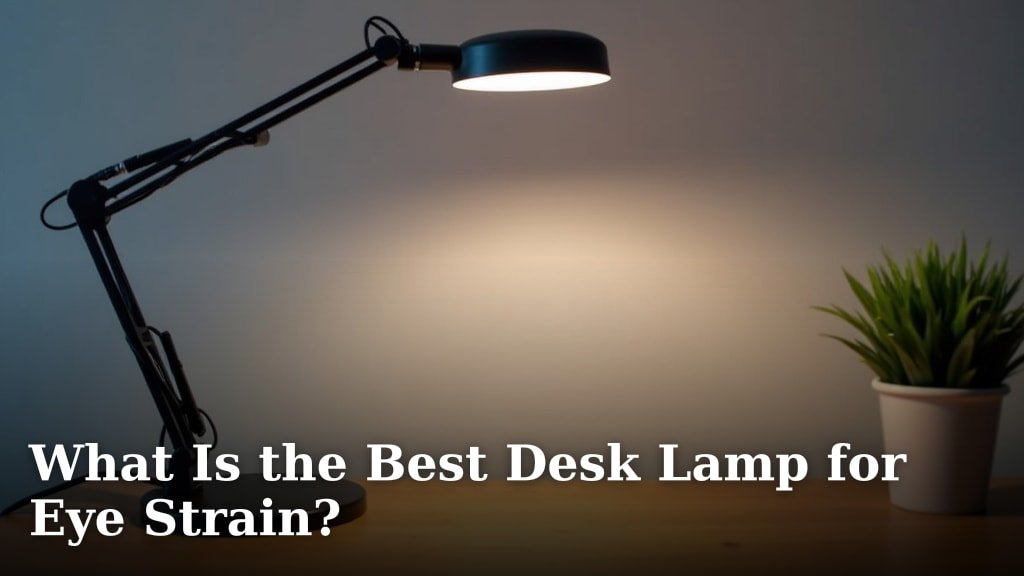
The best desk lamp for eye strain provides adjustable brightness and color temperature, emits flicker-free light, and positions light optimally to reduce glare. We found that lamps offering a wide range of illumination options significantly support eye comfort during long work sessions.
Working or reading under poor lighting can lead to discomfort, fatigue, and even headaches. Choosing the right lighting setup is a simple yet effective way to protect your vision. We all want to keep our eyes feeling fresh, don’t we?
- Adjustable brightness and color are key.
- Flicker-free light reduces eye fatigue.
- Proper lamp positioning prevents glare.
- Look for lamps with a wide range of settings.
Let’s dive into why these features matter and help you find the perfect desk lamp to keep your eyes happy and healthy.
Optimizing Your Workspace Lighting to Prevent Eye Strain
The best desk lamps for eye strain help you avoid discomfort. They offer features that make your eyes feel better. You’re looking for a lamp that actively supports your vision.
You know that feeling of tired, burning eyes? We’ve all been there. Poor lighting is often the culprit. Let’s make sure your workspace isn’t adding to that stress.
Understanding Eye Strain and Its Causes
Eye strain, or asthenopia, is a common issue. It’s not a disease but a symptom. It tells you your eyes are working too hard. Think of it like a muscle ache from overuse.
What causes it? Reading, writing, and computer work are big ones. If your lighting isn’t right, your eyes struggle to focus. This effort leads to fatigue (National Eye Institute).
- Poor contrast: Too little light makes text hard to see.
- Glare: Bright spots on your screen or desk can be distracting.
- Flicker: Invisible light changes can subtly tire your eyes.
- Incorrect light temperature: Some light colors are harsher than others.
- Insufficient light: Not enough brightness forces your eyes to strain.
Key Features of a Great Eye-Friendly Desk Lamp
When choosing a lamp, focus on a few core features. These are the non-negotiables. They will make a real difference in your daily comfort.
We found that lamps designed with eye health in mind prioritize adjustability. You need control over your light environment. It’s about tailoring the light to your specific needs.
Adjustable Brightness (Dimming Capabilities)
Your eyes don’t need the same amount of light all the time. Sometimes you need a lot of light for detailed work. Other times, a softer glow is better.
A lamp with a dimmer lets you match the light to your task. It also helps match the light to the time of day. This flexibility is crucial for reducing strain.
Many experts say that dimming capabilities prevent over-illumination. Too much light can be just as bad as too little. It creates glare and pupil constriction, making your eyes work harder.
Color Temperature Control
Light isn’t just bright or dim; it also has a color. This is called color temperature. It’s measured in Kelvins (K).
You’ve probably noticed that some lights are warm and yellow, like an old incandescent bulb. Others are cool and blue, like daylight. Both have their place.
- Warm light (2700K-3000K): Best for relaxation or evening use. It’s less stimulating.
- Neutral white (3500K-4500K): A good middle ground for general tasks.
- Cool white/daylight (5000K-6500K): Ideal for concentration and detailed work. It mimics natural daylight.
A good desk lamp lets you switch between these settings. This means you can have a bright, focused light for tasks. Then, you can shift to a warmer light as the day winds down. This can also help with your sleep cycle (Harvard Medical School).
Flicker-Free Illumination
Flicker is often invisible, but your eyes still detect it. Think of it like a strobe light effect, just very fast. This constant change in light can be very taxing on your visual system.
High-quality LED lamps are designed to be flicker-free. They use better power supplies. This provides a steady, consistent light output. Your eyes will thank you for this stability.
How do you know if a lamp is flicker-free? Often, the manufacturer will state it clearly. Look for terms like “flicker-free” or “stable light output.”
Optimizing Your Lighting Setup: Beyond the Lamp
Having the right lamp is a great start. But how you use it also matters. Placement and other factors play a big role in preventing eye strain.
It’s like having the best running shoes but tying them too tight. You need the whole picture to get maximum comfort. Let’s look at your whole lighting environment. Understanding your desk direction can also significantly impact lighting and reduce eye strain.
Proper Lamp Placement to Reduce Glare
Glare is a major cause of eye strain. It happens when light reflects off your screen or desk surface. It creates bright spots that your eyes struggle to look past.
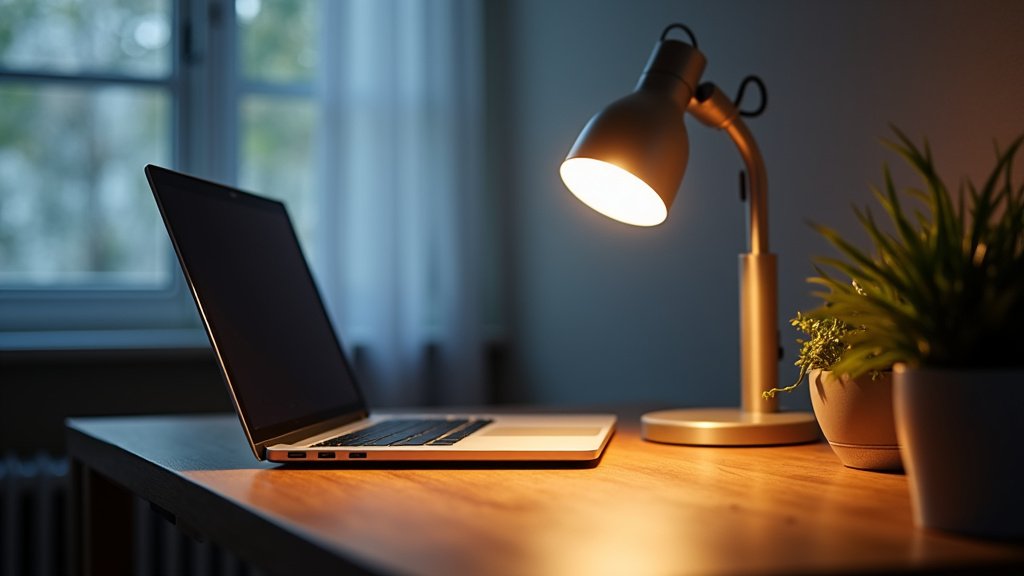
Position your lamp so that its light doesn’t hit your screen directly. If you’re right-handed, place the lamp on your left. If you’re left-handed, place it on your right. This helps keep shadows off your work.
The light source should be slightly above and to the side of your monitor. This angle reduces reflections. It also illuminates your workspace without shining directly into your eyes.
Considering Ambient Lighting and Monitor Settings
Your desk lamp isn’t working alone. The overall room lighting is important too. Avoid working in a dark room with only a bright monitor. This creates too much contrast.
Aim for balanced lighting. Your desk lamp should supplement the room’s general light. It shouldn’t be the only light source in a dark room.
Also, check your monitor settings. Adjust its brightness to match your room’s light. Your monitor should not be a bright window in a dark wall. Many computers have built-in “night light” features that adjust color temperature. Use them!
Types of Desk Lamps and Their Eye-Friendly Qualities
Not all desk lamps are created equal. Let’s explore the common types. We’ll see which ones generally perform best for eye comfort.
When you’re shopping, you’ll see a few main categories. Knowing their pros and cons can help you decide. We want you to make an informed choice.
LED Desk Lamps
LED lamps are generally the top choice for eye strain. Why? They offer the most control. They are also energy-efficient and last a long time.
Most lamps with adjustable brightness and color temperature are LEDs. They are often designed with flicker-free technology. This makes them a strong contender for eye health.
Pros: Highly adjustable, energy-efficient, long lifespan, often flicker-free. Cons: Can sometimes be more expensive upfront, but they save money over time.
Halogen and Incandescent Lamps
These are older technologies. You’ll find them in many homes. They produce a warm, pleasant light.
However, they lack the adjustability of LEDs. They also use a lot more energy. They generate more heat too, which can be uncomfortable.
Pros: Warm light, good color rendering. Cons: Not adjustable for color temperature, less efficient, generate heat, not typically flicker-free (though less prone to visible flicker than some fluorescents).
Fluorescent Lamps (CFLs)
CFLs were once popular for energy saving. They produce different light colors. But they often have a noticeable flicker. This flicker can be very bad for eye strain.
Many experts advise against using CFLs for task lighting. The flicker can be a constant irritant for your eyes. If you have a CFL desk lamp, consider upgrading it.
Pros: Energy-efficient (compared to incandescent). Cons: Often have noticeable flicker, not highly adjustable, can contain mercury.
Your Eye-Friendly Desk Lamp Checklist
Ready to shop for your new lamp? Here’s a quick checklist to guide you. Keep these points in mind for happy, healthy eyes.
This list distills all the important advice into simple, actionable points. It’s your quick reference guide.
- ✅ Adjustable Brightness: Can you dim it? Does it offer multiple light levels?
- ✅ Color Temperature Control: Can you switch between warm, neutral, and cool light?
- ✅ Flicker-Free: Does the manufacturer state it’s flicker-free?
- ✅ Flexible Arm/Head: Can you position the light exactly where you need it?
- ✅ Wide Light Distribution: Does it illuminate a good area evenly, without creating hotspots?
- ✅ LED Technology: Is it an LED lamp for efficiency and adjustability?
By focusing on these features, you’re well on your way to a more comfortable workspace. Your eyes deserve the best care you can give them!
Conclusion
You’ve seen how important the right desk lamp is for your eye health. Controlling brightness and color temperature, along with flicker-free light, can make a huge difference. These features directly combat the causes of eye strain we discussed.
Remember, proper lamp placement and balanced room lighting are also vital. Your eyes work hard for you every day. Give them the support they deserve.
Ready to upgrade your workspace? Review our checklist and invest in a lamp that truly cares for your vision.
Frequently Asked Questions
Is blue light from desk lamps bad for your eyes?
Some desk lamps, particularly those with a very cool color temperature (over 6000K), emit more blue light. While blue light isn’t inherently bad, excessive exposure, especially at night, can disrupt sleep patterns. Opt for lamps with adjustable color temperature so you can switch to warmer light in the evenings.
How far away should my desk lamp be from my monitor?
Your desk lamp should be positioned to illuminate your workspace without creating glare on your screen. Aim for it to be slightly above and to the side of your monitor. Generally, placing it about 16-20 inches away, angled correctly, helps achieve optimal lighting.
Can a regular room light replace a desk lamp for preventing eye strain?
While good ambient room lighting is important, a regular room light often isn’t enough on its own. A dedicated desk lamp provides focused, adjustable light exactly where you need it. This reduces shadows and ensures adequate brightness for tasks, which room lights can’t always accomplish.
What’s the ideal brightness level for a desk lamp to prevent eye strain?
There isn’t one “ideal” brightness level because it depends on your task, time of day, and ambient light. We found that adjustable brightness is key. Start with a comfortable level and adjust as needed, ensuring your workspace is well-lit without being overly bright or causing glare.
Should my desk lamp match my monitor’s brightness?
Yes, aiming for a balanced brightness between your desk lamp, monitor, and ambient room light is beneficial. If your monitor is significantly brighter or darker than its surroundings, your eyes have to constantly adapt, leading to strain. Adjust your monitor’s brightness to match the overall light in your workspace.