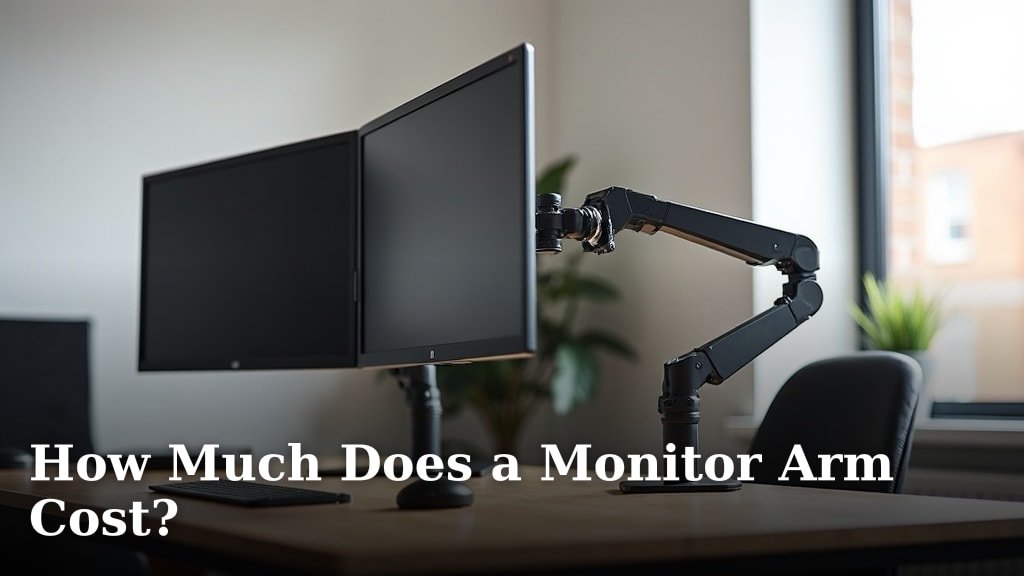
A monitor arm can cost anywhere from $20 to over $400, depending on its features and quality. You’ll find a wide range of prices, but most good monitor arms fall between $50 and $150. The best choice for you depends on your specific needs and budget.
The price tag often reflects factors like the number of monitors it supports, the weight capacity, and the types of adjustments it offers. Do you need a single arm or one for multiple screens? Do you want simple height adjustments or full articulation and rotation?
- Monitor arms range from $20 to over $400.
- Most quality arms cost between $50 and $150.
- Price varies based on monitor count, weight capacity, and adjustability.
- Single monitor arms are usually less expensive than dual or triple arms.
- Gas spring arms offer smoother adjustments but cost more.
Below, we’ll break down the different price points and what you can expect from each, helping you find the perfect monitor arm without breaking the bank.
Understanding Monitor Arm Price Points
You’re probably wondering what determines a monitor arm’s price. We found that the cost mostly comes down to its design, features, and build quality. Think of it like buying a car; a basic model gets you from A to B, but a luxury one offers more comfort and performance.
Monitor arms follow a similar pattern. You can find simple, functional arms at lower price points. As you climb the price ladder, you’ll encounter arms with smoother adjustments, more robust materials, and a greater range of motion.
Budget-Friendly Monitor Arms ($20-$50)
If you’re just starting out or have a very specific, simple need, these arms are for you. They’re typically single-monitor solutions. We found these arms often use a basic mechanical spring or a simple pivot design.
What can you expect? You’ll get basic height adjustment, often with a knob or lever to lock it in place. Tilt and swivel might be present, but often with limited range of motion. These arms are usually made from lighter materials, which means they support less weight.
This price range is perfect if you have one lightweight monitor and don’t plan to move it much throughout the day. It’s a great way to free up desk space without spending a fortune.
Mid-Range Monitor Arms ($50-$150)
This is where most people find their sweet spot. We found this category offers the best balance of features and value. You’ll see a lot more gas spring arms here, which allow for incredibly smooth and effortless adjustments.
In this range, you can expect full articulation: height, tilt, swivel, and even rotation from landscape to portrait mode. Many of these arms can support heavier monitors or even dual monitor setups. The build quality generally feels more substantial, using a mix of steel and aluminum.
Cable management features become more common here, helping you keep your workspace tidy. If you spend several hours at your desk and need to adjust your screen position frequently, a mid-range arm is a smart investment for your comfort (Occupational Safety and Health Administration).
Premium Monitor Arms ($150-$400+)
For those who demand the best in ergonomics, aesthetics, and functionality, premium monitor arms deliver. These arms often feature advanced gas spring mechanisms, offering a wider and smoother range of motion with minimal effort. Think of them as the luxury sedans of the monitor arm world.
Materials are top-notch, often using polished aluminum or heavy-duty steel for superior durability and stability. You’ll find these arms designed to support very large or multiple heavy monitors with ease. They often have sophisticated cable management systems that completely hide your wires.
Beyond pure function, premium arms often boast sleek designs that can enhance your office aesthetics. They’re built to last for many years and provide a truly customizable and comfortable viewing experience. If you’re a professional who relies on precise screen positioning or has a multi-monitor battle station, this investment pays off.
Key Factors Influencing Monitor Arm Costs
What makes one monitor arm cost $30 and another $300? It’s not just about the brand name. There are several concrete features and design choices that directly impact the price tag.
Number of Monitors Supported
This is one of the most straightforward factors. A single monitor arm is almost always less expensive than an arm designed for two, three, or even four monitors. Why? More monitors mean more materials, more complex engineering, and a need for greater stability.
- Single Monitor Arms: Generally the least expensive. They have one point of attachment for a single screen.
- Dual Monitor Arms: These arms typically cost more because they need two VESA mounts and the structure to support two screens.
- Triple/Quad Monitor Arms: Significantly more expensive, as they require a very robust base and multiple articulation points to hold several screens securely.
Weight Capacity and Monitor Size
Heavier monitors and larger screens demand stronger, more robust arms. An arm designed to hold a 32-inch ultrawide monitor will cost more than one for a 22-inch office display. This is because it needs thicker materials and a more powerful gas spring or mechanical structure to prevent sagging.
Always check the weight and size specifications of your monitor(s) before buying an arm. Trying to use an arm that’s too weak can lead to your monitor slowly drooping or, worse, falling (Ergonomics International Research Journal).
Type of Adjustment Mechanism
The way your monitor arm moves plays a big role in its price. There are three main types, each with a different cost implication:
Mechanical Spring Arms
These are often found in the budget range. They use a spring and tension system to hold your monitor in place. Adjustments usually require you to loosen a knob, move the monitor, and then tighten the knob again. They’re functional but can be less smooth than other options.
Gas Spring Arms
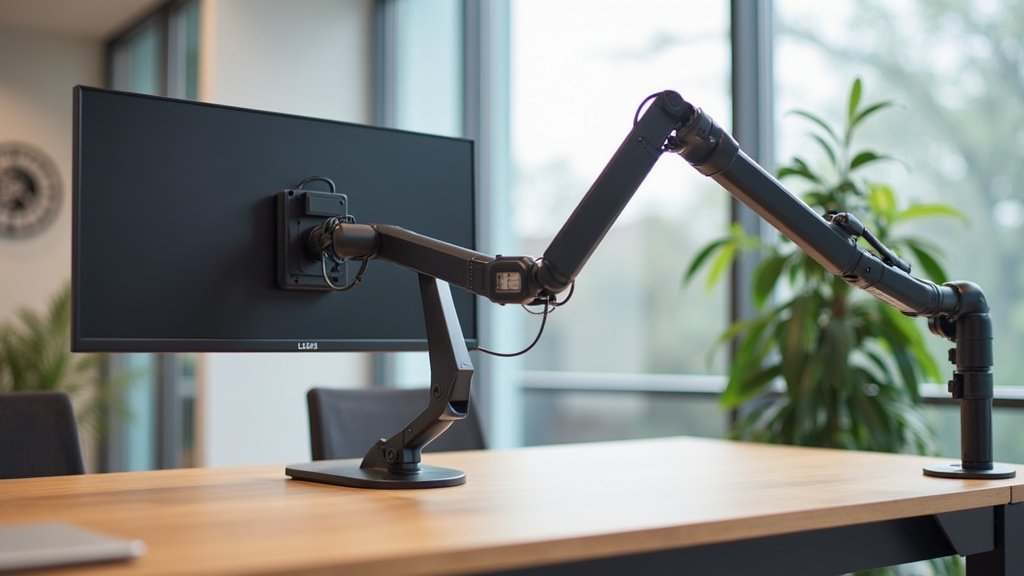
This is the most popular type in the mid to high range. Gas spring arms use a compressed gas cylinder, similar to those found in an office chair, to counterbalance your monitor’s weight. This allows for effortless, smooth, and precise adjustments with just a touch of your hand. They cost more due to the gas cylinder technology.
Electric/Motorized Arms
These are the premium option, often found at the very high end. Electric arms use small motors to adjust your monitor’s height and position with the push of a button. They’re ideal for users who need frequent, precise adjustments or those with accessibility needs. Expect to pay a significant premium for this convenience.
Mounting Type and Material Quality
How an arm attaches to your desk also impacts cost. Most arms use a clamp mount, which is usually the most affordable. Some use a grommet mount, requiring a hole in your desk, which can be slightly more complex in design.
Wall-mounted arms often cost more because they require stronger brackets and a more robust design to secure directly into a wall stud. Materials like heavy-gauge steel or aircraft-grade aluminum contribute to higher prices but offer greater durability and aesthetic appeal.
Brand Reputation and Warranty
Just like with any product, reputable brands often charge more. They invest in research, better materials, and rigorous testing. This usually translates to a higher quality product with better reliability and a longer warranty. Paying a bit more for a known brand can give you peace of mind and better customer support if issues arise.
Lesser-known brands might offer lower prices, but you could be sacrificing durability or ease of use. It’s a trade-off many people consider when making their purchase.
Is a Monitor Arm Worth the Cost?
Many people ask, “Do I really need one?” We found the answer is a resounding “yes” for most desk workers. The benefits often far outweigh the initial investment.
A monitor arm helps you achieve a more ergonomic setup. This means less strain on your neck, shoulders, and eyes. When your screen is at the right height and distance, you’re less likely to slouch or crane your neck forward. This can prevent common issues like tension headaches and back pain (American Academy of Orthopaedic Surgeons).
Beyond ergonomics, a monitor arm can dramatically improve your workspace. It frees up valuable desk space by lifting your monitor off its clunky base. This gives you more room for notebooks, keyboards, or even just a cleaner, less cluttered look. Who doesn’t want that? Finding the best computer desk for remote work can further enhance your ergonomic setup.
Consider the long-term benefits to your health and productivity. A small investment in a monitor arm can lead to significant improvements in your daily comfort and overall well-being at your workstation.
Your Monitor Arm Buying Checklist
Before you commit, run through this quick checklist to ensure you’re getting the right arm for your needs:
- What is your monitor’s size and weight? (Crucial for compatibility)
- Do you need to support one, two, or more monitors?
- How often will you adjust your monitor’s position? (Smoothness matters)
- Do you prefer a desk clamp, grommet, or wall mount?
- What’s your absolute maximum budget for this purchase?
- Are cable management features important to you?
| Price Range | Typical Features | Best For |
|---|---|---|
| $20 – $50 | Basic height adjustment, single monitor, mechanical spring, limited articulation. | Budget-conscious users, basic desk space clearing, single lightweight monitors. |
| $50 – $150 | Smooth gas spring adjustment, full articulation, single/dual monitors, good weight capacity, basic cable management. | Everyday users, ergonomic improvements, frequent adjustments, mid-range monitors. |
| $150 – $400+ | Advanced gas spring/electric, superior build quality, high weight capacity, multiple monitors, premium aesthetics, excellent cable management. | Professionals, heavy/large monitors, multi-monitor setups, maximum ergonomics and durability. |
Conclusion
Choosing the right monitor arm doesn’t have to be complicated. You’ve seen that prices vary widely, from budget-friendly options to premium solutions, all depending on your specific needs. By understanding factors like monitor count, weight capacity, and adjustment mechanisms, you can easily narrow down your choices.
Remember, investing in a monitor arm isn’t just about desk organization; it’s about your comfort and long-term health. Take a moment to assess your workspace and monitor specifications, then pick the arm that gives you the best ergonomic setup for your daily routine.
Frequently Asked Questions
Do I need a special desk for a monitor arm?
Not usually, but it helps to have a sturdy desk. Most monitor arms use a clamp that attaches to the edge of your desk, or a grommet mount that goes through an existing hole. Always check the arm’s specifications for desk thickness requirements.
Can a monitor arm damage my desk?
A well-installed monitor arm should not damage your desk. However, improper clamping or using an arm on a very thin or fragile surface could potentially leave marks. Some arms come with padding to protect your desk surface.
Are all monitor arms compatible with all monitors?
Most modern monitors and monitor arms use a standard mounting system called VESA. You’ll typically find 75x75mm or 100x100mm patterns. Always check your monitor’s back panel for VESA holes and match them with the arm’s specifications.
How do I know what weight capacity I need for my monitor arm?
You need to find the exact weight of your monitor, usually in its product manual or on the manufacturer’s website. Choose a monitor arm with a weight capacity that safely exceeds your monitor’s weight. This ensures stability and proper function.
Is it difficult to install a monitor arm myself?
Most single monitor arms are designed for easy self-installation and come with clear instructions. You’ll typically only need basic tools, often provided in the box. Dual or triple monitor arms might be slightly more complex but are still manageable for most users.