Correct Elbow Angle for Typing & Productivity
On this page (9 sections)
The correct elbow angle for typing is 90 degrees, which keeps your arms relaxed and reduces strain on your shoulders and wrists. For a standing setup, see this guide to the right typing height.
This position helps prevent repetitive stress injuries and boosts your typing comfort throughout long work sessions.
Ever wonder why your arms ache after a long day at the computer? Your elbow position might be the culprit. Getting this angle right can transform how you feel during and after work.
Think of your arms like a well-designed crane. When the joints align properly, everything works smoothly. When they don’t, stress builds up in all the wrong places.
Why 90 Degrees Works Best
I researched ergonomic guidelines and found that a 90-degree elbow angle creates the least muscle tension. Your upper arms hang naturally at your sides while your forearms stay parallel to the floor.
This position keeps your shoulders relaxed. No hunching forward or pulling them up toward your ears. Your neck stays neutral too.
From what I read, angles less than 90 degrees force you to reach forward. This creates tension in your shoulders and upper back. Angles greater than 90 degrees make you hold your arms up, which tires your shoulder muscles quickly.
The Science Behind Proper Positioning
Research shows that poor arm positioning contributes to repetitive strain injuries (Occupational Safety and Health Administration). Your muscles work harder when your joints aren’t aligned.
When your elbows bend at the right angle, blood flows better through your arms. This reduces the tingling and numbness that many office workers experience.
How to Find Your Perfect Elbow Angle
Stand up and let your arms hang naturally at your sides. Now bend your elbows to 90 degrees. This is your target position when sitting at your desk.
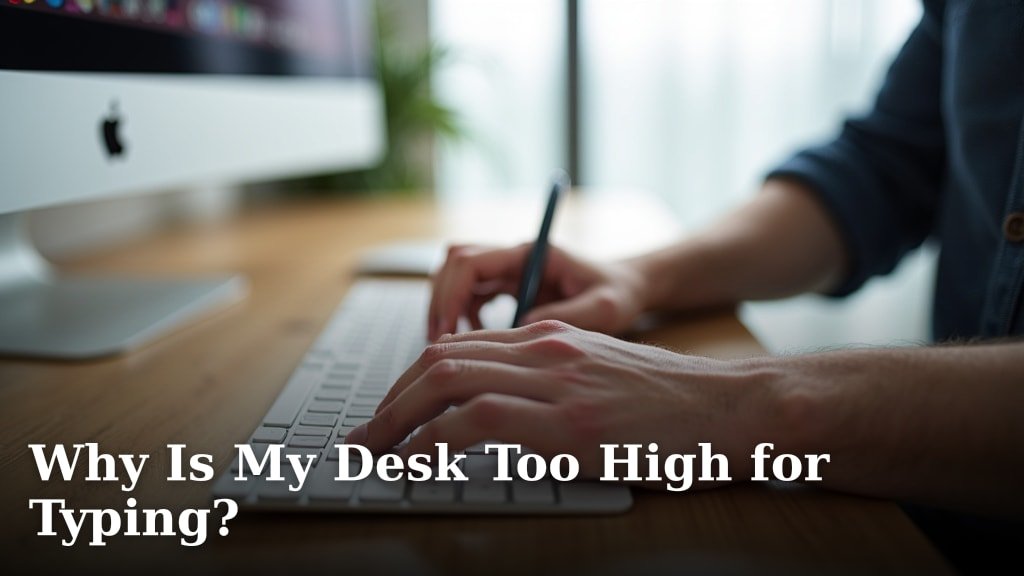
Sit in your chair and place your hands on your keyboard. Your elbows should match that 90-degree angle from when you were standing.
Quick Check Method
Look down at your arms while typing. Can you see a clear right angle at your elbow joint? If yes, you’re in good shape.
If your forearms slope down toward the keyboard, your chair is too high or your desk is too low. If they slope up, it’s the opposite problem.
The Ruler Test
Place a ruler along your upper arm and another along your forearm. They should form a perfect L shape. This visual check helps you see exactly where you are.
Common Elbow Angle Mistakes
Many people type with their elbows too wide. This forces your shoulders out and creates tension across your upper back.
Others keep their elbows too close to their body. This restricts movement and makes you work harder to reach all the keys.
The Chicken Wing Problem
You know that position where your elbows stick out like chicken wings? That’s a sign your chair arms are too high or your keyboard is positioned wrong.
This position puts stress on your shoulder joints and can lead to pain over time.
The Slumped Shoulders Issue
When you slump forward, your elbows often end up at acute angles. This pulls your shoulders forward and rounds your upper back.
The fix? Sit back in your chair and bring your work closer to you instead of reaching for it.
Setting Up Your Workspace
Your chair height controls your elbow angle more than anything else. Adjust it so your feet rest flat on the floor and your elbows naturally fall to 90 degrees.
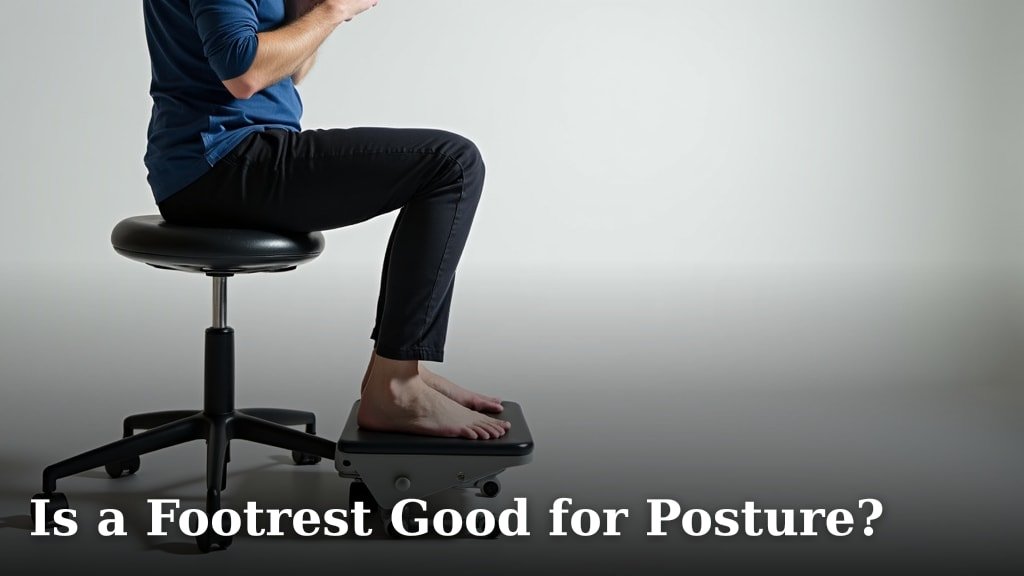
If your desk is too high, you might need a footrest. If it’s too low, consider a desk riser or keyboard tray.
Chair Arm Position
Chair arms should support your forearms lightly, not lift your shoulders. Many experts suggest keeping them slightly below elbow height when your arms are at 90 degrees (American Physical Therapy Association).
Some people work better with no chair arms at all. Try both ways and see what feels more natural.
Keyboard and Mouse Placement
Keep your keyboard and mouse at the same height. This prevents twisting your wrist or changing your elbow angle when you switch between them.
Place them close enough that you don’t have to reach forward. Your elbows should stay close to your body.
Adjusting Throughout the Day
Your perfect elbow angle might shift slightly as you get tired. Check in with yourself every hour or so.
Are you still sitting up straight? Are your elbows still at that comfortable 90-degree angle? Small adjustments keep you comfortable all day.
The Two-Minute Reset
Every couple of hours, stand up and reset your position. Let your arms hang loose, then sit back down and find that 90-degree angle again.
This quick reset prevents you from gradually sliding into bad positions.
Warning Signs to Watch For
Shoulder tension, tingling in your hands, or upper back pain often mean your elbow angle needs adjustment. Don’t ignore these signals.
If pain persists even with good positioning, consider talking to a healthcare provider.
Special Considerations for Different Body Types
Taller people often need to lower their chairs more than they expect. Your longer arms change how the angles work.
Shorter people might need footrests to keep their feet flat while maintaining proper elbow position.
Adjustable vs. Fixed Workstations
Adjustable desks give you more options for finding your perfect setup. But even fixed-height desks can work with the right chair adjustments.
The key is making sure you can achieve that 90-degree angle without compromising other parts of your posture.
Standing Desk Considerations
The same 90-degree rule applies when standing. Your monitor might need to be higher when you stand compared to when you sit.
Tools That Help Maintain Proper Angles
Armrest pads can help you maintain consistent elbow positioning. They remind you where your arms should be.
Keyboard trays let you fine-tune your arm position independent of your desk height.
Ergonomic Assessment Tools
Many companies offer ergonomic assessments. These can help you identify exactly what adjustments your workspace needs.
You can also do a basic assessment yourself using online ergonomic checklists.
Building Better Habits
Set reminders to check your elbow position throughout the day. Most phones can buzz you every hour with a posture check reminder.
It takes time to build new muscle memory. Be patient with yourself as you adjust to better positioning.
Strengthening Exercises
Simple shoulder blade squeezes can help strengthen the muscles that support good posture. Do them a few times during your workday.
Neck stretches also help counteract forward head posture that often comes with poor elbow positioning.
Conclusion
Getting your elbow angle right at 90 degrees is one of the simplest ways to improve your workspace comfort and productivity. This small change can prevent pain and help you feel better during long work sessions.
Remember to adjust your chair height first, then fine-tune your keyboard and mouse position. Check in with yourself regularly throughout the day and don’t ignore warning signs like shoulder tension or tingling hands.
Your body will thank you for taking the time to get this right. Small improvements in your workspace setup can make a big difference in how you feel at work.
How do I know if my elbow angle is causing my shoulder pain?
Shoulder pain from poor elbow positioning usually feels like tension across your upper back and shoulders. Try adjusting to 90 degrees for a few days. If the pain decreases, your elbow angle was likely part of the problem.
Can I use armrests if I want to maintain a 90-degree elbow angle?
Yes, but keep armrests slightly below your elbow height. They should support your forearms without lifting your shoulders. If you find yourself leaning on them heavily, they might be positioned wrong.
What should I do if my desk is too high to achieve proper elbow angles?
Use a keyboard tray to lower your typing surface, or consider an adjustable footrest to raise yourself up. Some people also benefit from a taller chair with proper lumbar support.
Is it normal for my arms to feel tired when I first start using the correct elbow angle?
Yes, your muscles need time to adapt to the new position. Start with shorter periods in the correct position and gradually increase the time as your muscles get stronger and more accustomed to proper alignment.
Should my elbow angle be exactly 90 degrees or can it vary slightly?
A range of 85-95 degrees works for most people. The key is keeping your shoulders relaxed and your forearms roughly parallel to the floor. Listen to your body and find what feels most comfortable within that range.