How to Sit at a Desk Properly: Ergonomic Tips
On this page (10 sections)
To sit at a desk properly, keep your feet flat on the floor, your back against the chair, and your computer screen at eye level. Good posture reduces neck pain, back strain, and helps you stay comfortable during long work hours.
Poor desk posture causes 86% of office workers to experience back pain daily, but simple ergonomic adjustments can fix most problems within days.
The Perfect Desk Setup: Start Here
Your chair height matters most. When you sit down, your thighs should be parallel to the floor. Your knees should bend at roughly 90 degrees.
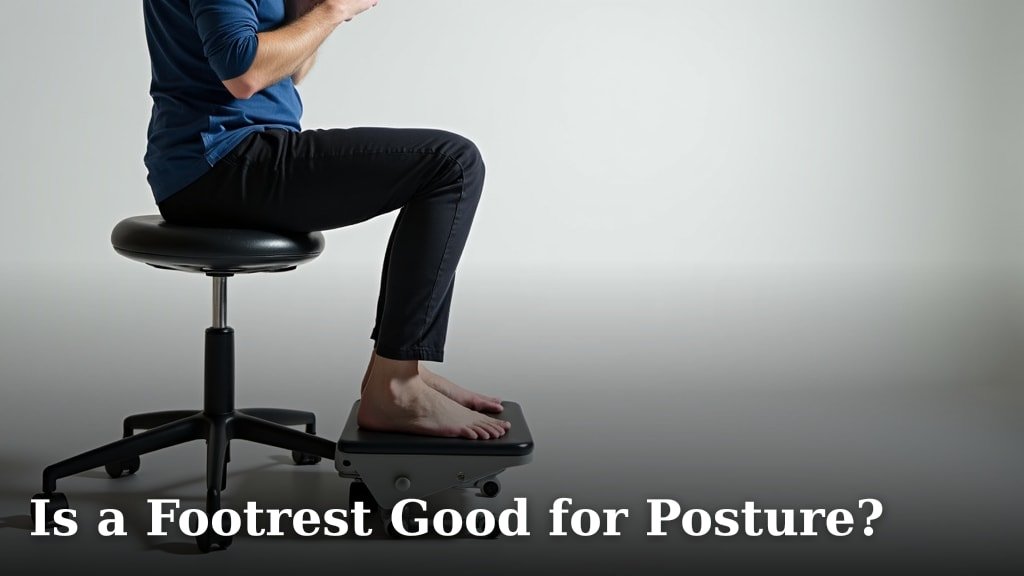
Can’t reach the floor? Use a footrest. Your feet need solid support, not dangling in the air like you’re on a swing set.
Chair Height Quick Test
Slide your hand between your thigh and the chair edge. You should have about one finger’s width of space. Too tight? Lower the chair. Too much space? Raise it up.
Your Back Needs Real Support
Slouching feels natural, but it’s killing your spine. I found that most people sit like question marks instead of exclamation points.
Push your hips all the way back in the chair. Your lower back should touch the chair’s lumbar support. If your chair doesn’t have lumbar support, grab a small pillow.
The Wall Test for Posture
Stand against a wall. Your head, shoulders, and butt should touch the wall. There should be a small gap behind your lower back. This is your natural spine curve. Try to keep this shape when sitting.
Screen Position: Stop Craning Your Neck
Your monitor’s top edge should be at eye level or slightly below. When you look straight ahead, you should see the top third of your screen.
Sit about arm’s length away from your screen. If you’re squinting, increase the text size. Don’t lean forward like you’re trying to smell your computer.
Laptop Users: You Need Help
Laptops force you to choose between good arm position or good neck position. You can’t have both with the built-in screen.
Get an external keyboard and mouse. Raise your laptop screen to eye level. Your neck will thank you later.
DIY Laptop Stand
Stack some books under your laptop. It’s not pretty, but it works. Aim for 15-20 inches from desk to screen top.
Arm and Wrist Positioning
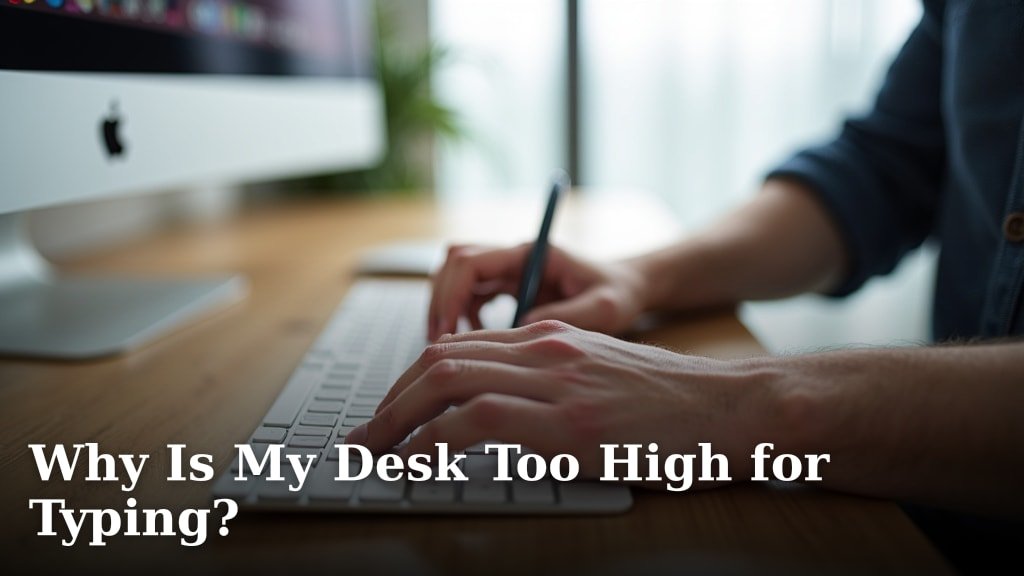
Your elbows should hang naturally at your sides. When typing, your forearms should be parallel to the floor.
Keep your wrists straight, not bent up or down. Think of your hands as natural extensions of your forearms, not broken branches.
Keyboard and Mouse Setup
Place your keyboard and mouse at the same height. Your mouse should be close to your keyboard, not way off to the side like it’s in timeout.
Research shows that reaching for your mouse repeatedly can cause shoulder strain (Mayo Clinic). Keep everything within easy reach.
Mouse Alternatives Worth Trying
Consider a trackball mouse or touchpad. These stay in one spot, so you move your fingers instead of your whole arm.
Lighting That Actually Works
Bad lighting makes you lean forward and squint. Position your screen perpendicular to windows to avoid glare.
The light on your screen should match the light in your room. If your screen glows like a beacon in a dark room, your eyes will get tired fast.
The Paper Test
Hold white paper next to your screen. The paper and screen should look similar in brightness. If the screen is much brighter or darker, adjust your display settings.
Movement: The Missing Piece
Perfect posture means nothing if you sit like a statue for eight hours. Your body needs movement, even small amounts.
Set a timer for every 30 minutes. Stand up, stretch, or just shift positions. Think of it as hitting the reset button on your posture.
Micro-Movements You Can Do Right Now
- Roll your shoulders backward five times
- Turn your head left and right slowly
- Lift your feet and rotate your ankles
- Squeeze your shoulder blades together
The 20-20-20 Rule
Every 20 minutes, look at something 20 feet away for 20 seconds. This gives your eye muscles a break from close-up focus.
Common Mistakes That Hurt
Crossing your legs cuts off blood flow and throws off your hip alignment. Keep both feet on the floor or footrest.
Holding your phone between your ear and shoulder creates neck strain. Use a headset or speaker phone instead.
The Phone Trap
I found that many people don’t realize how much phone time affects their posture. Texting with your head down puts 60 pounds of pressure on your neck (American Spine Association).
Better Phone Habits
Hold your phone higher, closer to eye level. Take breaks between long texting sessions. Your neck isn’t designed to support your head in that position for hours.
Quick Daily Posture Checklist
| Body Part | Correct Position | Quick Check |
|---|---|---|
| Feet | Flat on floor | No dangling or tucking |
| Back | Against chair | Lower back supported |
| Screen | Eye level | No neck craning |
| Arms | Relaxed at sides | Elbows near 90 degrees |
When to Seek Professional Help
If you have ongoing pain after fixing your setup, see a healthcare provider. Sometimes the problem isn’t just posture.
Physical therapists can assess your specific situation and give personalized advice. Don’t ignore pain that lasts more than a few days.
Conclusion
Good desk posture starts with the basics: feet supported, back against the chair, screen at eye level. Small changes make big differences in how you feel at the end of the day. A short reset can also break up desk time; try these quick desk meditation tips.
Remember to move regularly and listen to your body. Perfect posture isn’t about sitting like a robot – it’s about finding comfortable, sustainable positions that support your health. Start with one or two changes today, and build better habits gradually. If sciatica affects your sitting comfort, see these positions for sitting with sciatica.
Why does my back hurt even with good posture?
Your muscles might be weak from years of poor posture, or your chair might not fit your body properly. Try strengthening exercises and consider a different chair if pain continues.
How long does it take to see improvements from better posture?
Most people notice less fatigue within a few days. Significant pain reduction usually takes 2-4 weeks as your muscles adapt to the new positions.
Should I use a standing desk instead of sitting?
Standing desks can help, but standing all day isn’t better than sitting all day. The key is alternating between sitting and standing throughout your workday.
What’s the best chair for desk work?
The best chair fits your body size and adjusts to your needs. Look for adjustable height, lumbar support, and armrests. Expensive doesn’t always mean better for your specific body.
Can poor desk posture cause headaches?
Yes, neck strain from poor screen position often triggers tension headaches. Adjusting your monitor height and taking regular breaks usually helps reduce these headaches significantly.