How to Sit With Sciatica: Best Office Positions
On this page (10 sections)
- Why Sitting Position Matters for Sciatica
- The Perfect Sciatica-Friendly Sitting Setup
- Best Office Chair Types for Sciatica
- Sitting Positions That Make Sciatica Worse
- Movement and Position Changes
- Desk Setup for Sciatica Relief
- When to Consider Alternative Seating
- Quick Relief Techniques
- Building Better Sitting Habits
- Conclusion
If you have sciatica, proper desk sitting posture, with your knees slightly higher than your hips and your feet flat on the floor, helps reduce nerve pressure. The best office positions include using a lumbar support cushion and keeping your back straight against your chair.
You’ll also want to avoid slouching or leaning forward, as these positions can make sciatica pain worse throughout your workday.
Why Sitting Position Matters for Sciatica
Your sciatic nerve runs from your lower back down through your hips and legs. When you sit poorly, you put extra pressure on this nerve. Think of it like a garden hose – when something presses on it, the flow gets blocked.
Poor sitting habits can turn a manageable pain into something that affects your entire day. The good news? Small changes in how you sit can make a big difference.
The Perfect Sciatica-Friendly Sitting Setup
Chair Height and Position
Set your chair so your feet rest completely flat on the floor. Your knees should be at a 90-degree angle or slightly higher than your hips. This position takes pressure off your lower spine.
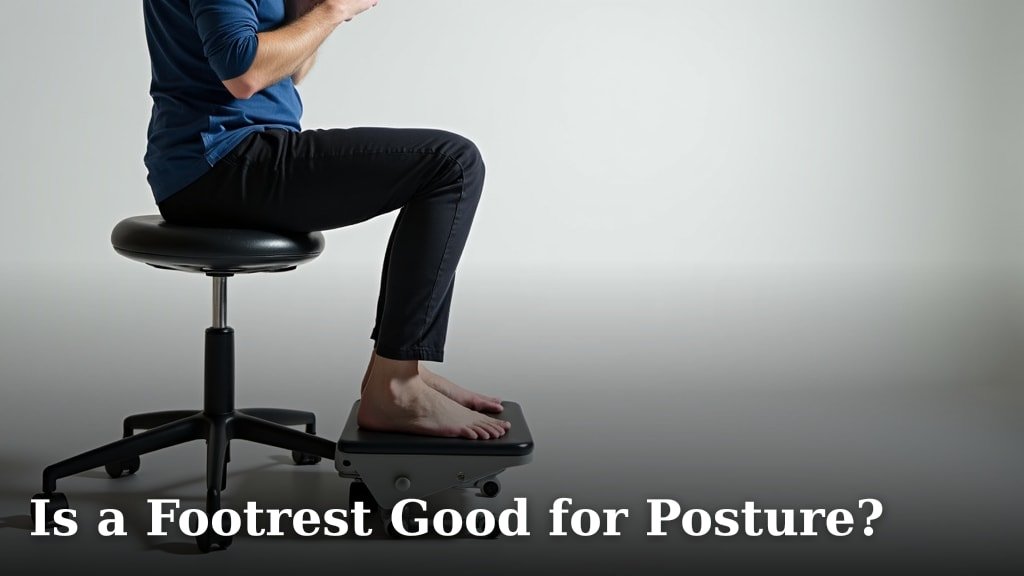
Can’t adjust your chair low enough? Use a footrest. I found that many office workers ignore this simple fix, but it makes a real difference.
Back Support is Everything
Your lower back needs support. Most office chairs don’t provide enough lumbar support on their own. A small pillow or lumbar cushion can fill that gap.
Place the support right at the curve of your lower back. You should feel like the chair is gently pushing your lower spine forward.
DIY Back Support Options
- A rolled-up towel placed behind your lower back
- A small throw pillow
- A lumbar support cushion (around $20-30)
- An inflatable lumbar pillow for travel
Best Office Chair Types for Sciatica
Ergonomic Chairs
Research from occupational health experts shows that ergonomic chairs reduce lower back strain (OSHA). Look for chairs with adjustable lumbar support and seat depth.
The seat should be deep enough to support your thighs but not so deep that it presses behind your knees.
Standing Desk Chairs
These tall chairs let you alternate between sitting and standing. Many people with sciatica find that changing positions every 30 minutes helps prevent stiffness.
Key Features to Look For
- Adjustable height (pneumatic preferred)
- Built-in lumbar support
- Seat depth adjustment
- Armrests that don’t push you away from your desk
Sitting Positions That Make Sciatica Worse
The Slouch
Slouching rounds your spine and puts extra pressure on your discs. This can pinch your sciatic nerve. I know it feels natural after a long day, but it’s working against you.
Cross-Legged Sitting
Sitting with one leg crossed over the other twists your spine and hips. This can irritate your sciatic nerve on one side.
Edge Sitting
Perching on the edge of your chair might seem like good posture, but you lose all your back support. Your muscles have to work overtime to keep you upright.
Quick Position Check
Every hour, ask yourself: Are my feet flat? Is my back supported? Are my shoulders relaxed? These three checks can prevent problems before they start.
Movement and Position Changes
The 30-Minute Rule
Even the best sitting position becomes problematic if you hold it too long. Set a timer to remind yourself to move every 30 minutes.
You don’t need to take a long break. Just stand up, walk to the water cooler, or do a few gentle stretches.
Micro-Movements at Your Desk
Between your bigger movement breaks, try these small position changes:
- Roll your shoulders back and down
- Tilt your pelvis slightly forward and back
- Lift and lower your heels while keeping toes on the floor
- Gently twist your torso left and right
Desk Setup for Sciatica Relief
Monitor Position
Your screen should be at eye level or slightly below. If you have to look down at your monitor, you’ll naturally slouch forward. This puts strain on your entire spine.
Keyboard and Mouse Placement
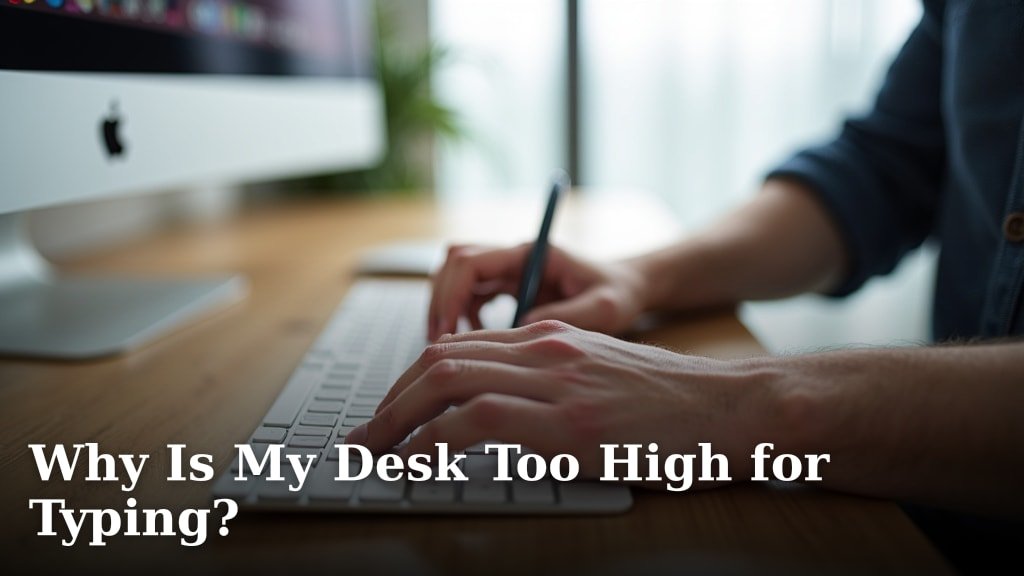
Keep your keyboard close enough that you don’t have to reach forward. Your elbows should hang naturally at your sides with your forearms roughly parallel to the floor.
Common Setup Mistakes
| Problem | Fix | Why It Helps |
|---|---|---|
| Monitor too low | Use a monitor stand or books | Prevents forward head posture |
| Keyboard too far away | Pull it closer or use a keyboard tray | Reduces shoulder tension |
| Chair too high | Lower chair or add footrest | Keeps knees higher than hips |
When to Consider Alternative Seating
Exercise Balls
Some people find relief using an exercise ball instead of a chair for short periods. The instability forces you to engage your core muscles.
Start with just 15-20 minutes at a time. From what I read, using a ball all day can actually increase fatigue (American Council on Exercise).
Kneeling Chairs
These chairs position your knees lower than your hips, which can reduce pressure on your lower back. They take some getting used to, but many people with chronic sciatica swear by them.
Trying Before Buying
Before investing in alternative seating, try this: sit on a regular chair with a pillow under your thighs. This mimics some of the benefits of specialized chairs.
Quick Relief Techniques
The Supported Forward Lean
When pain flares up, try leaning forward with your forearms on your desk. This can temporarily relieve pressure on your sciatic nerve.
Seated Spinal Twist
While sitting, place your right hand on your left knee and gently twist your torso to the left. Hold for 15 seconds, then switch sides. This can help release tension.
Heat and Cold Options
A small heating pad on your chair back or a cold pack during breaks can provide additional relief. Many experts suggest alternating between heat and cold (Mayo Clinic).
Building Better Sitting Habits
Start Small
Don’t try to change everything at once. Pick one element – maybe adding lumbar support or setting a movement timer. Once that becomes automatic, add another improvement.
Listen to Your Body
What works for someone else might not work for you. Pay attention to which positions feel better and which make your symptoms worse.
Creating Reminders
Use phone alerts, sticky notes, or computer reminders to check your posture. It takes about three weeks to build a new habit, so be patient with yourself.
Conclusion
Managing sciatica while working doesn’t have to be complicated. The key is finding a sitting position that keeps your spine in its natural curve while supporting your lower back. Remember to keep your feet flat, use lumbar support, and move regularly throughout your day. Small adjustments to your chair height, desk setup, and sitting habits can make a significant difference in your comfort level. Most importantly, listen to your body and don’t ignore pain signals – they’re telling you when it’s time to move or adjust your position.
What’s the best chair height for someone with sciatica?
Your chair should be low enough that your feet rest flat on the floor with your knees at 90 degrees or slightly higher than your hips. If your chair doesn’t go low enough, use a footrest to achieve this position.
How often should I change positions when I have sciatica?
Aim to change positions or take a brief movement break every 30 minutes. Even standing up for 30 seconds or doing a gentle stretch can help prevent your sciatic nerve from becoming irritated.
Can using a lumbar support pillow really help with sciatica?
Yes, proper lumbar support helps maintain your spine’s natural curve and reduces pressure on the discs that can irritate your sciatic nerve. A small pillow or specialized lumbar cushion positioned at your lower back curve can provide significant relief.
Is it better to sit or stand when you have sciatica?
Both sitting and standing can be problematic if held too long. The best approach is alternating between sitting with proper support and standing throughout the day. A sit-stand desk can make this transition easier.
What should I do if my sciatica gets worse while sitting at work?
If your pain increases during the workday, take more frequent breaks, check your posture, and try the supported forward lean position for temporary relief. If pain persists or worsens significantly, consult with a healthcare provider about your symptoms.