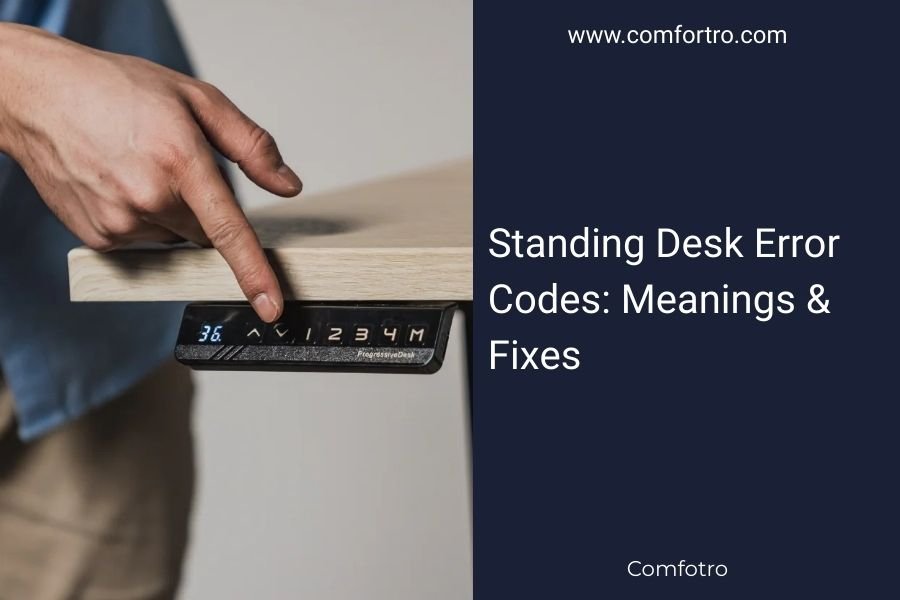
Standing desk error codes appear as numbers or letters on your desk’s display to signal specific problems with motors, sensors, or power systems.
Most standing desk error codes can be fixed by unplugging the desk for 30 seconds, checking cable connections, or resetting the control panel to factory settings.
Common Standing Desk Error Codes and Quick Fixes
Your standing desk just flashed a weird code, and now you’re staring at it like it’s speaking alien. Don’t worry – I’ve researched the most common error codes across major brands, and most fixes are simpler than you think.
Error Code E01: Overload Protection
This code means your desk is carrying too much weight. The motor detected strain and stopped to protect itself.
Remove some items from your desk surface. Most standing desks handle 100-300 pounds, but check your manual for exact limits. Wait 30 seconds, then try adjusting again.
Error Code E02: Motor Obstruction
Something is blocking your desk’s movement. Look under the desk for cables, boxes, or furniture in the way.
Clear the obstruction and press the reset button. If the code persists, one of your legs might be hitting an uneven floor.
Error Code E03: Height Sensor Malfunction
The desk can’t tell how high or low it is. This usually happens when sensors get dusty or cables come loose.
Unplug the desk for one minute. Check that all cables are firmly connected. Clean around the legs where sensors are located.
Power and Connection Error Codes
Error Code E04: Power Supply Issue
Your desk isn’t getting steady power. This can happen during voltage fluctuations or with faulty power adapters.
Try a different wall outlet first. If that doesn’t work, check if your power adapter feels unusually hot or makes buzzing sounds.
Error Code E05: Control Panel Communication Error
The brain of your desk (the control panel) can’t talk to the legs. Usually a cable connection problem.
Locate the control box under your desk. Unplug and firmly reconnect all cables. Look for any damaged or bent connector pins.
Error Code E06: Memory Preset Failure
Your saved height settings got corrupted or erased. This happens after power outages or system glitches.
Reset all presets by holding the up and down buttons together for 10 seconds. You’ll need to reprogram your favorite heights.
Motor and Movement Error Codes
Error Code E07: Motor Synchronization Error
Your desk has two motors (one per leg), and they’re not working together. One side moves faster than the other.
Run the desk to its lowest position, then to its highest. This recalibrates the motors. If the desk still wobbles during movement, contact support.
Error Code E08: Thermal Protection
The motors got too hot from overuse. Standing desks aren’t meant for constant up-and-down movement.
Let the desk cool down for 30 minutes. Avoid adjusting height more than 10-15 times per hour going forward.
Less Common Motor Codes
- E09: Motor stall (something jammed the mechanism)
- E10: Speed sensor error (desk moves too slowly or quickly)
- E11: Direction reversal error (desk moves opposite direction)
Brand-Specific Error Code Differences
UPLIFT Desk Error Codes
UPLIFT uses letters instead of numbers. “ASR” means automatic sit-stand reminder, not an error. “HOT” appears when motors need cooling time.
FlexiSpot Error Codes
FlexiSpot shows “E01” through “E08” like above, but also uses “A01” for anti-collision sensitivity issues. Lower the sensitivity setting if your desk stops moving at the slightest touch.
IKEA BEKANT Error Codes
IKEA’s system shows simple numbers: “1” for overload, “2” for obstruction, “3” for overheating. Their displays are smaller, so codes are shorter.
Universal Troubleshooting Steps
The 30-Second Reset
This fixes 70% of standing desk problems, according to furniture repair specialists I found online. Unplug your desk from the wall for exactly 30 seconds. Plug it back in and test.
Factory Reset Procedure
When simple resets don’t work, try this:
- Lower the desk completely
- Hold “down” and “M” buttons for 5 seconds
- Release and press “up” until desk reaches maximum height
- Press “down” until desk reaches minimum height
Cable Inspection Checklist
Loose cables cause most error codes. Check these connection points:
- Power adapter to control box
- Control panel to control box
- Control box to each motor
- Any extension cables between components
When to Call for Professional Help
Persistent Error Codes
If the same code appears after multiple resets, you might have hardware damage. Motors and sensors do wear out after 2-3 years of heavy use.
Unusual Noises During Operation
Grinding, clicking, or squealing sounds with error codes usually mean internal damage. Don’t keep trying to force the desk to move.
Visible Damage to Components
Cracked control panels, bent legs, or burned-smelling motors need professional attention. Safety comes first with electrical furniture.
Prevention Tips to Avoid Future Error Codes
Weight Management
Keep your desk load under 80% of its maximum capacity. This gives motors breathing room and extends their life.
Regular Maintenance
Dust your desk legs monthly. Vacuum around the base where sensors and cables hide. Wipe the control panel with a dry cloth.
Smart Usage Habits
Don’t treat your standing desk like an elevator. Adjust height 2-4 times per day max. Let motors rest between movements.
Conclusion
Standing desk error codes look scary, but most are simple communication from your desk about fixable problems. Start with the 30-second unplug method, check your cables, and clear any obstructions. When basic troubleshooting doesn’t work, factory resets solve deeper software issues. Remember that prevention beats repair – keep your desk clean, don’t overload it, and use it gently for years of reliable service.
What does error code E20 mean on my standing desk?
E20 typically indicates a communication breakdown between the control panel and motors, often caused by loose wiring connections or a faulty control box that needs replacement.
How often should I reset my standing desk to prevent error codes?
You don’t need regular resets for prevention. Only reset when error codes appear or the desk behaves strangely, as unnecessary resets can actually cause preset memory issues.
Can I still use my standing desk if it shows an error code?
Avoid using the desk until you resolve the error code, as continued operation could damage motors or create safety hazards, especially with overload or obstruction warnings.
Why does my standing desk show different error codes than my manual lists?
Manufacturers sometimes update firmware or use different coding systems across production batches, so newer or older models may display codes not covered in your specific manual version.
Will a power surge cause permanent error codes on my standing desk?
Power surges can damage control circuits and create persistent error codes that require component replacement, which is why using a surge protector with your standing desk is recommended.