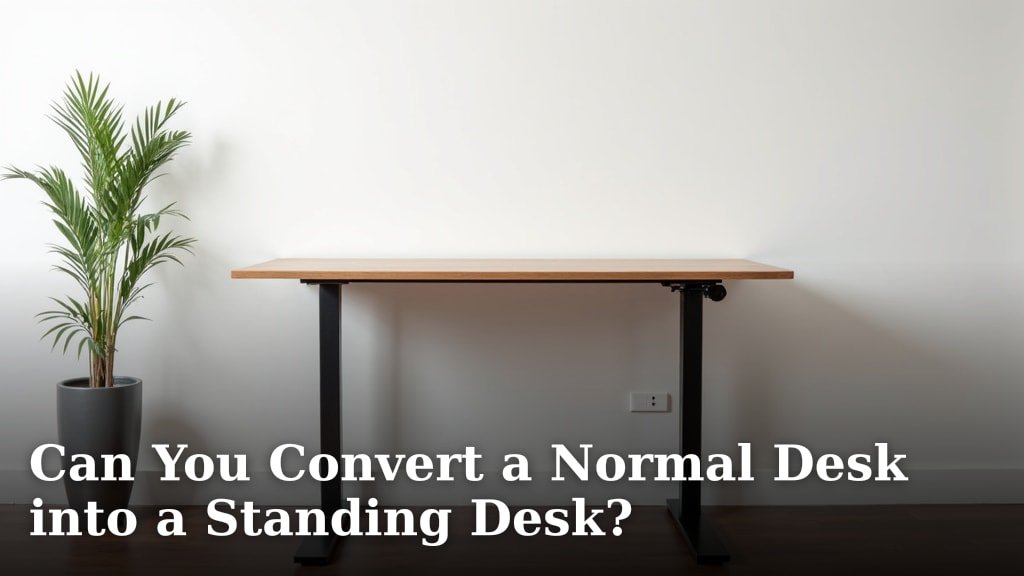
Yes, you absolutely can convert a normal desk into a standing desk with a bit of creativity and the right tools. You don’t always need to buy a brand-new standing desk to enjoy the health benefits.
Many people are looking for flexible and affordable options to change their work setup. We found that transforming your existing workspace is often a more budget-friendly solution than purchasing an entirely new unit.
- You can convert your desk.
- Several methods exist.
- Options fit different budgets.
- DIY upgrades are common.
- Health benefits await you.
Below, we’ll walk you through the various ways you can achieve this and help you find the perfect solution for your needs.
Transforming Your Workspace for Standing
You’re looking to turn your current desk into a standing setup. This is a very smart move! We found that it’s often more affordable and flexible than buying a whole new desk. This approach lets you keep your familiar workspace while gaining all the benefits of standing. Think of it as an upgrade, not a replacement.
Assessing Your Current Desk Setup
Before you dive into modifications, take a good look at your existing desk. What do you have to work with? Understanding your setup is the first step to a successful conversion.
Desk Type and Material Considerations
Is your desk sturdy? Does it have enough surface area? These are key questions. We found that desks made of solid wood or metal tend to be more stable. Cheaper particle board desks might not handle extra weight or adjustments as well. So, check the material and construction. Is it strong enough to hold a monitor, keyboard, and other items at a different height?
Consider the desk’s dimensions too. Do you have enough depth for a monitor and keyboard, even when elevated? A small desk might feel cramped once you add risers or converters.
Weight Capacity and Stability
Every desk has a limit to how much weight it can safely hold. While you might not add a huge amount of weight, elevating items changes the center of gravity. This can impact stability. We suggest gently shaking your desk to see if it wiggles. If it’s already a bit unstable, adding height might make it worse. Your safety and the safety of your equipment are important!
Affordable Ways to Create a Standing Desk
You don’t need to spend a lot to try out a standing desk. Many solutions are budget-friendly and easy to implement. We found that most people can find a suitable option without breaking the bank.
DIY Risers and Stacks
This is perhaps the most cost-effective method. You use items you already own or can easily acquire to elevate your monitor and keyboard. It’s all about strategic stacking.
Using Books and Boxes
The simplest way to start is by stacking sturdy books or storage boxes. Make sure they are stable and level. You’ll likely need one stack for your monitor and another for your keyboard and mouse. The goal is to get your screen at eye level and your arms at a comfortable 90-degree angle when typing. We recommend testing different heights until you find what feels right for your body.
Creating a “Mini-Desk” on Top
You can also place a smaller, lighter table or shelf on top of your existing desk. This creates a dedicated standing surface. Think of it as a two-tiered system. This method offers a more uniform look than disparate stacks of books. Ensure the mini-desk is wide enough to comfortably hold your essentials and is stable on your main desk.
Adjustable Standing Desk Converters
If DIY feels too temporary or clunky, a standing desk converter is the next step up. These devices sit on top of your current desk and allow you to raise or lower your workspace. Many experts point to converters as a good entry point because they offer flexibility (Cornell University).
Types of Converters Available
These come in various styles. Some are simple platforms that raise straight up. Others have a scissor-lift mechanism or a Z-frame design, allowing for more precise height adjustments. You’ll find options for single monitors, dual monitors, and even laptop-only setups. Consider the footprint of the converter and how much usable space it will leave on your main desk.
Benefits of Using a Converter
The main benefit is versatility. You can easily switch between sitting and standing throughout your day. This flexibility is key to avoiding prolonged static postures, which many health organizations suggest is important. Converters are also portable, so you might be able to move them between different desks if needed. Plus, they usually require no assembly or modification to your existing furniture.
Here’s a quick comparison of budget-friendly approaches:
| Method | Pros | Cons | Estimated Cost |
|---|---|---|---|
| DIY Stacks (Books/Boxes) | Free; Instant setup; Uses existing items | Less stable; Not height-adjustable; Looks less professional | $0 – $10 |
| Mini-Desk/Shelf Top | More uniform look; Dedicated standing surface | Requires a suitable small table/shelf; Not height-adjustable | $20 – $70 |
| Standing Desk Converter | Height-adjustable; Easy sit/stand transitions; Stable | More expensive than DIY; Takes up desk space; Some assembly may be needed | $100 – $300 |
Ergonomics and Health Considerations
Converting to a standing desk isn’t just about height; it’s about comfort and health. Getting the ergonomics right is crucial to avoid new aches and pains. We want you to feel better, not worse!
Achieving the Right Standing Posture
When you stand, your body needs to be aligned correctly. Your goal is a neutral posture that minimizes strain. We found that paying attention to a few key points makes a big difference.
Monitor Height and Distance
Position your monitor so the top of the screen is at or slightly below eye level. This helps prevent neck strain. Your monitor should also be about an arm’s length away from you. If you have multiple monitors, try to keep the primary one centered. Your neck shouldn’t be craning up or constantly looking down.
Keyboard and Mouse Placement
Your elbows should be at a 90-to-100-degree angle, close to your body. Your wrists should be straight, not bent up or down. If your keyboard is too high, it can lead to shoulder tension. If it’s too low, you’ll hunch over. The goal is a comfortable, relaxed arm position (OSHA).
Integrating Movement and Breaks
Remember, standing all day is not the answer to sitting all day. The real benefit comes from alternating between sitting and standing. Your body needs variety. Many guidelines suggest standing for about 15-30 minutes for every hour of work.
Consider this checklist for your standing desk setup:
- Is your monitor at eye level?
- Are your elbows at a 90-degree angle?
- Are your wrists straight and relaxed?
- Is your weight evenly distributed on both feet?
- Do you have an anti-fatigue mat for comfort?
- Are you taking regular micro-breaks to stretch or walk?
Don’t be afraid to adjust throughout the day. Your body will tell you what feels best. Listen to it!
Conclusion
You’ve seen that transforming your existing desk into a standing workstation is absolutely achievable and often more budget-friendly. We know that with a little creativity and the right tools, you can create a healthier workspace without buying an entirely new desk.
Whether you choose simple DIY stacks, a dedicated converter, or something in between, remember to prioritize ergonomics. Your comfort and health are key!
So, take a look at your current setup, decide on a method that fits your budget and needs, and start enjoying the benefits of alternating between sitting and standing today.
Frequently Asked Questions
How can I tell if my desk is strong enough for a standing desk converter?
We recommend checking your desk’s material and stability. If it’s solid wood or metal and feels sturdy when you gently shake it, it should likely hold a converter. Particle board desks may struggle with extra weight and movement.
Is it really healthier to use a standing desk setup?
Yes, medical and ergonomic experts suggest that alternating between sitting and standing is beneficial. It helps reduce prolonged static postures, which can lead to discomfort and health issues. Standing all day isn’t the goal; movement is.
What’s the most important ergonomic tip for a standing desk?
Ensuring your monitor is at eye level and your arms form a 90-degree angle at the elbow when typing are crucial. This helps prevent neck and shoulder strain. Adjust your setup until you find this comfortable position.
Can I use a laptop at a standing desk, or do I need an external monitor?
You can use a laptop, but we strongly recommend an external monitor and keyboard. This allows you to raise the screen to eye level while keeping your hands in an ergonomic position. Just using a laptop on its own often forces poor posture.
How often should I switch between sitting and standing?
Listen to your body, but many experts suggest standing for 15-30 minutes for every hour of work. The goal is to move frequently and avoid staying in any one position for too long. Set reminders if that helps you alternate.