Can You Use a Gaming Chair as an Office Chair?
On this page (6 sections)
Yes, you can use a gaming chair as an office chair, but it might not be the best long-term solution for everyone. While they share some features, key differences impact comfort and ergonomics for a full workday.
You might be wondering if that cool racing-style chair will work for your 9-to-5. Many people consider gaming chairs because of their bold designs and adjustable features. We found that dedicated office chairs often offer superior ergonomic support for sustained desk work, though.
- Gaming chairs can work in a pinch for office tasks.
- They offer adjustability, but often lack specific office ergonomics.
- Long-term comfort might be an issue for some users.
- Dedicated office chairs generally provide better support.
Let’s dive into the details so you can make an informed decision about your seating situation.
Understanding Gaming Chairs in an Office Setting
You can definitely use a gaming chair for your daily office tasks, but it’s important to understand where they shine and where they might fall short. They offer a certain aesthetic and some useful features, yet they aren’t always optimized for prolonged, professional work.
What Makes Gaming Chairs Different?
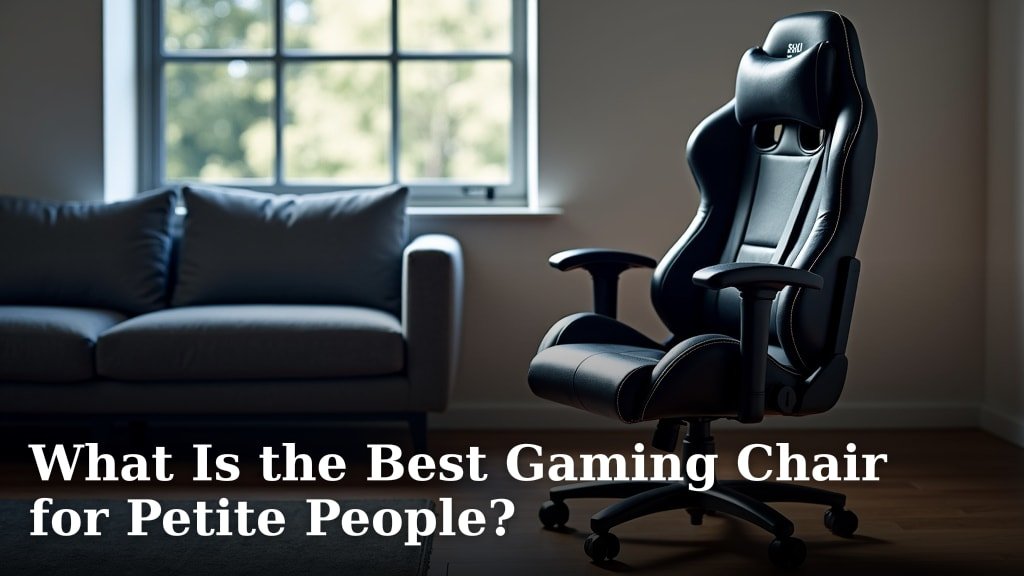
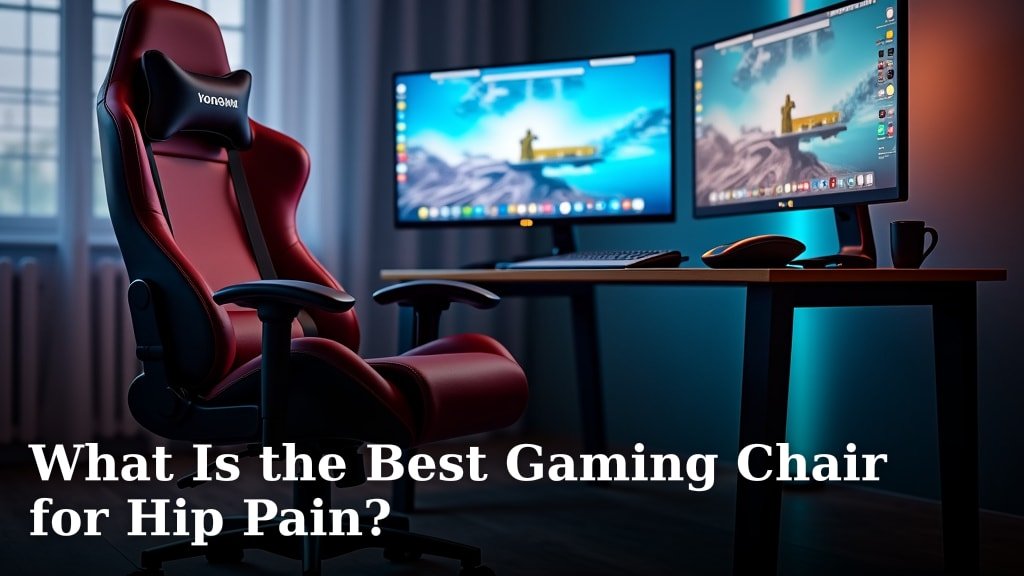
Gaming chairs often catch your eye with their unique look. They’re designed with a sporty, racing car seat aesthetic. This design is usually about making a visual statement.
They often come with plenty of adjustments. You’ll find height, recline, and armrest controls. Many also include lumbar and neck pillows for extra support.
However, many of these features are geared towards gaming postures. Gamers often lean back or shift positions more frequently. This differs from focused, upright desk work.
Comparing Key Features: Office vs. Gaming Chairs
Let’s look at how gaming chairs stack up against traditional office chairs. This comparison can help you see the practical differences.
| Feature | Gaming Chair | Office Chair |
|---|---|---|
| Design Esthetic | Bold, racing-style, often colorful | Understated, professional, minimalist |
| Lumbar Support | Often an adjustable pillow, not integrated | Integrated, adjustable contouring for lower back |
| Head/Neck Support | Pillow, often too far forward for upright work | Integrated, supports natural neck curve |
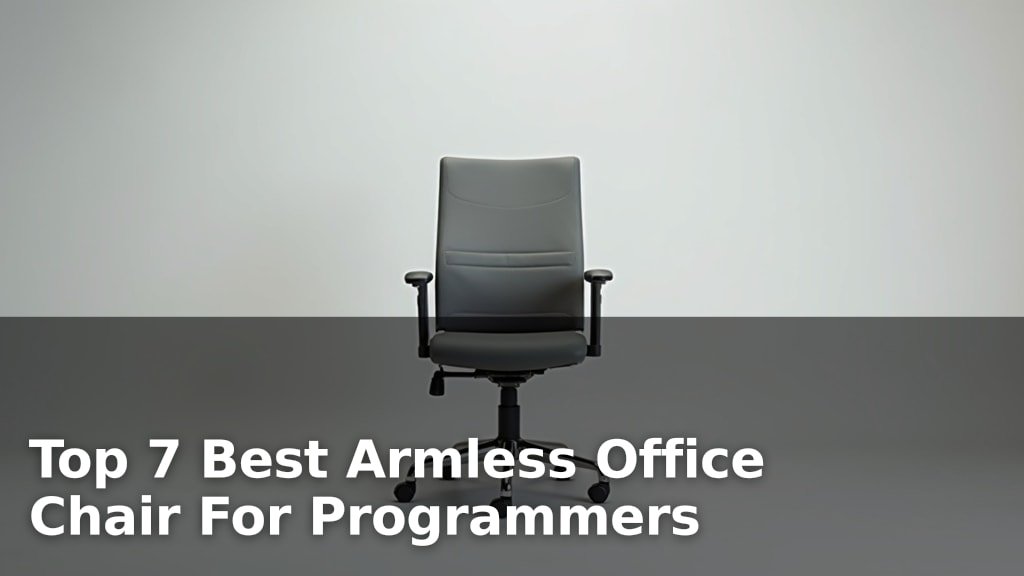
| Armrests | Multi-directional (2D, 3D, 4D), often harder material | Adjustable height, often padded for forearm comfort |
| Seat Cushion | Firmer, often bucket-style, can restrict movement | Softer, contoured, encourages natural posture |
| Recline Range | Very deep recline (up to 180 degrees) | Moderate recline, often with tilt lock |
| Target Use | Gaming, short bursts of activity, immersive experiences | Prolonged desk work, typing, meetings |
| Ergonomics Focus | Support for dynamic gaming postures | Support for static, healthy work postures (OSHA) |
You can see that the design principles diverge. Think about how you spend most of your time in the chair. Is it leaning back with a controller or typing at a desk?
Potential Comfort and Ergonomic Issues
Using a gaming chair all day for work might introduce some discomfort. Your body has specific needs when sitting for long stretches. Dedicated office chairs are designed with these needs in mind.
Lumbar and Neck Support Concerns
Many gaming chairs use separate pillows for lumbar and neck support. While these seem helpful, they can become problematic. The lumbar pillow might push your lower back too far forward. This can create an uncomfortable arch (OSHA).
Similarly, the neck pillow can sometimes encourage your head to jut forward. This strains your neck and shoulders. Proper spinal alignment means supporting the natural curve of your spine, not forcing it into a new position. Integrated, adjustable lumbar support found in good office chairs usually does a better job of this.
Seat Design and Posture
The “bucket” seat design of many gaming chairs is another point of concern. This style is meant to keep you snug during active gaming sessions. However, it can restrict movement when you’re sitting still for hours.
A bucket seat might put pressure on your thighs. It can also prevent you from shifting your weight easily. Good office chairs have flatter, contoured seats. These allow for easier movement and better circulation. Restricted blood flow can lead to discomfort over time (Mayo Clinic).
Armrest Considerations
Gaming chairs often boast multi-directional armrests. This sounds great, but are they right for office work? Your armrests should support your forearms at desk height. This helps keep your shoulders relaxed.
Sometimes, gaming chair armrests are too high or too low. They can also be made of harder materials. This isn’t ideal for resting your elbows for hours on end. Look for padded, height-adjustable armrests that align with your desk for optimum support.
When a Gaming Chair Might Work for Office Use
Despite the potential drawbacks, a gaming chair isn’t always a bad choice. There are specific scenarios where it might fit your needs perfectly. It often comes down to your personal preferences and work style.
Casual or Shorter Work Sessions
If your “office work” mostly involves checking emails for an hour or two, a gaming chair is probably fine. It offers enough comfort for short tasks. You won’t typically experience prolonged strain in these situations.
Think of it like using a stylish, but less ergonomic, kitchen chair for a quick meal. It works for a little while. If you’re only spending a few hours a day working from home, a gaming chair may suit you well.
Budget Constraints
Sometimes, budget is a major factor. A decent gaming chair can sometimes be found at a lower price point than a truly ergonomic office chair. If you’re on a tight budget, a gaming chair might be your best option for adjustability.
However, be wary of very cheap gaming chairs. They often sacrifice quality in materials and adjustability. This can lead to faster wear and less support overall. Remember, your health is a long-term investment.
Personal Comfort Preferences
We’re all different. What’s comfortable for one person might not be for another. You might find the firm support of a gaming chair appealing. Perhaps the deep recline is something you value for breaks.
If you’ve tested a gaming chair and find it genuinely comfortable for your specific work habits, then it could be a good fit. Listen to your body. How do you feel after an hour? What about after four hours?
Aesthetics and Style
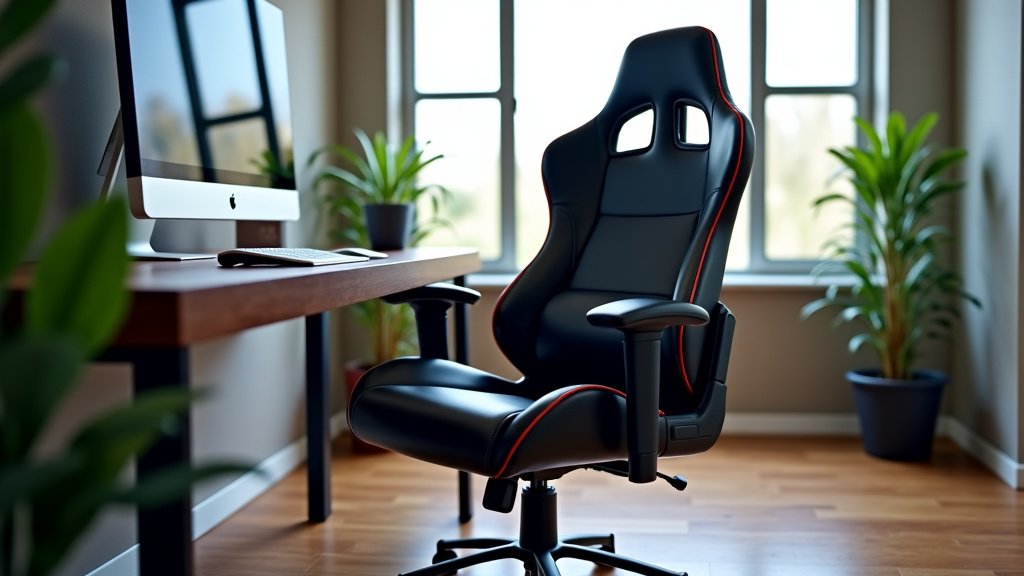
Let’s be honest, gaming chairs look cool. If you love the aesthetic and it matches your home office decor, that’s a valid consideration. Many people want their workspace to reflect their personality.
Just balance style with function. A chair that looks great but causes back pain isn’t a long-term win. Can you find a happy medium? Or maybe you modify the chair with additional cushions.
Checklist for Choosing Your Office Chair
Whether you lean towards a gaming chair or a traditional office chair, consider these points. Your goal is to support your body while you work. This checklist can guide your decision.
- Adjustability: Can you adjust chair height, seat depth, and armrests?
- Lumbar Support: Does it properly support the natural curve of your lower back?
- Seat Comfort: Is the seat adequately padded and free from pressure points?
- Backrest: Does it support your upper back and allow for a natural posture?
- Material: Is the fabric breathable and durable for long-term use?
- Stability: Does the chair feel sturdy and secure on its base?
Answering these questions will help ensure you pick a chair that will support you. Your workspace should help you be productive, not cause strain or fatigue.
Conclusion
You’ve seen that while a gaming chair can get the job done, a dedicated office chair often provides superior ergonomic benefits for long workdays. Gaming chairs offer style and adjustability suitable for shorter sessions. However, their design can create issues for sustained desk work.
We found that true ergonomic office chairs are designed to support your body’s natural posture for hours. If you’re using a gaming chair for office work, listen to your body. If discomfort arises, it’s a sign to reconsider your seating.
Prioritize your comfort and health when choosing a chair. Your productivity and well-being depend on it. Choose the chair that genuinely supports you throughout your workday.
Frequently Asked Questions
Is a gaming chair bad for your back if used as an office chair?
A gaming chair isn’t inherently “bad,” but its design might not provide the right support for long office hours. The lumbar and neck pillows or bucket seat can sometimes lead to poor posture. This might cause discomfort or strain over time.
Can I add extra cushions to make my gaming chair more ergonomic for office work?
Yes, you can try adding external cushions for lumbar or seat support. However, these are often temporary fixes. They might not fully replicate the integrated, adjustable support of a purpose-built ergonomic office chair. We recommend checking professional ergonomic accessories.
How long is too long to sit in a gaming chair for office work?
There’s no universal rule, as it depends on the specific chair and your body. If you start feeling stiffness, pain, or discomfort after a few hours, that’s a good indicator it’s too long. Take frequent breaks and move around if you are using one for an extended period.
Are expensive gaming chairs better for office use than cheap ones?
More expensive gaming chairs generally offer better build quality and more adjustment options. This can improve comfort somewhat. However, even high-end gaming chairs prioritize gaming postures, which differ from optimal office ergonomics. Price alone doesn’t guarantee office work suitability.
What’s the main difference in adjustability between gaming and office chairs?
Both types offer adjustability, but the focus differs. Gaming chairs often have very deep recline and multi-directional armrests for dynamic play. Office chairs typically focus on precise adjustments for seat height, seat depth, and integrated lumbar support. These fine-tune the chair for a sustained, upright working posture.