
Office Tech and Accessories
Is Blue Light from a Desk Lamp Bad for Your Eyes?
Learn if blue light from your desk lamp harms your eyes. Discover the science behind eye strain and how to protect your vision for comfortable workdays.
Choose monitors, keyboards, mice, laptops, cables, power gear, and other office tech.
Learn if blue light from your desk lamp harms your eyes. Discover the science behind eye strain and how to protect your vision for comfortable workdays.

My monitor arm drooping: is your monitor arm drooping? Learn common causes and simple fixes to get your screen back to the right position. Get practical steps.

Discover how to set up a monitor arm without drilling. Learn about clamp-on, desk mount, and grommet options for a secure, versatile workspace.

Discover if you can use a laptop stand with an external keyboard for a better ergonomic setup. Learn about compatibility and benefits for your workspace.
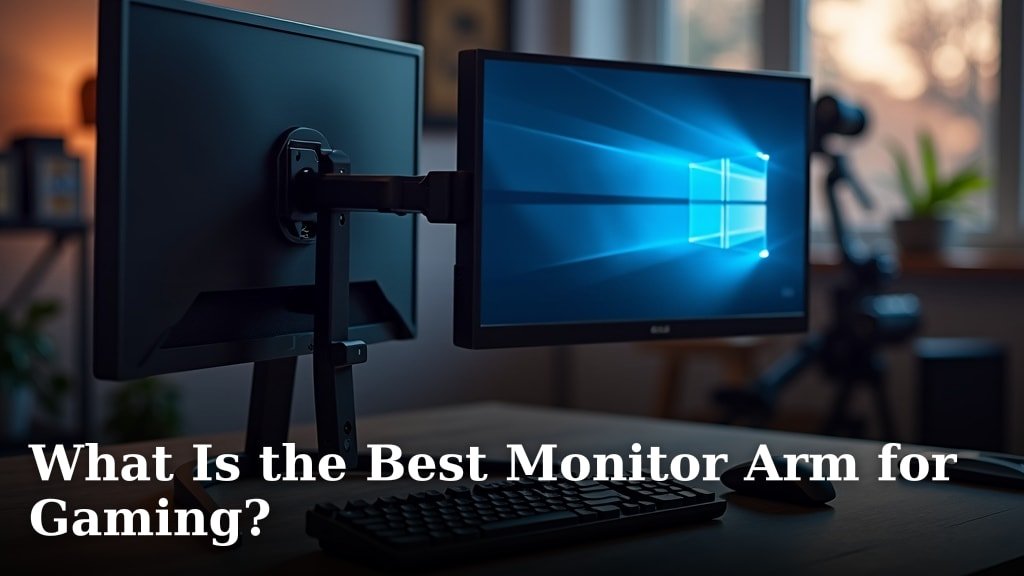
Find the best monitor arm for gaming. Learn about key features, mounting options, and how to optimize your setup for comfort and performance.
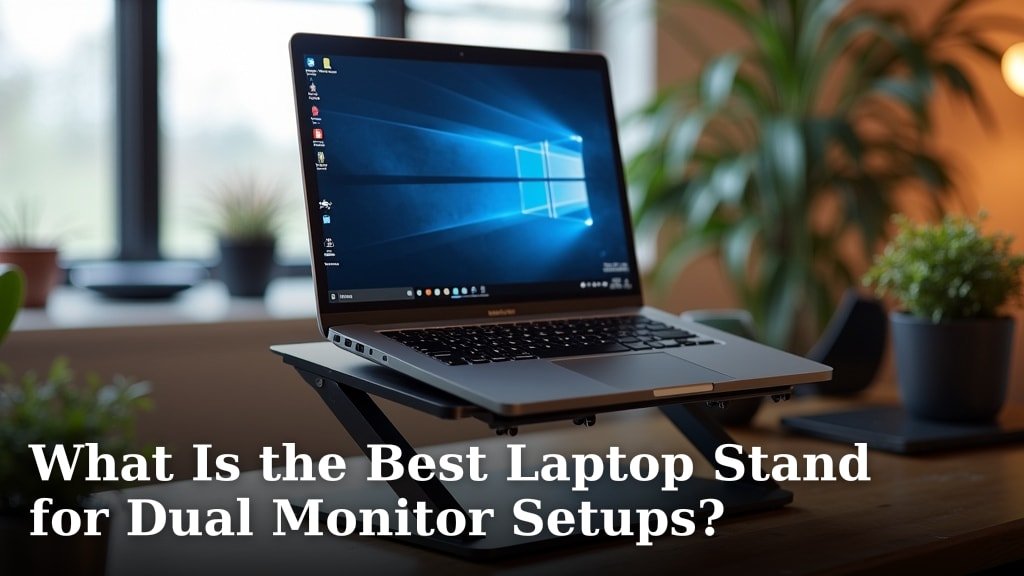
Find the best laptop stand for your dual monitor setup. Improve ergonomics & workspace efficiency with our expert guide.

Find the best laptop stand for your gaming setup. Learn how to improve ergonomics, airflow, and overall gaming experience.

Find the best desk mat for dual monitor setups to enhance your workspace. Learn what to look for in size, material, and features for optimal organization.

Discover the best footrest for dual monitor setups to improve comfort and ergonomics. Find the perfect option for your workspace.

Find the best cable management tray for your gaming setup. Learn how to organize your wires for a cleaner, more efficient space.

Find the best keyboard tray for your gaming setup to improve comfort and performance. Discover top picks and essential features for an enhanced experience.

Find the best monitor arm for dual monitor setups. Discover top picks and features to organize your desk and improve ergonomics.
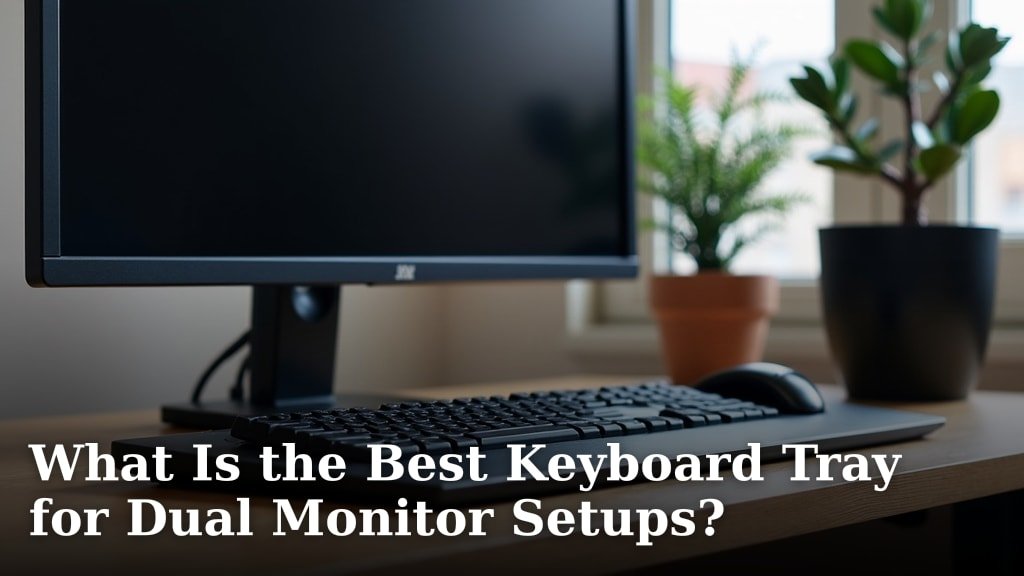
Find the best keyboard tray for dual monitor setups. Learn how to choose one for ergonomic comfort and improved productivity.
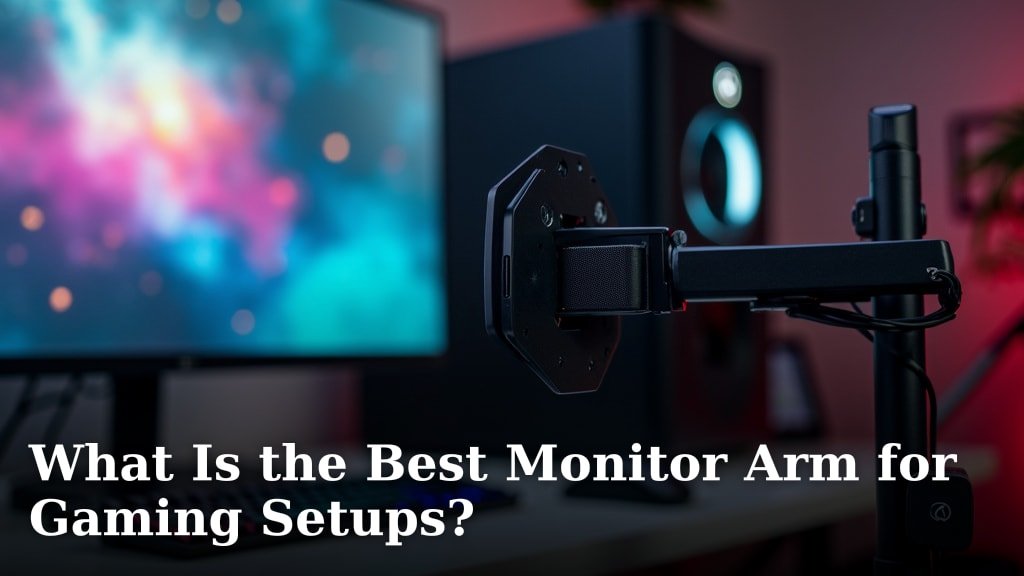
Find the best monitor arm for your gaming setup to optimize your space and improve your experience. Learn what features matter most.

Discover the best cable management solution for your desk. Learn how to organize cords for a cleaner, more productive workspace.
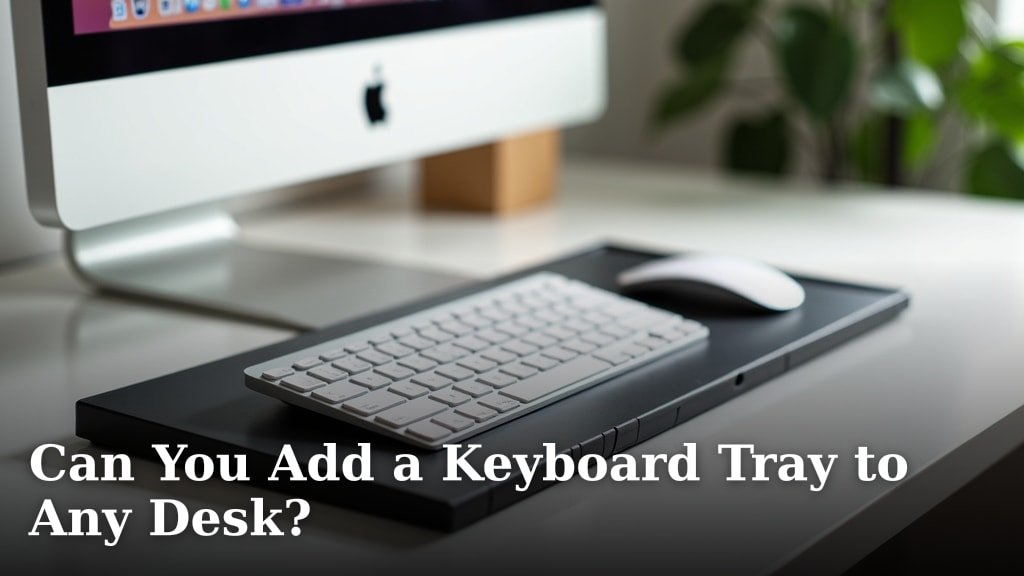
Adding a keyboard tray to any desk is possible. Discover if your desk is compatible and how to find the right tray for better ergonomics.
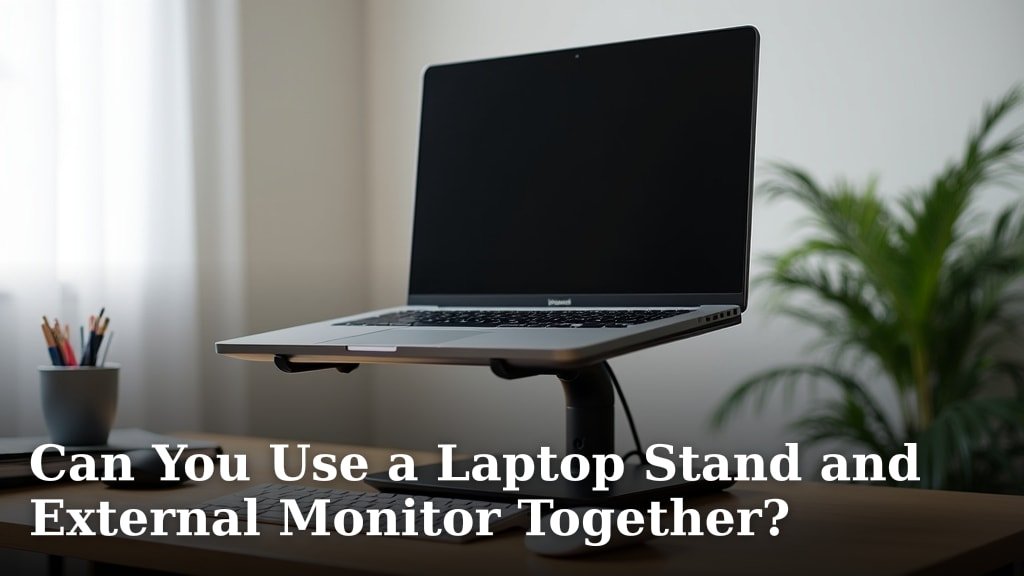
Yes, you can use a laptop stand and external monitor together. Learn how to optimize your setup for better ergonomics and productivity.
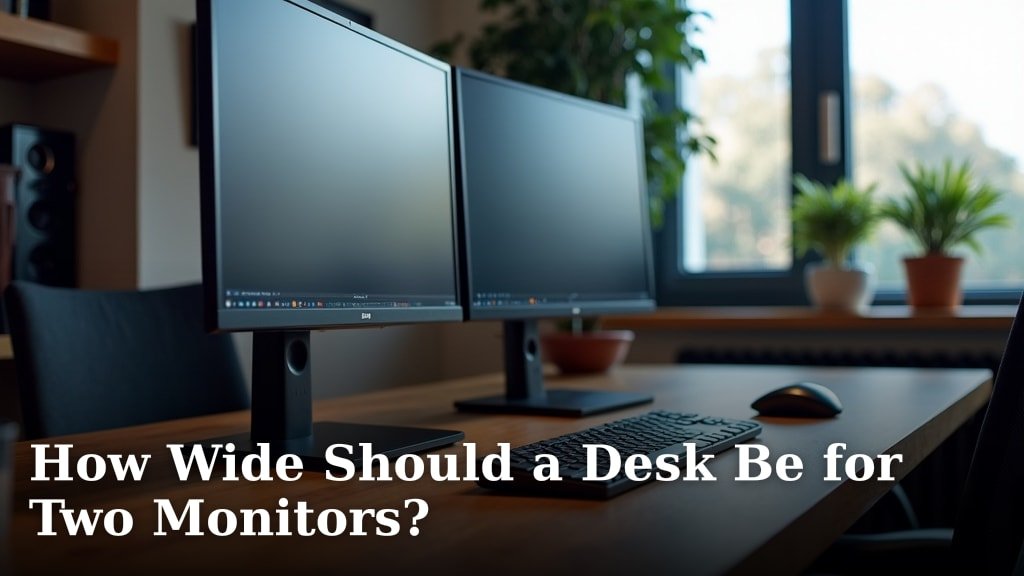
Find the perfect desk width for two monitors. Learn the ideal dimensions to maximize your workspace and boost productivity.

Discover if a monitor riser can alleviate neck pain by improving your posture. Learn how proper monitor height makes a difference.
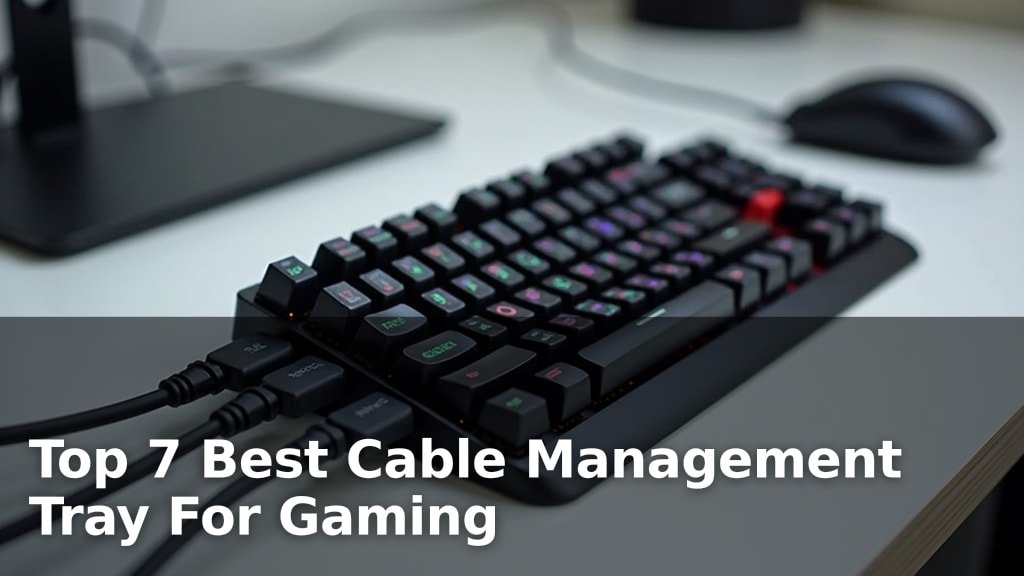
Discover the top 7 best cable management tray for gaming. Our fresh, hands-on picks will help you declutter your setup and game on.
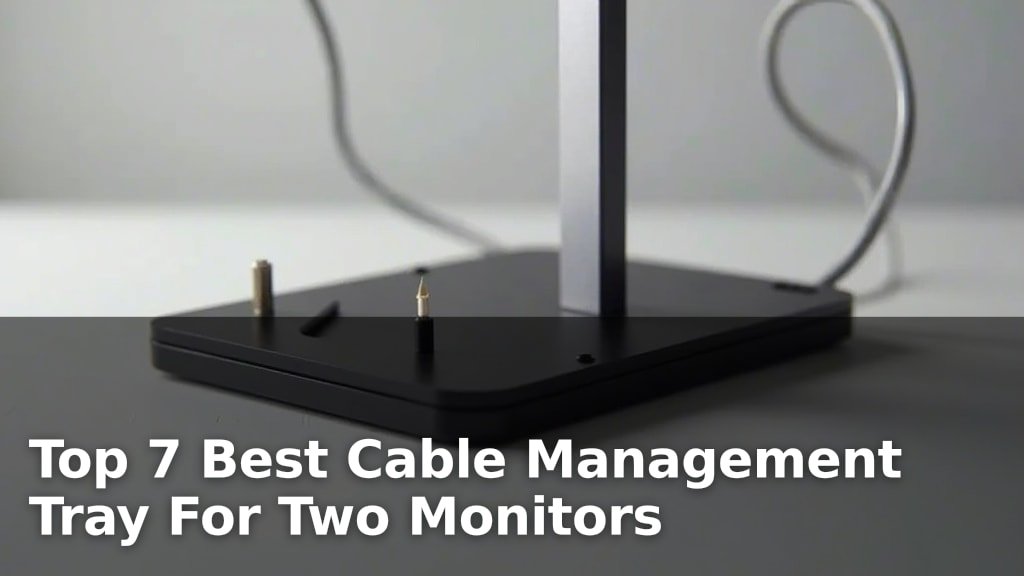
Find the top 7 best cable management tray for two monitors. Our fresh, hands-on picks will help declutter your dual-monitor setup.
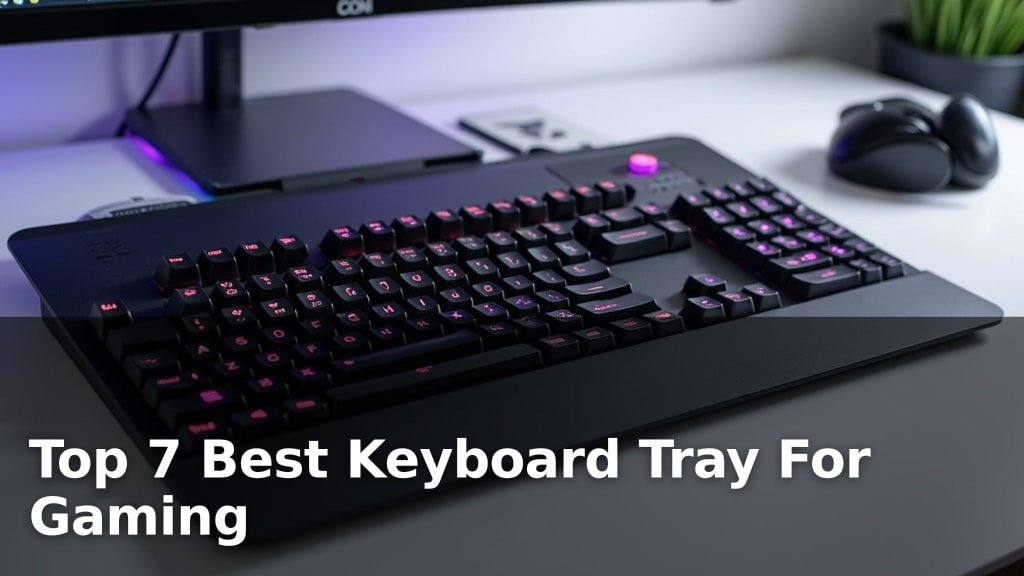
Discover the top 7 best keyboard tray for gaming picks. Our fresh, hands-on review helps you find the perfect setup for your gaming rig.
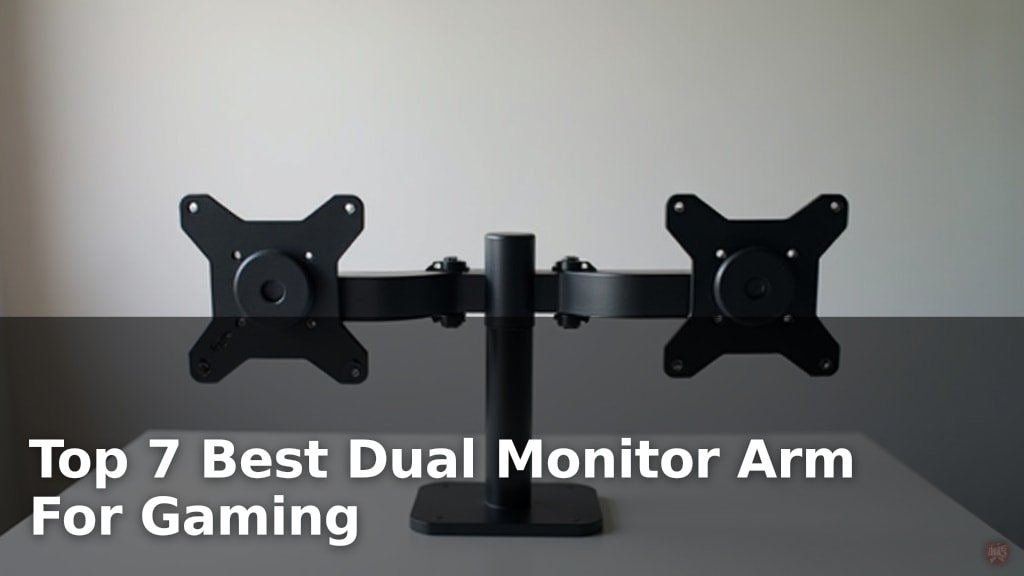
Compare dual monitor arm for gaming options by fit, comfort, and useful features. See what to check before choosing a model for your space and daily needs.
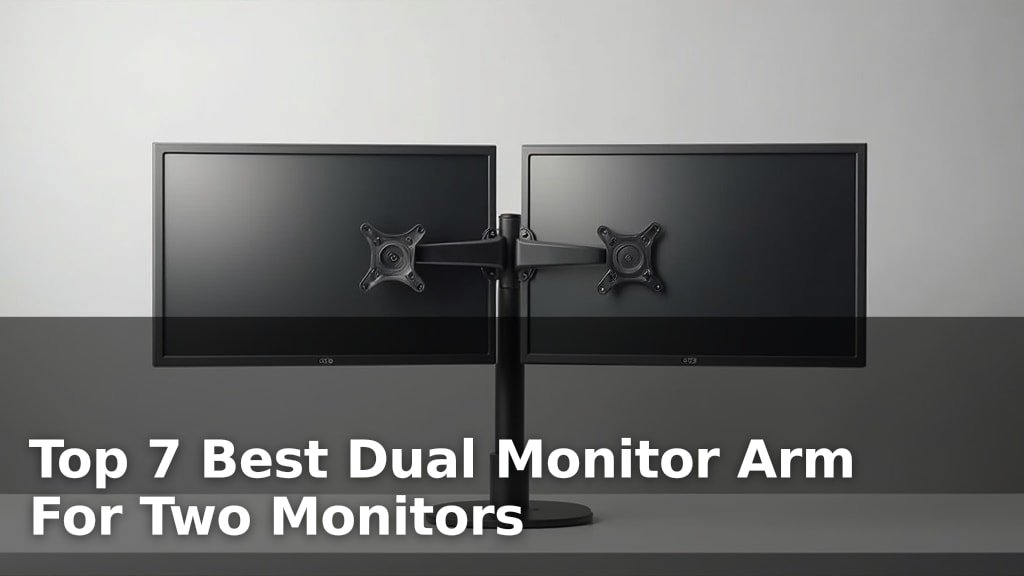
Discover the top 7 best dual monitor arms for two monitors. Our fresh, hands-on picks help you find the perfect setup for your workspace.
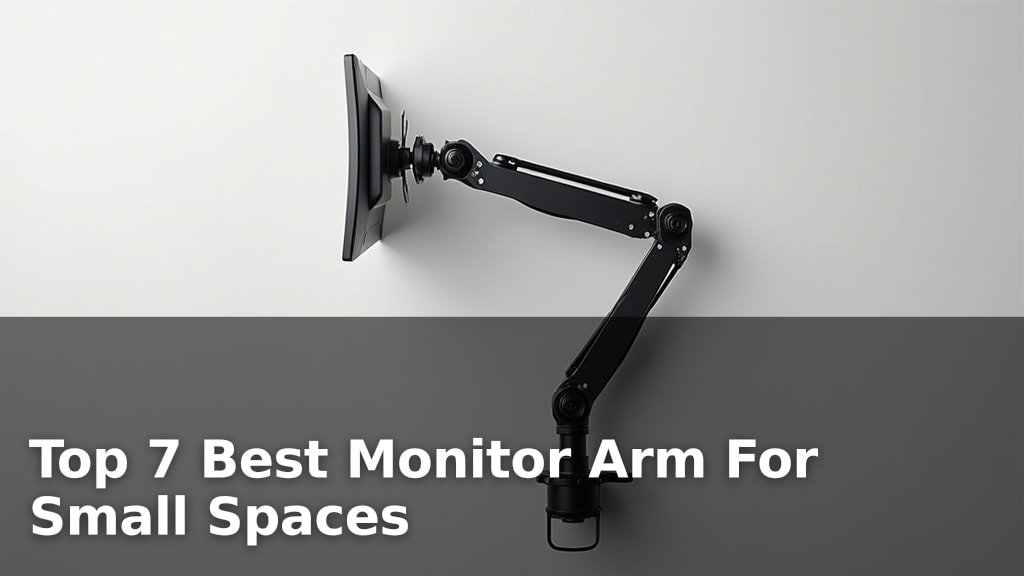
Declutter your desk with our top 7 best monitor arms for small spaces. Fresh, hands-on picks to maximize your workspace.
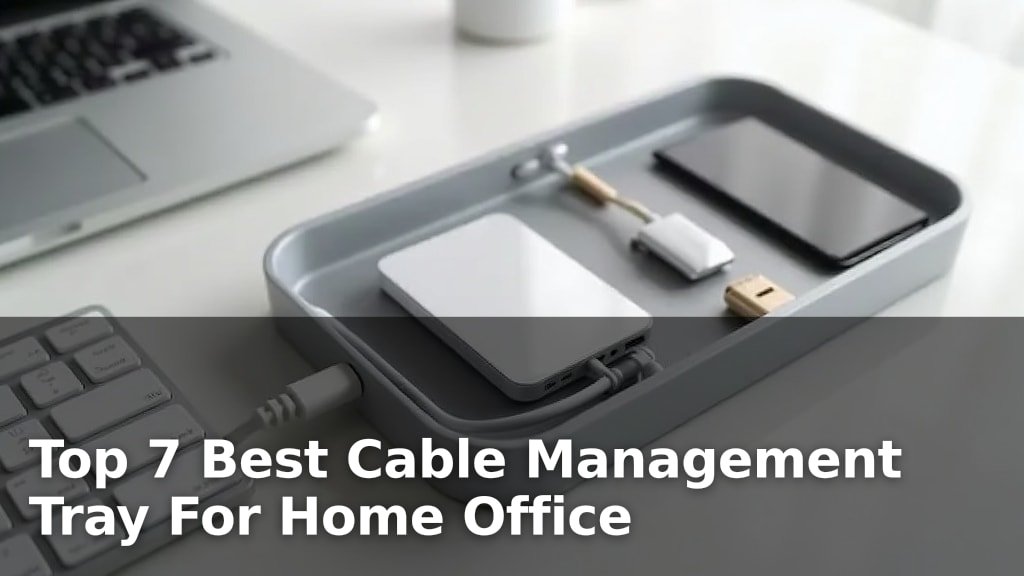
Declutter your home office with our top 7 best cable management tray picks. Fresh, hands-on reviews to help you organize your space.
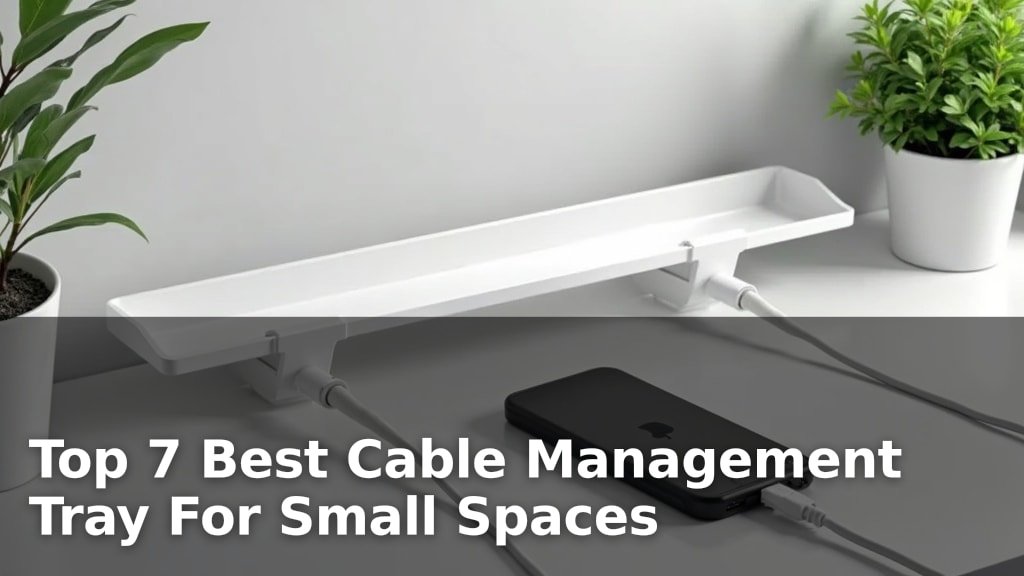
Declutter your small space with our top 7 best cable management tray picks. Fresh, hands-on insights to tame your cords and create a tidier home.
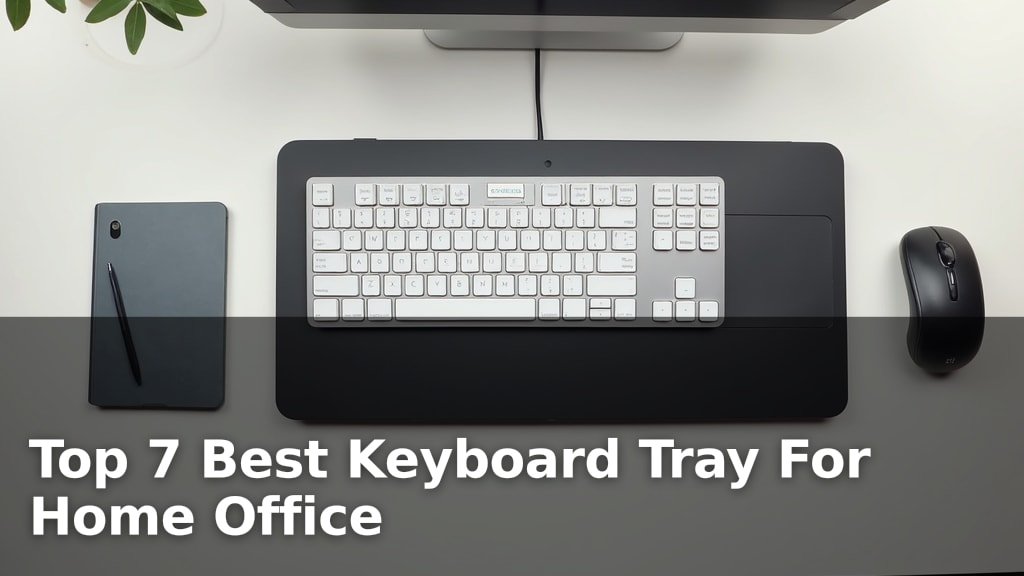
Discover the top 7 best keyboard trays for your home office. Our fresh, hands-on review helps you find the perfect fit for comfort and productivity.
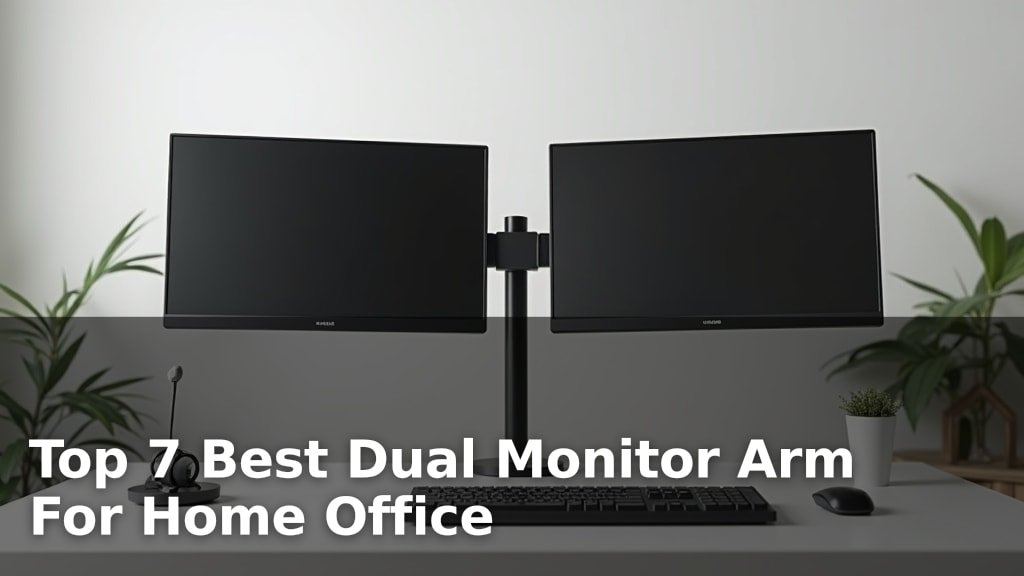
Discover the top 7 best dual monitor arms for your home office. Our fresh, hands-on picks will help you find the perfect setup.
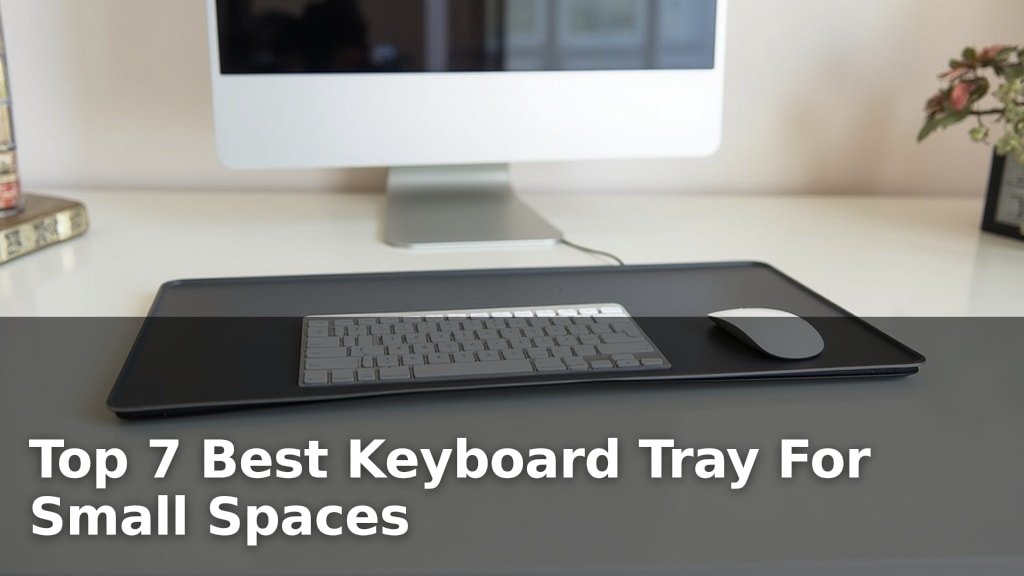
Discover the top 7 best keyboard tray for small spaces. Our fresh, hands-on picks help you maximize your limited desk area efficiently.
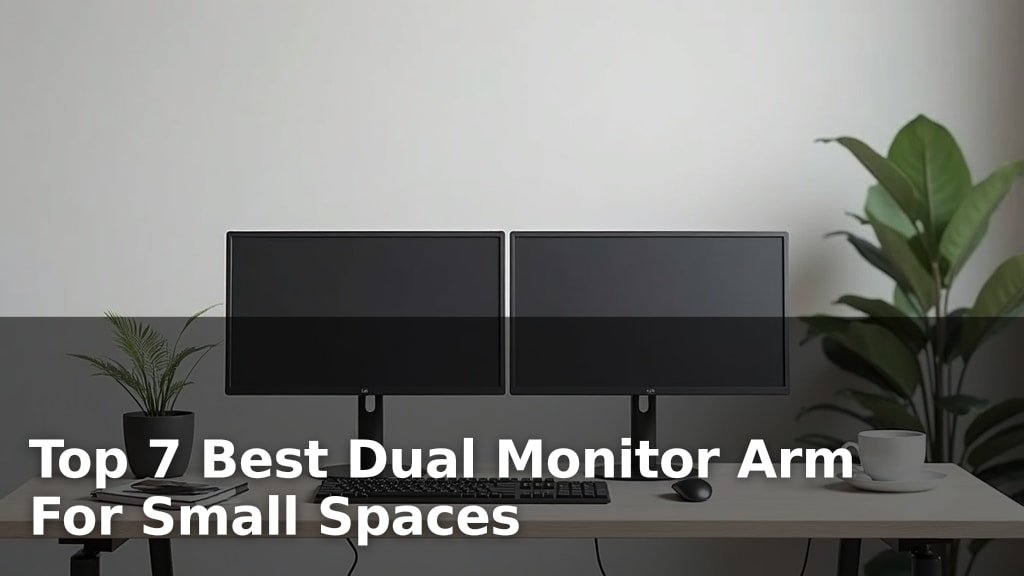
Find the best dual monitor arm for small spaces with our top 7 picks. Fresh, hands-on reviews to help you maximize your setup.
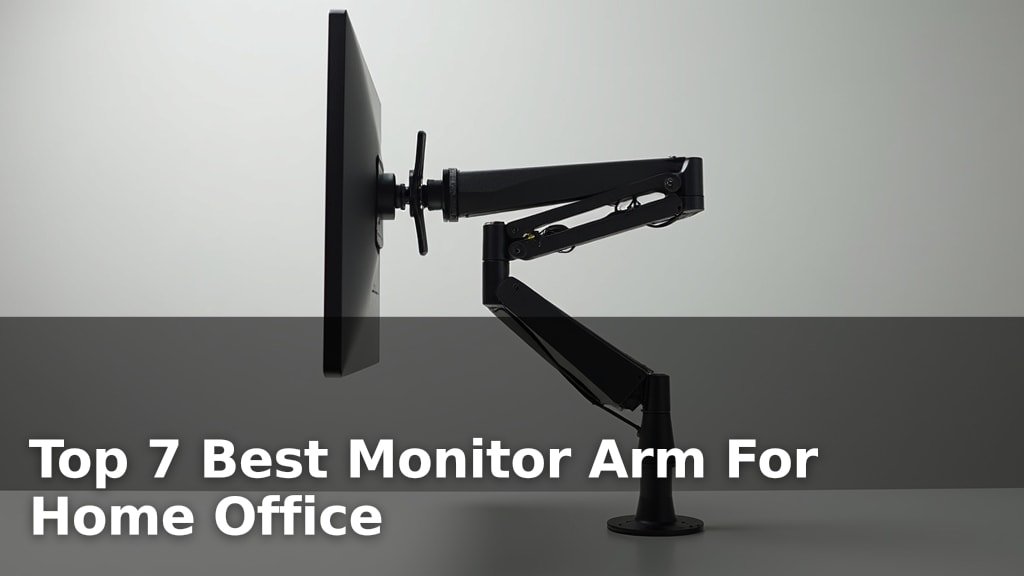
Upgrade your home office with our top 7 best monitor arm picks. Fresh, hands-on reviews to help you find the perfect fit and declutter your workspace.
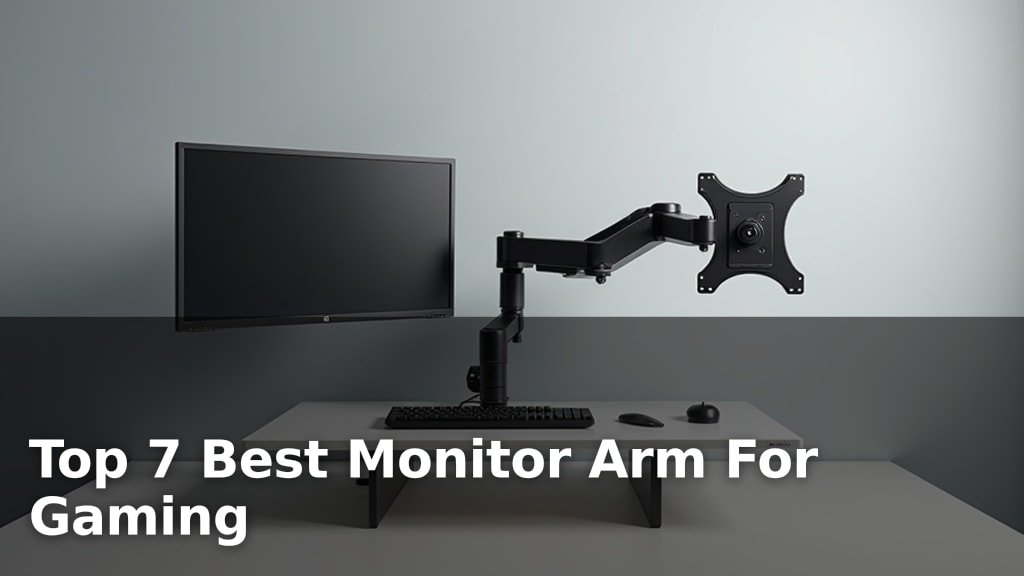
Upgrade your setup with the top 7 best monitor arms for gaming. Our fresh, hands-on guide helps you find the perfect mount for immersive play.
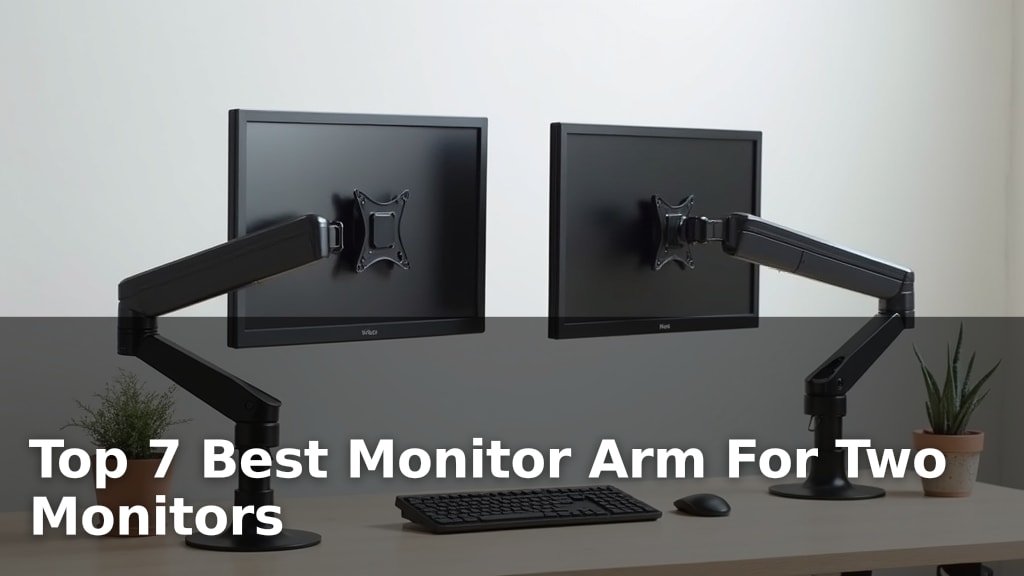
Find the best monitor arm for two monitors with our top 7 picks. Fresh, hands-on reviews to help you declutter your desk and boost productivity.
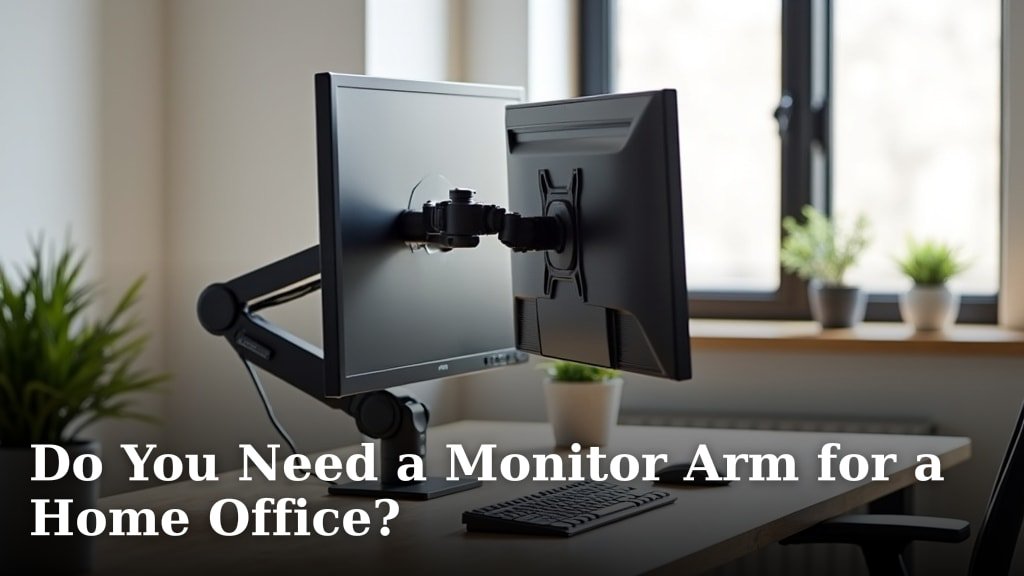
Considering a monitor arm for your home office? Discover the benefits, ergonomic advantages, and factors to consider for your ideal setup.
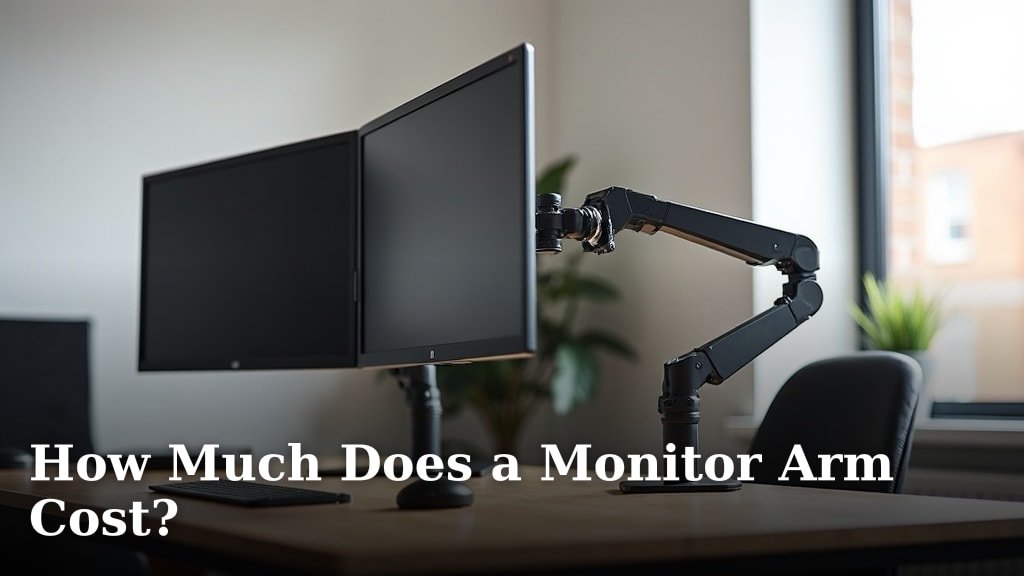
Unsure how much a monitor arm costs? Explore price ranges for single, dual, and multi-monitor arms, plus factors affecting price, to find your perfect fit.

Suffering from neck pain? Discover if a monitor riser is good for neck pain, how it helps, and essential tips for improving your ergonomic setup.
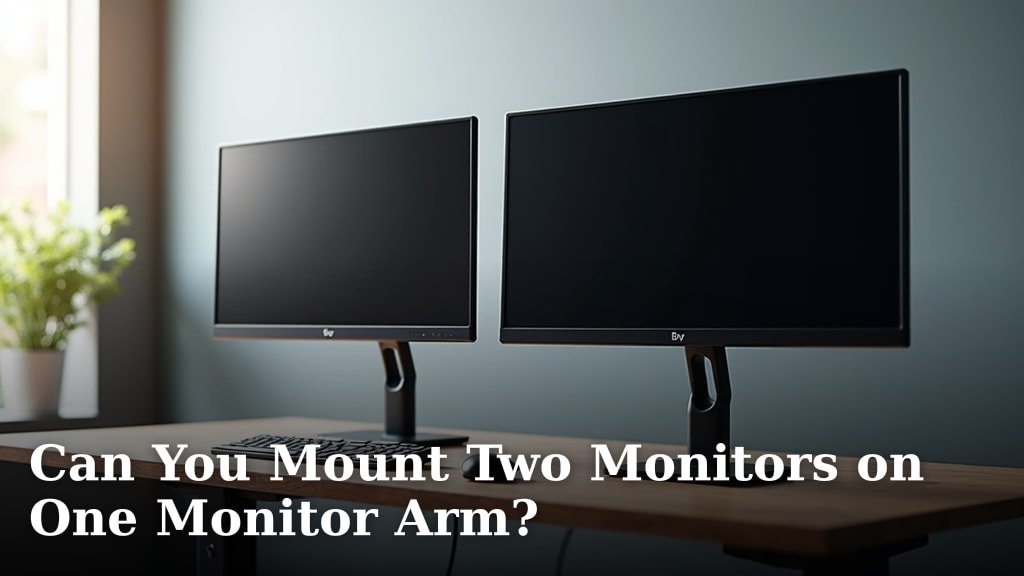
Considering a dual monitor setup? Discover if you can mount two monitors on one arm, the benefits, and what to look for to ensure compatibility and stability.
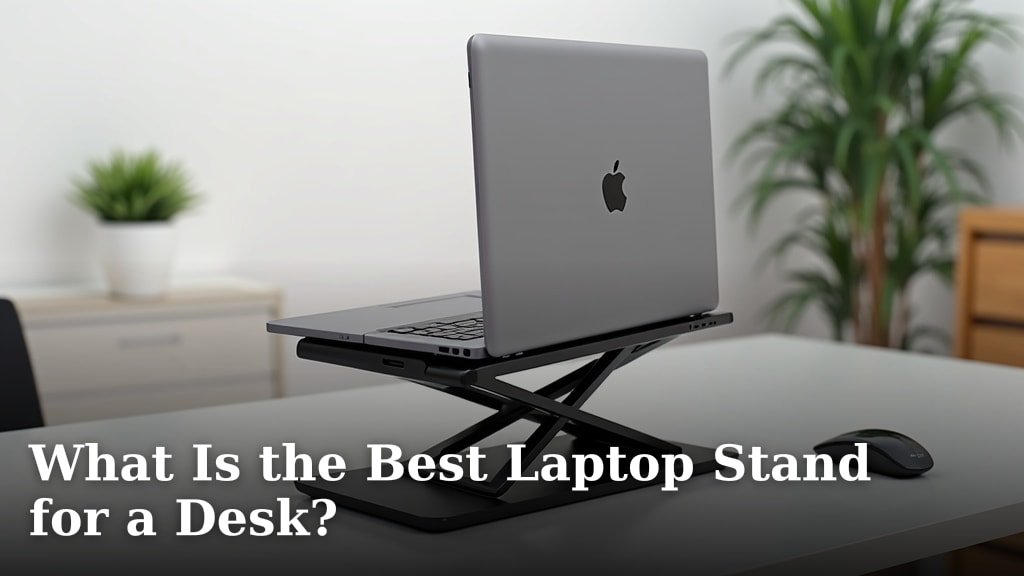
Find the best laptop stand for your desk! Explore ergonomic benefits, material choices, and adjustability to optimize your workspace.
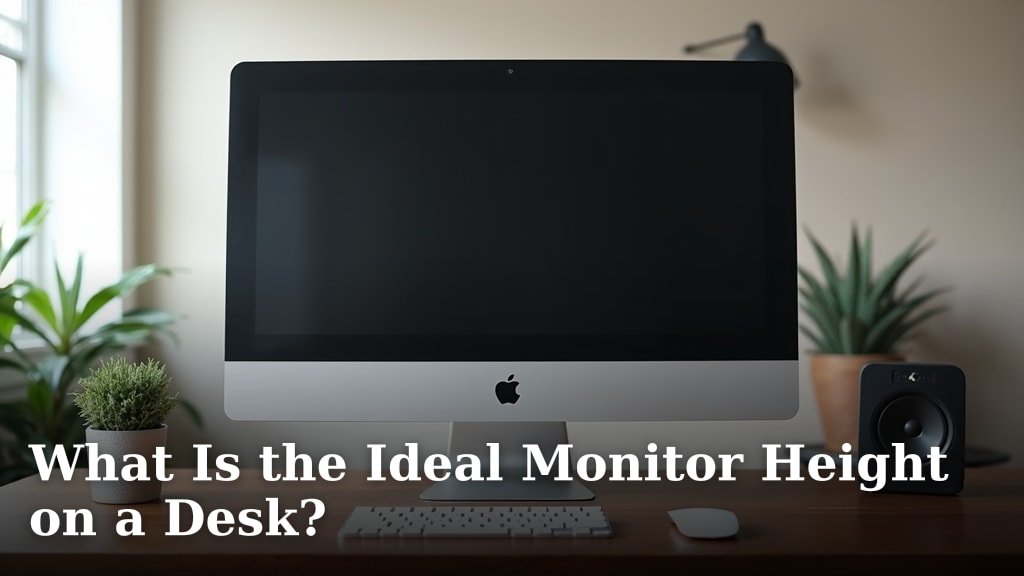
Discover the ideal monitor height for your desk to prevent strain and boost productivity. Learn how to optimize your setup for comfort.
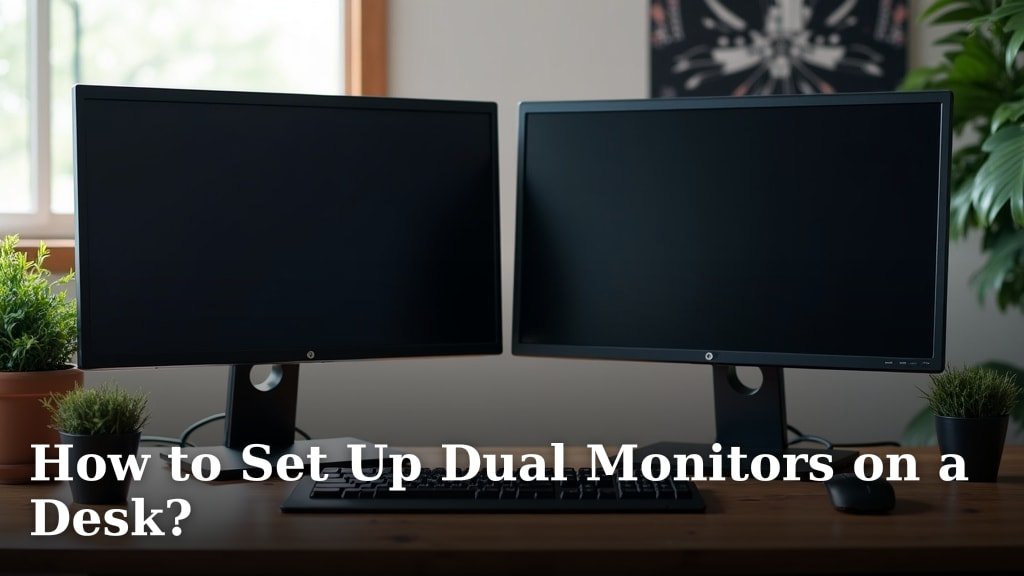
Learn how to set up dual monitors on a desk for an enhanced workspace. This guide covers everything from physical placement to cable management.
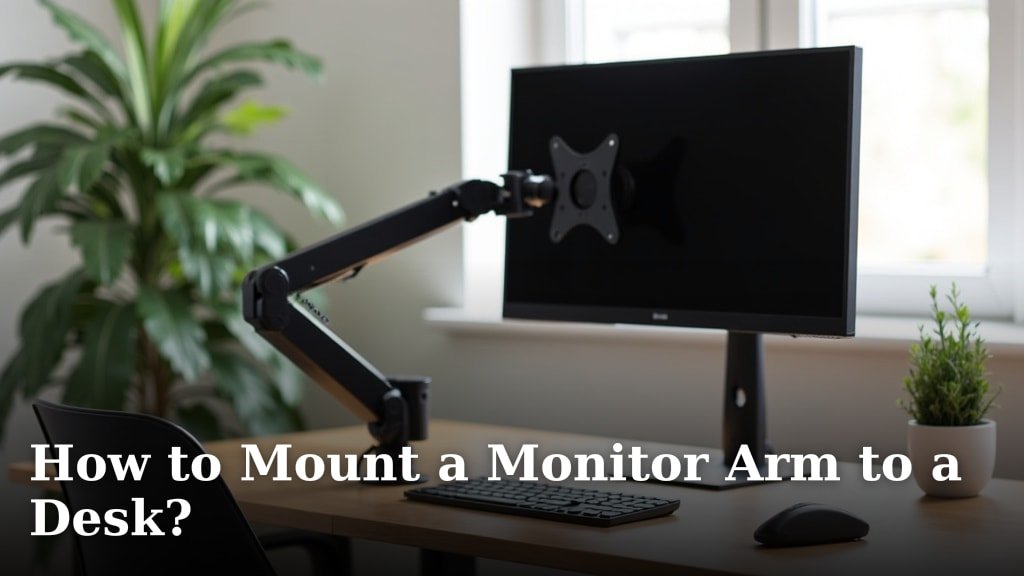
Learn how to mount a monitor arm to a desk safely and securely. This guide covers everything you need for a clutter-free, ergonomic workspace.
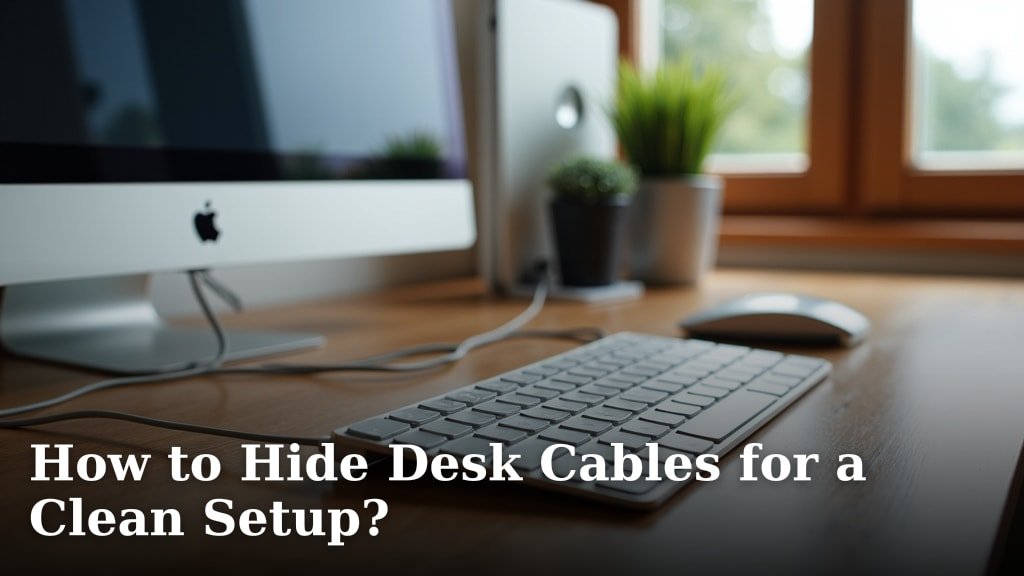
Tired of tangled wires? Learn how to hide desk cables with practical tips and tools for a clutter-free and organized workspace.
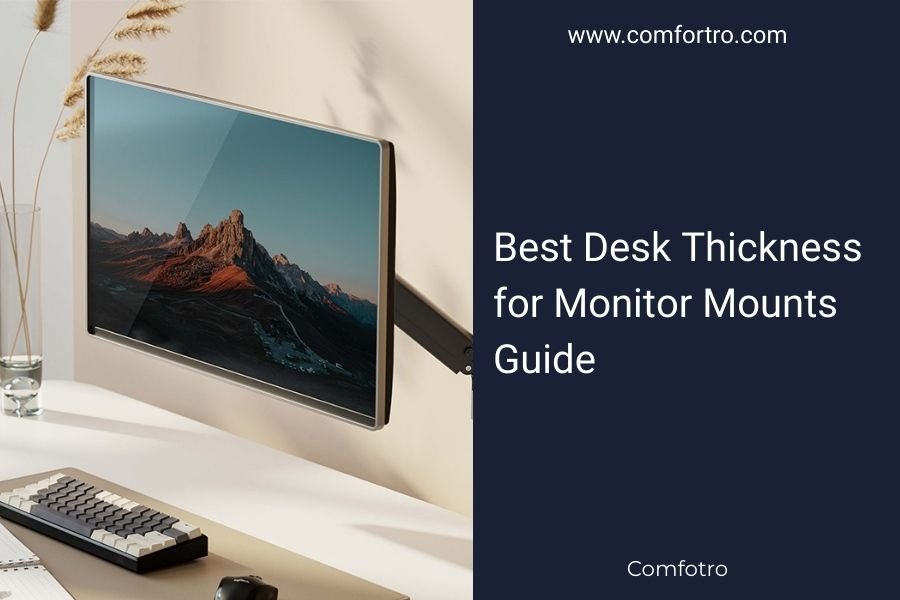
The best desk thickness for monitor mounts ranges from 0.5 to 3 inches (1.3 to 7.6 cm), with most clamp-style mounts working optimally on desks between 1 to 2

The standard keyboard tray height for proper ergonomics is 26 to 28 inches from the floor, which allows your elbows to rest at a 90-degree angle while typing.
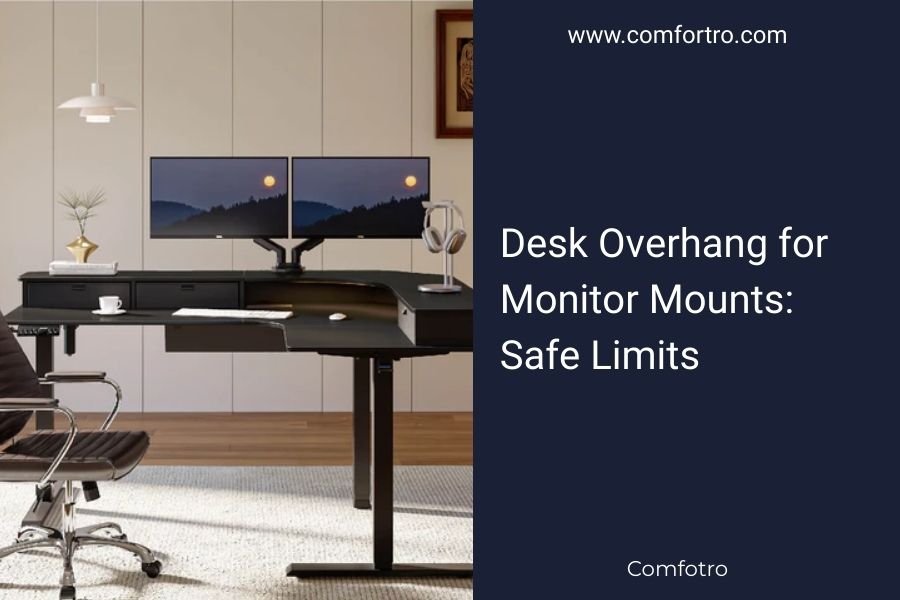
Desk overhang for monitor mounts: safe limits: most desk overhangs can safely support monitor mounts when the overhang measures 3 inches or less from the desk.
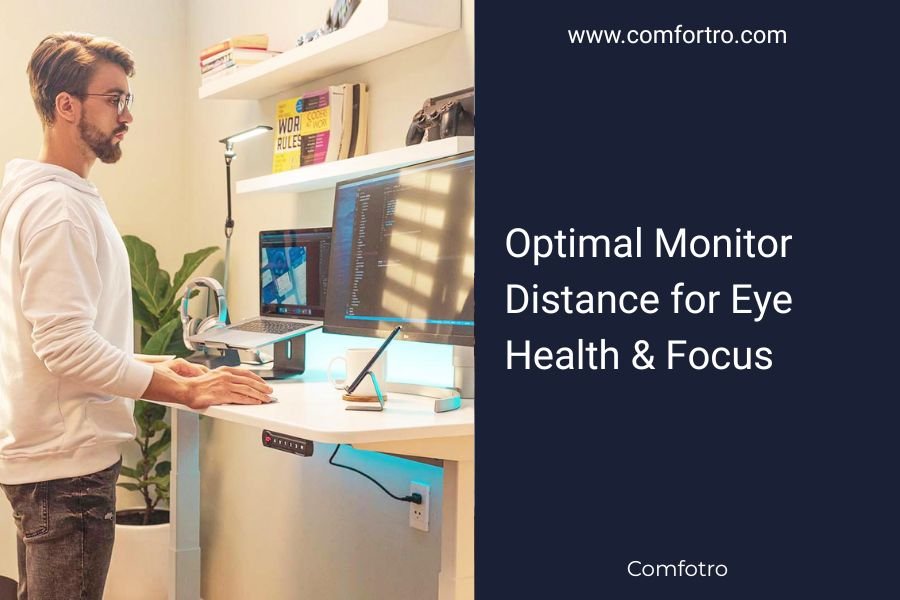
Optimal monitor distance for eye health & focus: the optimal monitor distance for eye health is 20-26 inches (arm's length) from your eyes to the screen.
For photo and video editing, a mouse generally outperforms a trackpad due to superior precision, customizable buttons, and better ergonomics during long
An ambidextrous mouse helps reduce wrist strain and boosts productivity by letting you switch hands throughout your workday.
The best left handed mouse setup places your mouse on the left side of your keyboard with your elbow at 90 degrees and wrist straight. You’ll need a
Yes, a drawing tablet can effectively replace your traditional mouse for daily computer tasks, offering better ergonomics and precision control for many users.
Digital pen compatibility varies by tablet brand, with Apple Pencil working exclusively with iPads, Samsung S Pen designed for Galaxy tablets, and universal
Text to speech technology boosts productivity by converting written content into audio, allowing you to multitask while consuming information through your
The best voice dictation software setup for work includes Dragon NaturallySpeaking or Windows Speech Recognition paired with a high-quality USB headset
Eye tracker for mouse control works by detecting your eye movements through infrared cameras and translating them into cursor commands on your computer screen.
A foot pedal for computer shortcuts lets you assign frequently used commands like copy, paste, or undo to physical foot controls, freeing up your hands for
A Stream Deck for work transforms any professional's workflow by providing customizable buttons for instant access to applications, shortcuts, and automated
Macro pads boost productivity by automating repetitive tasks through customizable keys that execute complex commands with one press.
TKL keyboards save about 4 inches of desk space by removing the number pad, while full-size keyboards offer complete functionality with dedicated numeric keys
60% vs 65% keyboards: which should you pick: the main difference between 60% and 65% keyboards is that 60% keyboards remove function keys and arrow keys, while.
ANSI keyboards have a horizontal Enter key and larger left Shift key, while ISO keyboards feature a vertical Enter key and smaller left Shift key with an
PBT keycaps offer superior durability and a premium typing feel compared to ABS keycaps, which are cheaper but wear down faster with shine developing over time.
Custom keycap profiles refer to the shape and angle of keycaps on mechanical keyboards, with popular options including Cherry, OEM, SA, and XDA profiles that
Keyboard stabilizer rattling happens when the wire stabilizers under your spacebar and larger keys become loose or misaligned. You can fix this by removing
To lubricate keyboard switches properly, remove the keycaps, apply 1-2 drops of switch lubricant to the contact points, then reassemble. This process reduces
Keyboard O-rings reduce key noise and change typing feel by cushioning keystrokes, but they don't dramatically improve typing performance for most users.
Mechanical keyboard noise dampeners are silicone or rubber rings that fit around key switches to reduce typing sounds by 30-50%. They're the easiest way to
Most Bluetooth dongles have a range of 30 feet (Class 2) indoors, but you can improve Bluetooth dongle range by repositioning the device, using a USB
Adapter cables change the physical connection between two devices, while converter cables actually change the signal from one format to another.
VGA and DVI are both legacy video connectors that transmit display signals from your computer to monitors, with DVI offering better digital quality than VGA's
DisplayPort is generally better for office work because it supports daisy-chaining multiple monitors and handles higher resolutions at 60Hz more reliably than
Daisy chain monitors by connecting your first monitor to your computer, then linking additional monitors to each other using DisplayPort cables.
Laptop clamshell mode lets you use your laptop as a desktop computer by connecting external monitors while keeping the laptop lid closed. This setup
Vertical laptop stands improve airflow by positioning your laptop upright to create space around all sides, allowing hot air to escape more efficiently than
Yes, laptop cooling pads are effective at reducing temperatures by 5-15 degrees Fahrenheit, which can prevent thermal throttling and improve performance.
Your laptop overheating can be fixed with five key solutions: cleaning dust from vents, using a laptop stand, adjusting power settings, closing heavy
Remove sticker residue from your laptop using household items like rubbing alcohol, cooking oil, or a hair dryer to soften the adhesive.
You can create an effective DIY screen cleaning solution using just distilled water and white vinegar in a 1:1 ratio, which safely removes dirt and smudges
The best GSM range for microfiber cloth screen cleaning is 300-400 GSM, which provides the right balance of softness and cleaning power for delicate screens.
Electric dusters are generally safer and more convenient than compressed air for cleaning PCs, though compressed air costs less upfront.
Cleaning slime for keyboards removes dirt, dust, and debris from between keys by pressing the gel-like substance onto your keyboard surface and lifting it
Best low-noise usb fans for your desk: the include models with noise levels under 30dB and adjustable speed settings. Get clear steps for your home setup.
Dispose of old electronics safely by using certified e-waste recycling programs, manufacturer take-back services, or retailer trade-in programs that properly
You can use one mouse for two computers by connecting a KVM switch, using software like Mouse Without Borders, or getting a dedicated multi-computer mouse
A KVM switch is a hardware device that lets you control multiple computers using one keyboard, video display, and mouse - hence the name "KVM."
Thunderbolt 4 is the better choice for most office setups because it offers stricter performance standards and better device compatibility than Thunderbolt 3.
USB-C hubs offer basic port expansion with plug-and-play simplicity, while docking stations provide comprehensive connectivity with power delivery and display
To check Qi charging compatibility, look for the Qi logo on your device or charging pad, check your device specifications, or simply place your device on a Qi
Desk mat vs mouse pad: which should you use: a desk mat covers your entire work surface, while a mouse pad only protects the area where your mouse moves.
Key benefits of using a mouse bungee guide: a mouse bungee prevents cable drag and tangling by holding your mouse cord in an improved position, giving you.
The best subwoofer placement under your desk is in the front corner, positioned 2-3 feet away from walls to avoid bass buildup and vibration transfer.
Speaker placement for stereo sound on desks requires positioning speakers at ear level, 3-6 feet apart, forming an equilateral triangle with your listening
The best microphone arm placement positions your microphone 6-8 inches from your mouth at a 45-degree angle, pointing toward the corner of your lips rather
Position your webcam at eye level by placing it 18-24 inches away from your face, with the camera lens aligned directly with your eyes when sitting upright.
For productivity work, 1440p offers the best balance of screen real estate and performance, while 1080p remains budget-friendly and 4K provides maximum detail
For text and reading, IPS panels offer the best experience with accurate colors and wide viewing angles, while VA panels provide good contrast but may have
The best monitor refresh rate for office work is 60Hz to 75Hz, which provides smooth text scrolling and reduces eye strain during daily tasks.
TKL keyboards save space and reduce strain, while full size keyboards offer number pad convenience and familiar layout for heavy data work.
Mechanical keyboard switches are the individual mechanisms under each key that register your keystrokes, with three main types: linear, tactile, and clicky
A keyboard wrist rest is helpful if you type for several hours daily and experience wrist discomfort, but it’s not always necessary for everyone.
A mouse wrist rest can help reduce strain and improve comfort during long computer sessions, but it’s not necessary for everyone. The decision depends
A programmer vertical monitor setup positions your display in portrait orientation (90 degrees rotated), allowing you to see more lines of code at once
The best video editor monitor arrangement uses a primary 27-32 inch main display with a secondary 21-24 inch monitor positioned at eye level to reduce neck
An articulating arm for monitor mounts is a flexible mechanical arm that lets you position your computer screen at any angle, height, or distance for perfect
Keyboard drawer: a is a sliding tray that mounts under your desk to hold your keyboard and mouse at an ergonomic height. Get clear steps for your home setup.
A monitor riser is a stand that elevates your computer screen to eye level, reducing neck strain and improving posture. Monitor risers offer ergonomic
A cable management spine is a vertical tube or channel that runs through your desk to organize and hide cables, keeping them bundled and routed cleanly from
A grommet hole is a circular opening in your desk that keeps cables organized and prevents them from tangling or falling behind your workspace.
Vesa mount standard? finding the right fit: vESA Mount Standard is a universal mounting system that uses standardized hole patterns to attach monitors and TVs.
Clean computer screens safely using a microfiber cloth with distilled water or isopropyl alcohol solution (70% or less concentration).
Wireless charging through desk systems allow you to charge devices by placing them on the desk surface, with charging coils hidden underneath the wood or
To fix a loose wall outlet safely, first turn off the power at the circuit breaker, then remove the outlet cover and tighten the screws holding the outlet to
Test a wall outlet: a safe office guide: testing a wall outlet requires turning off the circuit breaker, using a non-contact voltage tester, and checking with.
Surge protector joules measure how much electrical energy a device can absorb before failing, with higher numbers meaning better protection for your
Yes, you likely need a UPS battery backup for work if your job depends on computer uptime, data protection, or uninterrupted productivity.
Grounding a computer desk prevents static electricity buildup and protects sensitive electronics from electrostatic discharge (ESD) damage.
Keep office cables safe from pets by using cable protectors, cord covers, and hiding cables inside desks or wall-mounted organizers.
To keep your cat off the keyboard, place a decoy keyboard nearby, use physical barriers like a clear acrylic shield, or position your workspace in a cat-free
For home offices, inkjet printers offer lower upfront costs and better photo quality, while laser printers provide faster speeds and lower per-page costs for
Mesh systems typically cover larger office spaces with more consistent speeds, while WiFi extenders cost less but may create slower secondary networks for
Wired internet connections typically offer faster, more stable speeds for home offices, while wireless provides convenience and flexibility for mobile work
Noise cancelling headphones use active technology to block external sounds, while noise isolating headphones rely on physical barriers to reduce noise
In-ear headphones offer better noise isolation and portability for working, while over-ear headphones provide superior sound quality and comfort during long
Tablets are better for portability and general digital art, while drawing pads offer superior precision and professional features for serious creative work.
For home office use, desktops typically offer better performance, ergonomics, and value, while laptops provide mobility and space-saving benefits.
Hard mouse pads offer speed and precision for gaming, while soft mouse pads provide comfort and control for everyday office work.
A vertical mouse positions your hand in a natural handshake position, while a standard mouse keeps your wrist flat. Vertical mice reduce forearm rotation and
Trackball devices offer better ergonomics than traditional mice for most people, reducing wrist strain and repetitive motion injuries.
Mechanical keyboards use individual switches under each key, while membrane keyboards use a single rubber layer beneath all keys for typing input.
Curved monitors provide a more immersive viewing experience with better peripheral vision, while flat monitors for office work offer better text clarity and
For productivity, dual monitors typically outperform ultrawide displays because they offer better multitasking flexibility and cost less per screen inch.
Monitor arms provide better ergonomics and space-saving flexibility compared to monitor stands, which offer stability and affordability but take up more desk
Blue light from screens disrupts your sleep by suppressing melatonin production, making it harder to fall asleep and stay asleep.
The best ring light placement for pro video calls is 18-24 inches directly in front of your face at eye level, positioned behind your camera or monitor.
Bias lighting for monitors reduces eye strain by placing a light source behind your screen, creating ambient lighting that makes your eyes work less hard in
Screen glare occurs when bright light reflects off your monitor, causing eye strain, headaches, and reduced visibility that can seriously impact your daily
Monitor light bars reduce eye strain by up to 20% and improve focus during long computer sessions, making them essential for productive home office work.
Managing cables for glass desks requires using adhesive clips underneath the surface, cable trays mounted to the desk frame, and magnetic organizers that
The best docking station placement for desks is 6-12 inches from your monitor at arm’s reach, positioned to minimize cable clutter while keeping ports
A laptop vertical stand reduces neck strain by elevating your screen to eye level and creates 75% more desk space for better organization.
Under desk mounts typically offer better desk space savings and ergonomics, while headphone stands provide easier access and better headphone display for your
Keyboard cable coiling transforms your messy desk setup into a professional workstation by creating neat, uniform loops that prevent tangling and reduce cable
Use washi tape for cord labeling by wrapping small pieces around each cable near the plug, then write device names with a fine-tip marker for instant
You can mount a power strip under your desk using mounting brackets, clamps, or screws to create easy cable access and free up desk space.
Velcro cable ties offer reusability and gentle grip, while zip ties provide stronger permanent hold and cost less for one-time use.
Organizing cords for travel: best gear & tips: the best travel cord organizers include zippered pouches, roll-up wraps, and compartmented cases that keep.
You can hide your home office printer by placing it inside a cabinet, on a rolling cart, or behind decorative screens that keep it accessible yet out of sight.
Monitor arm cable routing: pro tips for clean desks: monitor arm cable routing keeps your workspace tidy by hiding cables inside the monitor arm or using.
Cable sleeves organize and hide messy wires under your desk by bundling them into neat, protected tubes that route along desk edges or legs.
Under desk cable management involves organizing power cords, USB cables, and device wires beneath your workspace using trays, clips, sleeves, and routing
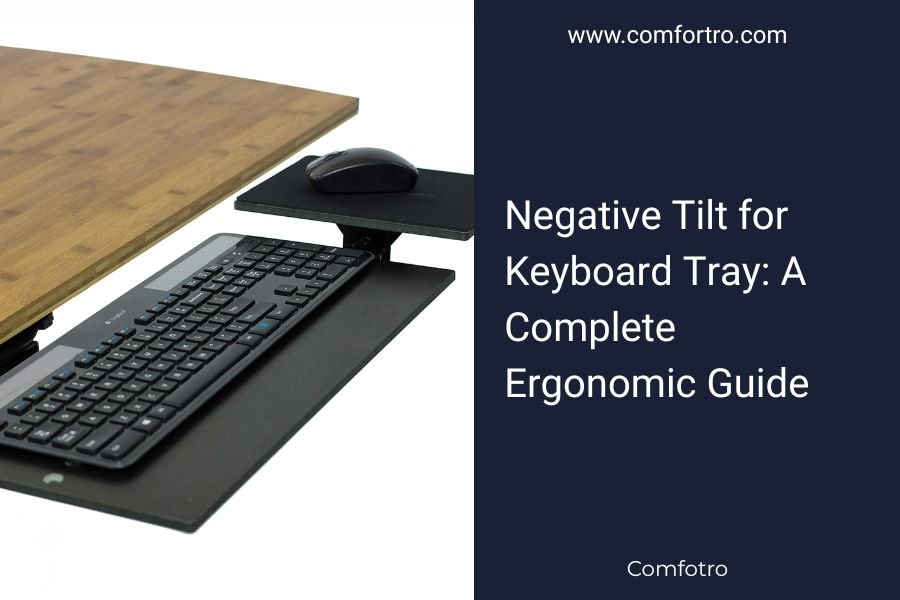
Negative tilt for a keyboard tray is one of the most effective but often overlooked ergonomic adjustments for improving typing comfort. Many people focus on
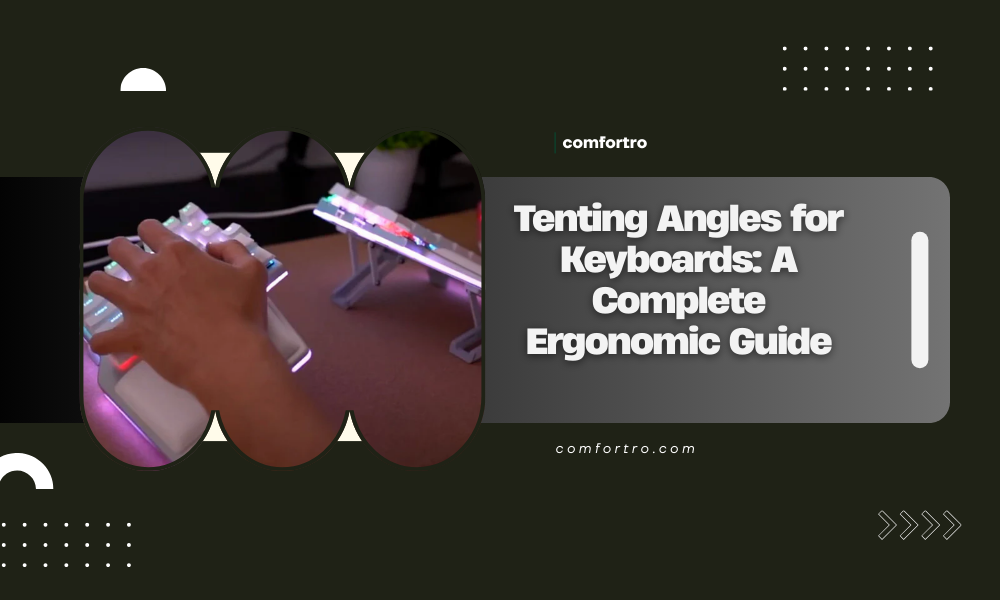
Tenting angles for keyboards play a critical role in ergonomic typing and long-term comfort. While many people focus on keyboard shape or layout, the angle at
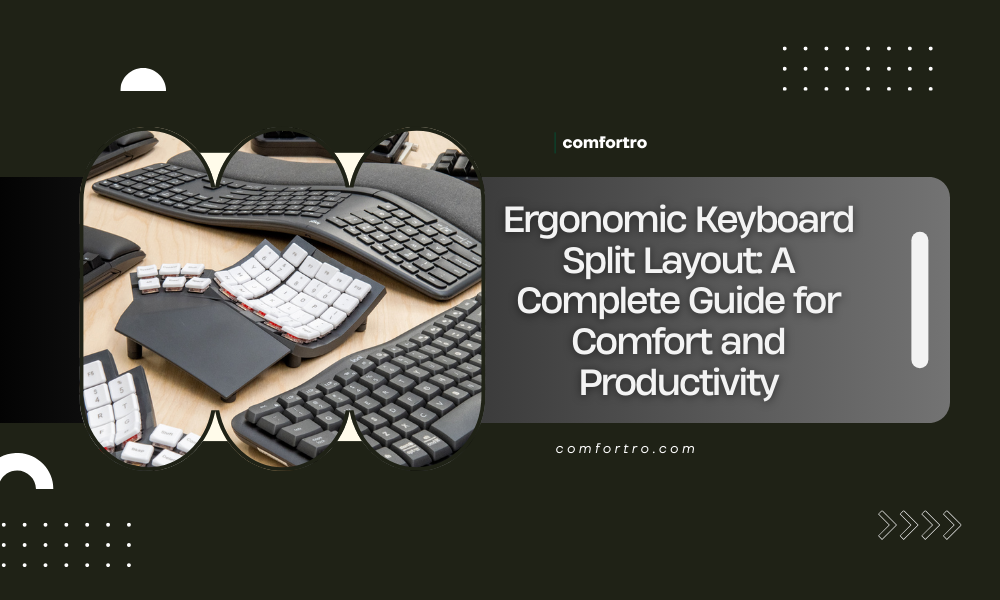
Ergonomic keyboard split layout: an is designed to reduce strain, improve typing posture, and support long hours of computer use. As more people work from.