What is an Articulating Arm for Monitor Mounts?
On this page (7 sections)
An articulating arm for monitor mounts is a flexible mechanical arm that lets you position your computer screen at any angle, height, or distance for perfect viewing comfort.
This adjustable mount system uses multiple joints and pivot points to give you complete control over your monitor’s position, reducing neck strain and boosting productivity.
What Makes an Articulating Arm Special?
Think of an articulating arm like a human arm with multiple joints. You can bend it, twist it, and move it in ways that fixed mounts simply can’t match.
The “articulating” part refers to the joints that allow movement. Most arms have 3-5 pivot points that work together. This gives you freedom to pull your monitor closer when reading small text, push it back for video calls, or tilt it down to reduce glare.
Key Components of Articulating Arms
Every articulating monitor arm has these main parts:
- Base clamp or grommet mount that attaches to your desk
- Primary arm that extends from the base
- Secondary arm that connects to your monitor
- VESA plate that bolts to your screen
- Adjustment knobs for tightening or loosening joints
Types of Articulating Monitor Arms
Not all articulating arms work the same way. I found that most fall into three main categories.
Single Monitor Arms
These support one monitor up to about 32 inches. They’re perfect if you want clean desk space and better screen positioning. Most can hold monitors weighing 15-35 pounds.
Gas Spring vs. Mechanical Arms
Gas spring arms use pressurized cylinders for smooth, effortless movement. You barely need to touch them to reposition your screen. Mechanical arms use tension knobs that you tighten or loosen manually.
Dual Monitor Arms
Want two screens? Dual arms let you position each monitor independently. You can set them up side by side, stack them vertically, or create custom angles for different tasks.
Side-by-Side Configuration
This setup works great for comparing documents or multitasking. You can angle both screens slightly inward to create a natural viewing arc.
Stacked Configuration
Some people prefer one monitor above the other. The top screen often displays reference material while you work on the bottom screen.
Heavy-Duty Arms
Got a massive 49-inch ultrawide monitor? Heavy-duty articulating arms can support monitors up to 77 pounds. They use stronger materials and more robust joint mechanisms.
Range of Motion Explained
The best part about articulating arms is how they move. Let me break down the different types of movement you get.
Horizontal Movement
Most arms extend 20-25 inches from your desk edge. You can pull your monitor close for detailed work or push it back to create more desk space.
Vertical Movement
Height adjustment usually ranges from 4-16 inches. This lets you set your screen at eye level, which reduces neck strain during long work sessions.
Why Eye Level Matters
Research from the American Optometric Association shows that your screen’s top edge should sit at or below eye level. This prevents you from tilting your head back, which can cause neck pain.
Rotation and Tilt
Most articulating arms offer:
- 360-degree rotation around the base
- 90-degree portrait/landscape rotation
- +/- 75-degree tilt adjustment
- +/- 90-degree swivel at the monitor connection
Installation Requirements
Before buying an articulating arm, check these compatibility factors.
Desk Compatibility
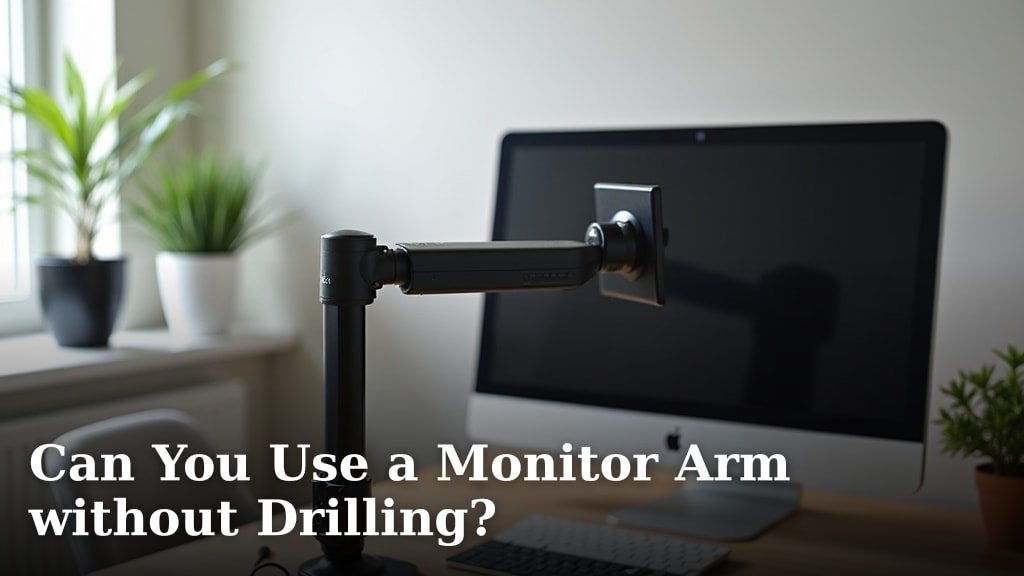
Your desk needs to be 0.75-2.5 inches thick for clamp-style mounts. Check the overhang limits for monitor mounts too. Grommet mounts need a hole drilled through your desktop.
Desk Edge Clearance
Make sure you have at least 4 inches of clearance behind your desk edge. The clamp mechanism needs space to grip properly.
Monitor Compatibility
Your monitor must have VESA mounting holes on the back. Most monitors use either 75x75mm or 100x100mm VESA patterns. Check your manual or measure the hole spacing.
Weight Limits
Never exceed the arm’s weight rating. I found that most standard arms handle 15-35 pounds safely. Ultrawide monitors often need heavy-duty arms.
Benefits of Using Articulating Arms
Why choose an articulating arm over a fixed stand? The benefits go beyond just flexibility.
Better Ergonomics
You can position your screen exactly where your eyes naturally rest. This reduces neck strain, eye fatigue, and shoulder tension during long work sessions.
More Desk Space
Removing your monitor’s base frees up valuable desktop real estate. You can fit keyboards, notebooks, or decorative items underneath your floating screen.
Easier Cable Management
Many articulating arms include cable routing channels. This keeps your power and data cables organized and out of sight.
Improved Productivity
Being able to quickly adjust your screen position helps with different tasks. Pull it close for spreadsheet work, push it back for video calls, or rotate to portrait mode for reading long documents.
Common Features to Look For
When shopping for an articulating arm, these features make the biggest difference in daily use.
Tool-Free Adjustment
The best arms let you adjust tension and positioning without tools. Look for large, easy-to-grip knobs and levers.
Cable Management
Built-in cable guides keep your setup looking clean. Some arms include plastic clips, while others have integrated channels.
Quick Release Plates
These let you remove your monitor quickly for cleaning or transport. The monitor stays attached to a small plate that slides in and out of the arm.
| Feature | Basic Arms | Premium Arms |
|---|---|---|
| Weight Capacity | 15-22 lbs | 25-35 lbs |
| Height Adjustment | 12 inches | 16+ inches |
| Extension Range | 20 inches | 25+ inches |
| Cable Management | Basic clips | Integrated channels |
Conclusion
An articulating arm transforms how you interact with your computer screen. Instead of craning your neck or squinting at a fixed monitor, you get complete control over positioning and angles. Whether you’re working long hours, gaming, or just want a cleaner desk setup, the flexibility and ergonomic benefits make articulating arms a smart investment for any home office. The key is choosing one that matches your monitor’s size and weight while providing the range of motion you need for your daily tasks.
Can I use an articulating arm with any monitor?
Your monitor needs VESA mounting holes on the back panel. Most modern monitors have either 75x75mm or 100x100mm VESA patterns, but always check your manual first. Very old or budget monitors might not have these mounting points.
How much weight can articulating arms safely hold?
Standard articulating arms typically support 15-35 pounds. Heavy-duty models can handle up to 77 pounds for large ultrawide monitors. Always check the manufacturer’s weight rating and stay within those limits for safety.
Do articulating arms work with standing desks?
Yes, most articulating arms work perfectly with sit-stand desks. The arm moves with your desk surface, maintaining your preferred monitor position whether you’re sitting or standing. Just ensure your desk thickness matches the clamp requirements.
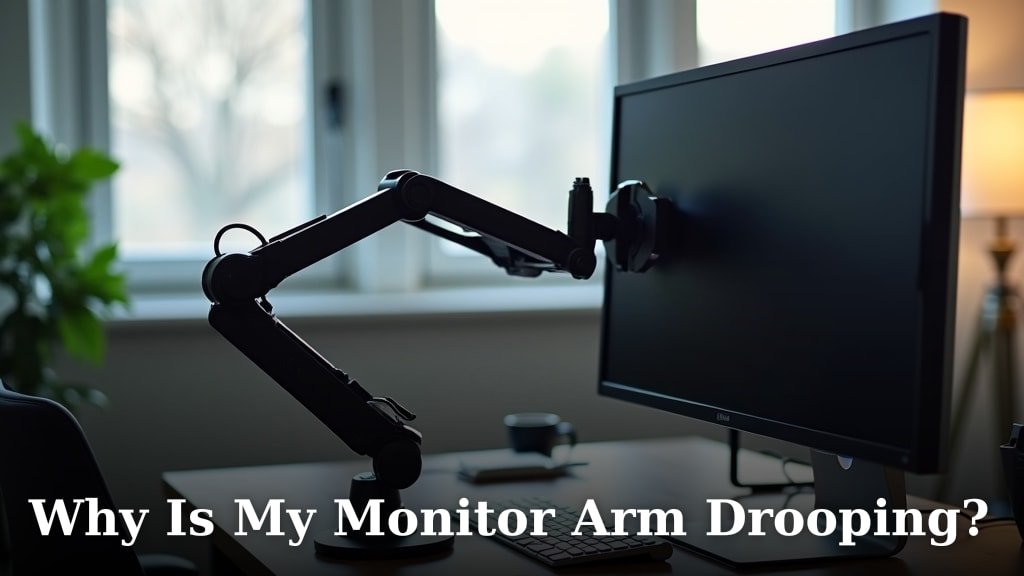
How do I stop my monitor from drifting down over time?
Monitor drift happens when the arm’s tension isn’t properly adjusted for your screen’s weight. Locate the tension adjustment knob (usually near the main joint) and tighten it gradually until your monitor stays in position without drooping.
Can I mount multiple monitors on one articulating arm?
Some articulating arms support dual monitors with separate mounting plates for each screen. Single-monitor arms can’t safely hold two displays. For multiple screens, buy a dedicated dual-monitor arm or use separate single-monitor arms for each display.