
The best laptop stand for a desk is one that elevates your screen to eye level, promotes good posture, and fits your workspace. We found that the ideal stand offers adjustable height and angle settings, ensuring personalized comfort. Look for models made from sturdy materials for stability.
Finding the perfect laptop stand can really boost your comfort and productivity. It helps prevent neck and back pain often linked to looking down at your screen. A good stand also improves airflow around your laptop, potentially extending its lifespan. We’ll show you what to look for.
TL;DR:
- Adjustable height and angle are key.
- Look for sturdy materials.
- Helps prevent neck and back pain.
- Improves laptop cooling.
- Choose a stand that fits your desk and needs. Our guide to the best computer desk for remote work can help you create an optimal setup.
Ready to upgrade your desk setup? Let’s dive into how to pick the perfect laptop stand for you.
Choosing the Right Laptop Stand for Your Desk
Finding the perfect laptop stand means considering your daily habits and your workspace. It’s about more than just lifting your laptop; it’s about creating a more ergonomic setup.
We’ve all been there, hunching over our screens. But a good stand helps keep your posture in check. Let’s look at the different types and what makes them tick.
Understanding Different Types of Laptop Stands
Laptop stands come in many shapes and sizes. Each is designed for specific needs. Do you move around a lot? Or do you have a permanent desk setup? These questions will guide your choice.
Think of it like choosing shoes. You wouldn’t wear hiking boots to a formal dinner, right? The same goes for laptop stands.
Fixed-Height Stands: Simple and Stable
Fixed-height stands offer a set elevation. They are usually quite stable and often more affordable. They work best if you know exactly how high you need your screen.
These are great for minimalists. Less fuss, fewer moving parts. But remember, what you see is what you get.
Adjustable Stands: Flexibility is Key
Adjustable stands let you change the height and angle. This is their main benefit. You can fine-tune your setup to your comfort.
We found that many users prefer these for their versatility. You can adjust them for different tasks or even different users.
They might cost a bit more, but the customization options can be worth it.
Portable Stands: On-the-Go Comfort
Portable stands are lightweight and foldable. They are perfect if you travel often or work from different locations. Think coffee shops, libraries, or even different rooms in your home.
You can just pop them into your bag. They often sacrifice some stability for portability. But for temporary use, they are super handy.
Cooling Stands: Keeping Your Laptop Chill
Some stands include built-in fans. These are called cooling stands. They help prevent your laptop from overheating. This is especially useful for intense tasks like gaming or video editing.
Overheating can slow down your laptop and even shorten its life. A cooling stand acts like a little air conditioner for your device.
Key Features to Look for in a Laptop Stand
When you’re shopping for a laptop stand, it’s easy to get overwhelmed. But focusing on a few core features will make your decision easier. Think about what truly matters for your daily work.
Adjustability: Your Comfort, Your Control
This is probably the most important feature. Can you change the height? Can you tilt the screen? Being able to adjust these elements means you can find your ideal ergonomic position.
The goal is to get your screen’s top edge at or slightly below eye level. This helps keep your neck straight (OSHA recommends this for display screens).
Material and Durability: Built to Last
Laptop stands are usually made from aluminum, steel, or plastic. Aluminum and steel are generally more durable and stable. They can hold heavier laptops without wobbling.
Plastic stands are often lighter and more portable. But they might not be as sturdy over time. Consider how much wear and tear your stand will see.
We found that stands made from metal alloys tend to have a longer lifespan and better support.
Stability and Weight Capacity: No Wobbly Woes
A good stand should be rock-solid. Your laptop shouldn’t wobble when you type. Check the stand’s weight capacity. Make sure it can comfortably hold your laptop’s weight.
Imagine typing an important email and your screen starts bouncing. Not fun, right? Stability gives you peace of mind.
Portability: For Life on the Go
Do you need to move your stand often? If so, look for one that’s lightweight and foldable. Some stands even come with a carrying case.
But remember, portability can sometimes mean less stability. It’s a trade-off you might need to make based on your needs.
Design and Aesthetics: Fitting Your Workspace
Your laptop stand will be a part of your desk setup. Does it match your style? Is it sleek and modern? Or more traditional?
Many stands come in neutral colors like silver, black, or white. Choose one that blends well with your existing office decor. After all, you’ll be looking at it every day.
Health Benefits of Using a Laptop Stand
Using a laptop stand is not just about comfort; it’s about your long-term health. Many experts agree that proper ergonomics can prevent common workplace ailments. You might also consider if you need an ergonomic chair to complete your healthy workspace.
Think of it as an investment in your well-being. A small change can make a big difference.
- Reduces Neck and Back Pain: By raising your screen, you avoid craning your neck downwards. This takes pressure off your spine. (Mayo Clinic)
- Improves Posture: A stand helps you sit up straighter. Good posture can boost your energy and even your confidence.
- Less Eye Strain: When your screen is at the right height, your eyes don’t have to work as hard to focus. This can reduce dryness and fatigue.
- Better Airflow for Your Laptop: Lifting your laptop off the desk allows air to circulate underneath it. This helps keep it cool and can extend its life.
- Increases Productivity: When you’re comfortable and pain-free, you can focus better. This directly translates to getting more done.
Tips for Setting Up Your Laptop Stand Correctly
Once you have your stand, setting it up correctly is crucial. It’s not just about placing your laptop on it. It’s about optimizing your entire workstation.
Think of it as creating your personal command center. Every element plays a role.
- Adjust Screen Height: The top of your screen should be at eye level. Your gaze should naturally fall to the center of the screen.
- Use an External Keyboard and Mouse: A laptop stand means your laptop keyboard will be too high for comfortable typing. An external keyboard and mouse are essential for good wrist and arm posture.
- Maintain Arm Position: Your forearms should be parallel to the floor. Your wrists should be straight, not bent up or down.
- Proper Chair Height: Your feet should be flat on the floor, or supported by a footrest. Your knees should be at about a 90-degree angle.
- Keep Hydrated and Take Breaks: Even with the perfect setup, remember to stand up, stretch, and walk around every 30-60 minutes. This is vital for circulation and muscle health. (CDC recommendations for desk work)
Checklist for Choosing Your Best Laptop Stand
To help you make the best choice, we’ve put together a quick checklist. Use this to compare different models and find your perfect match.
- Is it adjustable in height and angle?
- Is it made from sturdy materials like aluminum or steel?
- Can it safely support your laptop’s weight?
- Is it portable if you need to move it often?
- Does it have any cooling features if your laptop runs hot?
- Does its design fit your desk and aesthetic preferences?
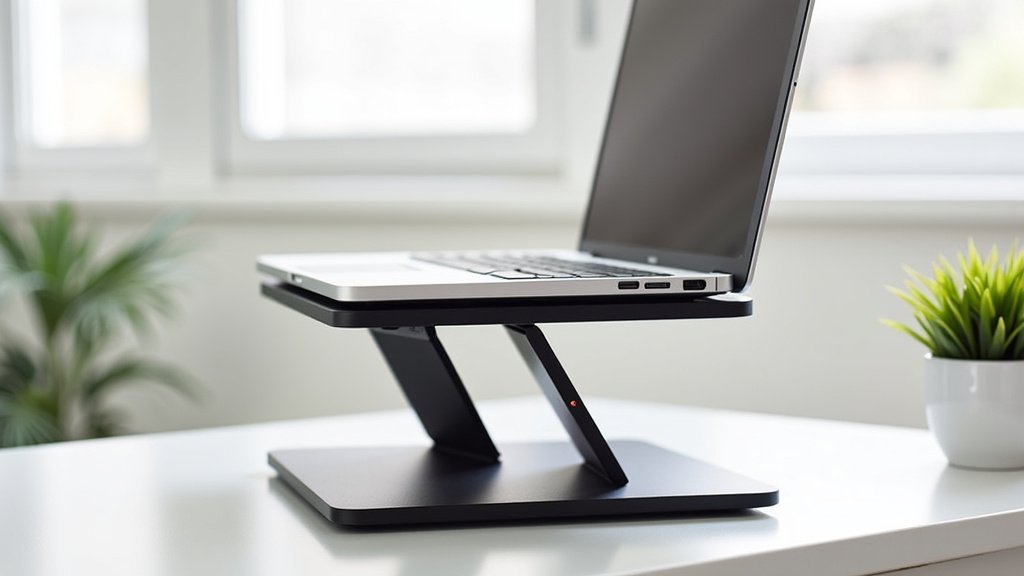
Conclusion
Choosing the best laptop stand is a small step that makes a big difference for your comfort and health. By prioritizing adjustability, sturdy materials, and proper ergonomics, you create a workspace that supports you.
We found that investing in a good stand helps prevent common aches and boosts your productivity. Your posture and your laptop will thank you.
Now, take what you’ve learned and choose the stand that perfectly fits your unique needs. Your body will feel better, and you’ll work more efficiently.
Frequently Asked Questions
Should I use a laptop stand even if I have an external monitor?
Yes, absolutely! Even with an external monitor, a laptop stand can position your laptop’s screen at a better height. This creates a dual-screen setup that’s much more ergonomic. It helps align both screens to your eye level.
Do laptop stands really help with laptop cooling?
Many laptop stands do help with cooling, especially those that lift your laptop significantly. By increasing airflow around the device, they prevent heat buildup. This can prolong your laptop’s lifespan and improve performance.
Can a laptop stand damage my laptop?
No, a well-designed laptop stand should not damage your laptop. Ensure the stand is stable and rated for your laptop’s weight. Avoid stands with sharp edges or poor grip that could scratch your device.
Are expensive laptop stands always better?
Not always. While premium materials and advanced adjustability can increase cost, you can find excellent, affordable options. Focus on the core features like stability, adjustability, and material quality, rather than just the price tag.
What’s the ideal height for my laptop screen on a stand?
The ideal height is when the top edge of your laptop screen is at or slightly below your eye level. Your gaze should naturally fall to the middle of the screen. This helps keep your neck in a neutral, comfortable position.