There isn’t a single “best” desk setup for programmers; instead, the ideal setup is one that boosts your productivity and supports your health. We found that a good setup combines ergonomic comfort with tools that make coding easier.
Your perfect desk setup really depends on how you work and what you code. It’s about creating a space where you can focus, reduce strain, and stay comfortable during long coding sessions. Think of it as investing in your work and well-being.
TL;DR:
- Ergonomics are key for comfort.
- Multiple monitors help with multitasking.
- A good keyboard and mouse prevent hand strain.
- Proper lighting reduces eye fatigue.
- Personal touches make your space your own.
Ready to build your ultimate workspace? Let’s explore the essential components of a fantastic programmer’s desk setup, piece by piece.
Crafting Your Ideal Programmer’s Workspace
The best programmer’s desk setup truly is one that fits your unique needs and helps you work better. We found it’s all about combining ergonomic comfort with tools that make coding smoother and more enjoyable. Let’s break down the key components.
The Foundation: Your Desk and Chair
Your desk and chair are the bedrock of your setup. These items dictate your posture and comfort for hours each day. Choosing wisely here can prevent aches and pains down the road.
Choosing the Right Desk
A good desk is more than just a surface. We found that the ideal desk offers flexibility and ample space. Consider how much gear you have and if you prefer to stand or sit throughout your day.
- Standing Desk: Many programmers swear by standing desks. They allow you to switch between sitting and standing, which can reduce back pain and improve circulation (National Institutes of Health). Look for electric models for easy adjustments.
- Fixed Desk: If you prefer a traditional desk, make sure it’s large enough to hold all your monitors and accessories without feeling cramped. A depth of at least 30 inches is often recommended for comfortable viewing distances.
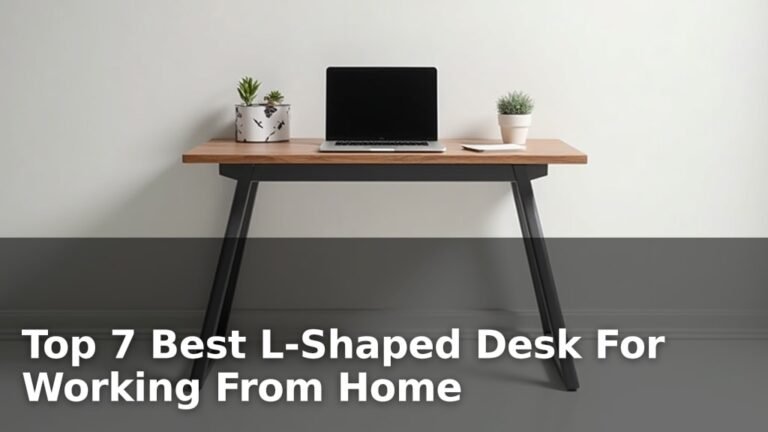
- L-Shaped Desk: These desks offer a huge amount of surface area. They’re great for multi-monitor setups or if you need separate areas for different tasks, like coding and reading physical documents.
Investing in an Ergonomic Chair
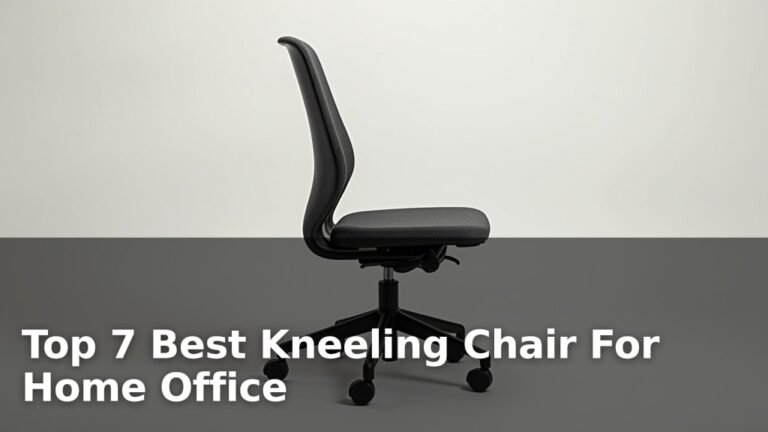
This is arguably the most important piece of your setup. A cheap chair can lead to major discomfort and health issues over time. A quality ergonomic chair is an investment in your health.
- Adjustability: Look for a chair with multiple adjustment points. You want to be able to change seat height, backrest tilt, lumbar support, and armrest height.
- Lumbar Support: Proper lumbar support helps maintain the natural curve of your spine. This is essential for preventing lower back pain during long coding sessions (Mayo Clinic).
- Material: Breathable mesh can keep you cool, while fabric or leather might offer more cushioning. Test different materials if you can.
Your View: Monitors and Displays
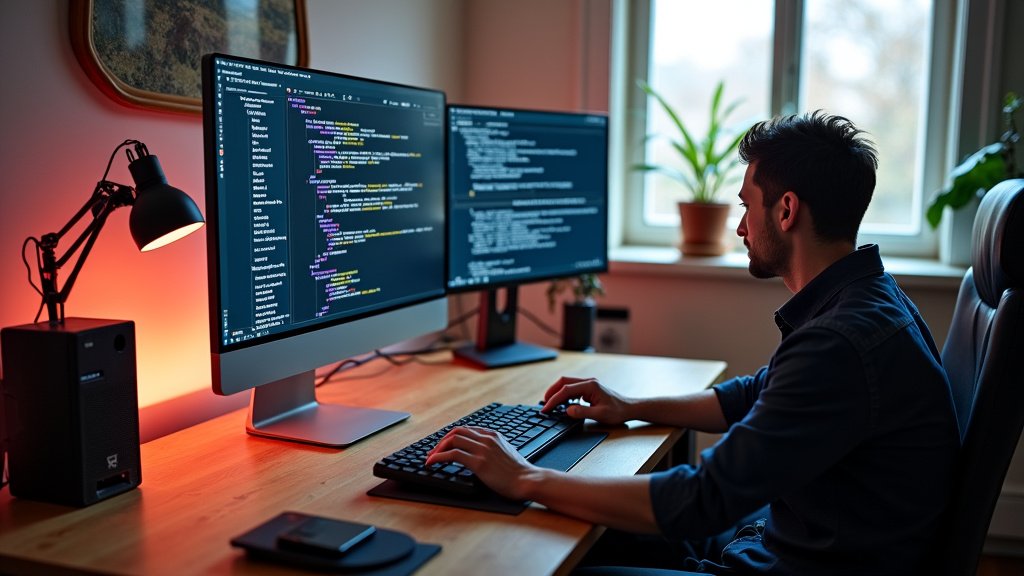
Programmers often need a lot of screen real estate. Multiple monitors can significantly boost productivity by allowing you to see code, documentation, and your application simultaneously.
Single Monitor vs. Dual Monitors vs. Ultrawide
What’s the right number of screens for you? We found this often comes down to personal preference and the type of work you do.
A single, large monitor can work, but most programmers prefer more screen space. Two monitors side-by-side let you easily drag windows between them. An ultrawide monitor offers a continuous workspace, which some find less distracting than a gap between two screens. Think about your workflow. Do you constantly switch between windows? Multiple monitors or an ultrawide might be your answer. For those with multiple screens, our guide to the best standing desk for two monitors can help you find the perfect fit.
Monitor Specifications to Consider
It’s not just about size; resolution and panel type also matter. You’ll be staring at these screens for hours, so good quality is key.
- Resolution: 1440p (QHD) or 4K (UHD) resolutions offer much sharper text and more screen space than 1080p. This can reduce eye strain and allow you to fit more information on screen.
- Panel Type: IPS panels offer better color accuracy and wider viewing angles, which are great for long coding sessions. VA panels have better contrast, while TN panels are generally faster but have worse color and viewing angles.
- Refresh Rate: While not as critical as for gaming, a higher refresh rate (e.g., 75Hz or 120Hz) can make scrolling and animations feel smoother and less jarring.
- Monitor Arms: Using a monitor arm frees up desk space and allows you to position your screens perfectly. This helps with ergonomics, letting you adjust height and distance to reduce neck and eye strain.
Your Input: Keyboard and Mouse
Your hands are your primary tools as a programmer. Investing in a good keyboard and mouse can prevent repetitive strain injuries (RSIs) and make your coding experience much more pleasant.
Finding the Perfect Keyboard
The right keyboard can feel like an extension of your thoughts. It’s a very personal choice, but some features stand out.
- Mechanical Keyboards: Many programmers prefer mechanical keyboards for their tactile feedback and durability. They come with different switch types (Cherry MX Red, Blue, Brown, etc.), each offering a different feel and sound.
- Ergonomic Keyboards: Split or angled keyboards can reduce wrist pronation and ulnar deviation, which are common causes of wrist pain. If you experience discomfort, an ergonomic keyboard is worth considering.
- Layout: Full-size, tenkeyless (TKL), or compact keyboards all have their pros and cons. A TKL saves desk space if you rarely use the number pad.
Selecting the Right Mouse
Just like your keyboard, your mouse should fit comfortably in your hand and allow for precise movements.
- Ergonomic Mouse: Vertical mice or trackball mice can put your hand in a more natural “handshake” position, reducing strain. We found many users report less wrist pain after switching.
- DPI Settings: A mouse with adjustable DPI (dots per inch) allows you to control cursor speed and sensitivity, which is helpful for precision tasks.
- Wireless vs. Wired: Wireless offers freedom from cables, but wired mice avoid battery changes and potential latency issues. For most programming, either is fine.
Sound and Sight: Audio and Lighting
A comfortable workspace isn’t just about what you touch. It’s also about what you hear and see. Proper audio and lighting can significantly impact your focus and well-being.
Choosing Your Audio Setup
Do you prefer silence, music, or white noise while you code? Your audio setup can be a game-changer for concentration.
- Headphones: Good quality over-ear headphones, especially with noise cancellation, can help you block out distractions and stay focused.
- Speakers: If you prefer not to wear headphones all day, a good pair of desktop speakers can provide ambient music or soundscapes without isolating you.
Optimizing Your Workspace Lighting
Poor lighting can lead to eye strain, headaches, and fatigue. We found that a combination of ambient and task lighting works best.
- Ambient Light: Natural light is best. Position your desk to avoid glare on your screen.
- Task Lighting: A good desk lamp can illuminate your immediate workspace without creating harsh shadows or glare. Look for adjustable brightness and color temperature.
- Backlight: Some monitors have bias lighting or you can add an LED strip behind your monitor. This reduces the contrast between your bright screen and a dark wall, which can lessen eye strain (American Optometric Association).
The Little Things: Accessories and Organization
Once you have the big pieces in place, it’s time to refine your setup with accessories. These small additions can make a big difference in comfort and efficiency.
Essential Accessories for Programmers
These items might seem minor, but they contribute to a smooth workflow and a more comfortable experience.
- Wrist Rests: For both your keyboard and mouse, wrist rests can help maintain a neutral wrist position, reducing pressure on nerves and tendons.
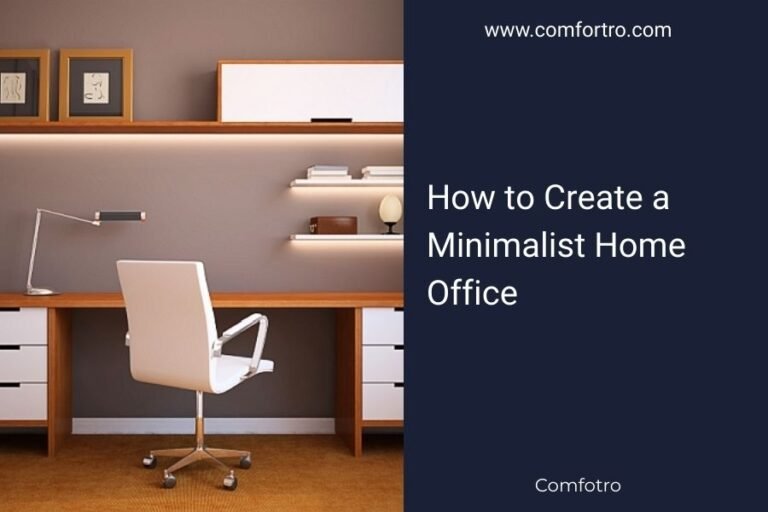
- Cable Management: A tidy desk is a tidy mind! Cable ties, sleeves, and desk grommets keep wires organized and out of sight. This reduces clutter and makes your space feel more professional.
- USB Hub: If your computer lacks enough ports, a USB hub is a lifesaver for connecting all your peripherals.
- Power Strip with Surge Protector: Protect your valuable equipment from power surges.
Keeping Your Workspace Organized
A cluttered desk can lead to a cluttered mind. We found that a well-organized space helps you stay focused and productive.
Think about where everything needs to go. Do you have frequently used items within easy reach? Are rarely used items stored away? Simple organizers like drawer dividers, pen holders, and document trays can work wonders. A clean desk allows you to start each day fresh and ready to tackle your coding challenges.
Your Programmer Setup Checklist
Use this quick checklist to ensure you’ve covered the essentials for a top-notch programming workspace:
- Is your chair ergonomically sound and fully adjustable?
- Do you have enough screen space with good resolution?
- Are your keyboard and mouse comfortable for long sessions?
- Is your lighting reducing eye strain and glare?
- Are your cables neatly managed and out of the way?
- Does your setup make you feel focused and productive?
Conclusion
Crafting your ideal programmer’s desk setup is a journey, not a destination. We’ve seen that it’s all about balancing ergonomic comfort with tools that genuinely boost your workflow. Remember, your setup should adapt to you, not the other way around. Prioritize your health with a good chair and desk, and enhance your efficiency with the right monitors and input devices. Thoughtful lighting and organization tie everything together for a truly productive space.
Now, take what you’ve learned and start building a workspace that not only helps you code better but also helps you feel better. Your productivity and well-being will thank you.
Frequently Asked Questions
How often should I upgrade my desk setup components?
There’s no strict timeline for upgrades. We found that you should consider replacing components when they no longer meet your comfort needs, become inefficient, or start causing discomfort. For example, an ergonomic chair might last 5-10 years, while a keyboard or mouse might be upgraded every 2-5 years as new technologies emerge or wear and tear sets in.
Is a standing desk truly necessary for programmers?
While not strictly “necessary,” many programmers find significant benefits from a standing desk. We learned that alternating between sitting and standing can reduce back pain, improve circulation, and help maintain energy levels throughout the day. If you struggle with prolonged sitting, it’s definitely an investment worth considering for your long-term health.
Can I use a TV as a monitor for programming?
Technically, yes, you can use a TV, but we generally don’t recommend it as your primary display for programming. TVs often have lower pixel density than monitors, meaning text can appear less sharp and lead to eye strain. They also tend to have higher input lag and lack ergonomic adjustments like height and tilt, which are crucial for a comfortable coding setup.
What’s the best way to manage cables on my desk?
Effective cable management starts with a plan. We suggest using cable ties, sleeves, and adhesive clips to bundle and route wires neatly under your desk or along its frame. A power strip mounted to the underside of your desk can also centralize power and reduce visible clutter. This creates a cleaner, more organized workspace and prevents accidental disconnections.
Should I invest in special blue light glasses for programming?
Blue light glasses are a popular accessory, but their effectiveness in preventing eye strain from computer screens is still debated. While some users report feeling more comfortable, we suggest focusing on other proven methods first. These include taking regular breaks, ensuring proper monitor distance, optimizing screen brightness, and using appropriate lighting to reduce eye fatigue.