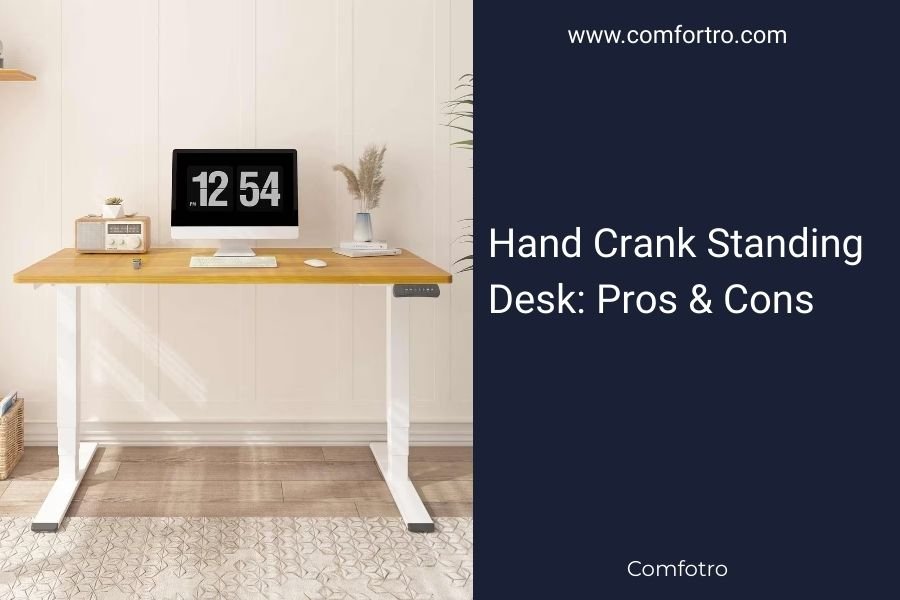
A hand crank standing desk uses a manual mechanism to adjust height between sitting and standing positions. These desks offer affordability and reliability compared to electric models, but require physical effort to operate.
Hand crank standing desks typically cost 30-50% less than electric versions while providing the same ergonomic benefits of alternating between sitting and standing throughout your workday.
What Is a Hand Crank Standing Desk?
Think of a hand crank standing desk like a manual car window. You turn a handle to raise or lower the desktop surface. The crank connects to a gear system that moves the desk legs up and down.
Most hand crank desks adjust from about 28 inches (sitting height) to 48 inches (standing height). The cranking motion takes 15-30 seconds to move between positions.
How the Mechanism Works
The crank handle attaches to a gear box system. When you turn the handle, gears multiply your force to lift the desktop weight. It’s similar to how a car jack works.
Quality hand crank desks use steel gears and sturdy mechanisms. Cheaper models might feel flimsy or jam over time.
Major Benefits of Hand Crank Standing Desks
Lower Cost
You’ll save $200-400 compared to electric standing desks. A decent hand crank model starts around $300, while electric versions begin around $500-600.
This makes hand crank desks perfect if you’re testing out standing desk life without a huge investment.
No Power Required
Hand crank desks work anywhere. No outlets needed. No power strips cluttering your space. No worries about power outages.
You can place your desk anywhere in the room without thinking about electrical access.
Fewer Things Break
Electric desks have motors, control panels, and wiring that can fail. Hand crank desks have simple mechanical parts that last longer.
When something does break, repairs cost less. You won’t need specialized electrical components.
Silent Operation
Electric desk motors make noise when adjusting. Hand crank desks operate silently. Your coworkers won’t hear you switching positions during calls.
Perfect for Open Offices
If you work in a shared space, silent adjustments help you stay considerate. No motor whirring during quiet work time.
Better Weight Capacity
Hand crank mechanisms often support more weight than electric motors. Many handle 200-300 pounds compared to 150-200 pounds for electric models.
This extra capacity helps if you have heavy monitors, books, or equipment on your desk.
Main Drawbacks to Consider
Physical Effort Required
You need to crank the handle 20-40 times to change positions. This takes arm strength and time. If you have wrist problems or limited mobility, cranking might feel difficult.
Some people find the effort annoying and switch positions less often. This reduces the health benefits of alternating between sitting and standing.
Slower Adjustments
Electric desks move with the push of a button in 10-15 seconds. Hand crank desks take 30-60 seconds of active cranking.
This time difference might discourage frequent position changes. You might stay in one position longer than ideal.
Impact on Workflow
The adjustment process interrupts your work flow more than pressing a button. You need to clear the crank area and focus on turning the handle.
No Memory Settings
Electric desks often save your preferred sitting and standing heights. Hand crank desks require you to estimate the right height each time.
You might end up with slightly different heights, affecting your ergonomic setup.
Crank Handle Storage
The crank handle needs somewhere to live when not in use. Some desks have built-in storage. Others require you to find a drawer or shelf.
Loose handles can get lost or create desk clutter.
Who Should Choose Hand Crank Desks?
Budget-Conscious Buyers
If you want standing desk benefits without high costs, hand crank models make sense. You get core functionality at a lower price.
Infrequent Position Switchers
Some people prefer staying in one position for hours before switching. If you change positions 2-3 times per day, manual cranking won’t feel burdensome.
Deep Work Sessions
If you do focused work for long stretches, slower adjustments might actually help you be more intentional about position changes.
Reliability Seekers
Hand crank desks have fewer failure points. If you need a desk that works consistently without repairs, mechanical systems beat electrical ones.
Comparison: Hand Crank vs Electric
| Feature | Hand Crank | Electric |
|---|---|---|
| Cost | $300-500 | $500-800 |
| Adjustment Speed | 30-60 seconds | 10-15 seconds |
| Effort Required | Manual cranking | Push button |
| Power Needed | None | Electrical outlet |
| Noise Level | Silent | Motor noise |
| Memory Settings | No | Usually yes |
Shopping Tips for Hand Crank Desks
Test the Crank Mechanism
If possible, try the cranking motion before buying. The handle should turn smoothly without sticking or requiring excessive force.
Check Weight Limits
Make sure the desk supports your equipment weight plus a safety margin. Add up your monitor, computer, books, and other items.
Don’t Forget Dynamic Load
The desk needs to handle weight while moving up and down. This requires more strength than just holding static weight.
Look for Gear Quality
Steel gears last longer than plastic ones. Ask about the internal mechanism materials before purchasing.
Consider Desktop Size
Larger desktops create more leverage force during adjustment. Make sure the crank mechanism can handle your desired desktop size.
Common Problems and Solutions
Crank Handle Gets Stuck
This usually means the gears need lubrication or the desktop weight exceeds capacity. Try removing some items from your desk first.
Uneven Height
If one side sits higher than the other, the gear system might be out of sync. Many desks have reset procedures in their manuals.
Prevention Tips
Keep weight centered on the desktop. Avoid putting heavy items on one side only.
Loose Crank Handle
Handles can work loose over time. Most connect with simple screws or pins that you can tighten yourself.
Maintenance Requirements
Regular Lubrication
Gear mechanisms need occasional lubrication to stay smooth. Most manufacturers recommend yearly maintenance.
Keep It Clean
Dust and debris can jam the crank system. Wipe down the mechanism area regularly.
Health Benefits Still Apply
Research shows that alternating between sitting and standing improves posture, reduces back pain, and boosts energy levels (Mayo Clinic). Hand crank desks provide these same benefits as electric models.
The key is actually changing positions regularly. Don’t let the manual effort discourage you from switching throughout the day.
Conclusion
Hand crank standing desks offer a budget-friendly path to better workplace ergonomics. You’ll save money and get reliable operation without electrical components. The trade-off is slower adjustments that require physical effort.
These desks work best for people who don’t mind the cranking process and change positions a few times daily rather than constantly. If you’re new to standing desks or work on a tight budget, hand crank models provide excellent value.
The choice comes down to your priorities: convenience versus cost savings. Both hand crank and electric desks deliver the health benefits of position variation when used consistently.
How long does it take to adjust a hand crank standing desk?
Most hand crank desks take 30-60 seconds to move from sitting to standing height. The exact time depends on the height range and gear ratio of your specific desk model.
Can hand crank standing desks break from frequent use?
Quality hand crank desks withstand daily use for years. The mechanical systems are generally more durable than electric motors, but cheaper models with plastic gears may wear out faster.
Do I need tools to operate a hand crank standing desk?
No tools are needed for normal operation. The crank handle either stays attached or stores in a built-in holder. You might need basic tools for initial assembly or occasional maintenance.
Are hand crank standing desks suitable for people with arthritis?
This depends on the severity of your condition. The cranking motion requires grip strength and repetitive arm movement. People with limited hand mobility might find electric desks easier to operate.
How much weight can a typical hand crank standing desk support?
Most quality hand crank desks support 200-300 pounds of total weight. This includes your computer, monitors, books, and other desk items. Always check the manufacturer’s specifications for your specific model.