Correct Typing Height for Standing Desks
On this page (7 sections)
The correct typing height for standing desks should position your elbows at 90-110 degrees when your hands rest naturally on the keyboard.
Your monitor should sit 20-26 inches away with the top of the screen at or slightly below eye level to maintain proper neck alignment.
Finding Your Perfect Standing Desk Height
Getting your standing desk height right makes the difference between comfort and pain. I researched ergonomic guidelines and found that most people set their desks too high or too low.
Your desk surface should align with your elbow height when you stand naturally. For a quick reference, use this standing desk height chart. Think of it like playing piano – your arms should drop comfortably from your shoulders.
The 90-Degree Rule Explained
When you type, your elbows should bend at a 90 to 110 degree angle. This keeps your wrists straight and reduces strain on your forearms.
Stand up straight. Let your arms hang naturally at your sides. Now bend your elbows 90 degrees. That’s where your keyboard should sit.
Quick Height Check Method
Place your hands on your keyboard in typing position. Look at your arms from the side. Are your forearms parallel to the floor? Perfect. Angled up or down? Time to adjust.
Monitor Position Guidelines
Your screen placement affects your neck and back just as much as desk height. I found that most ergonomic experts recommend specific distances and angles.
Screen Distance Rules
Keep your monitor 20-26 inches from your eyes. That’s roughly an arm’s length away. Too close strains your eyes. Too far makes you lean forward.
The top of your screen should sit at or just below eye level. This prevents you from tilting your head up or down while working.
Multi-Monitor Setup Tips
With two monitors, angle them slightly toward each other. Your primary screen should sit directly in front of you. The secondary one can be slightly higher or lower.
Laptop Users Special Considerations
Laptop screens sit too low when the keyboard is at the right height. You need an external keyboard and mouse to make this work.
Raise your laptop on a stand or books. Position the screen at eye level. Use your external keyboard at elbow height.
Common Height Mistakes
I came across several studies showing that people make predictable errors when setting up standing desks.
Setting the Desk Too High
This forces you to lift your shoulders and strain your neck. Your wrists bend upward, creating pressure on your median nerve.
Signs your desk is too high: shoulder tension, wrist pain, or feeling like you’re reaching up to type.
The Shoulder Shrug Test
Are you slightly shrugging while typing? Your desk is probably too high. Your shoulders should stay relaxed and level.
Setting the Desk Too Low
Low desks make you hunch forward and bend your wrists downward. This puts pressure on your spine and carpal tunnel area.
Watch for these signs: back pain, hunched posture, or wrists angling down toward the keyboard.
Height Calculation Methods
Different people need different approaches to find their ideal height. Here are the methods I found most reliable.
The Elbow Method
Stand naturally with good posture. Bend your elbows 90 degrees. Measure from the floor to your hands. That’s your desk height.
Add Your Shoe Height
Don’t forget to account for your shoes. Thick soles or heels change your total height by 1-3 inches.
Mathematical Formula
Some ergonomic guidelines suggest multiplying your total height by 0.63. See how to set desk height for typing for other fit checks. This gives you a starting point for desk height.
| Your Height | Estimated Desk Height |
|---|---|
| 5’0″ (60″) | 38″ |
| 5’6″ (66″) | 42″ |
| 6’0″ (72″) | 45″ |
| 6’6″ (78″) | 49″ |
Adjustable Features That Matter
The best standing desks let you fine-tune multiple elements. I researched which adjustments make the biggest difference.
Keyboard Tray Benefits
A keyboard tray lets you position your typing surface lower than your monitor. This solves the laptop problem and gives you more flexibility.
Look for trays that tilt slightly downward. This keeps your wrists in a neutral position.
Mouse Platform Importance
Your mouse should sit at the same height as your keyboard. Side-by-side positioning prevents reaching and twisting.
Monitor Arms and Stands
Adjustable monitor arms let you change screen height independently from desk height. This gives you the perfect setup for any body type.
Standing Comfort Tips
Getting the height right is just the start. These additional tips help you stay comfortable longer.
Anti-Fatigue Mat Benefits
A cushioned mat reduces pressure on your feet and legs. I found research showing that anti-fatigue mats can reduce discomfort by up to 50%.
Footrest Options
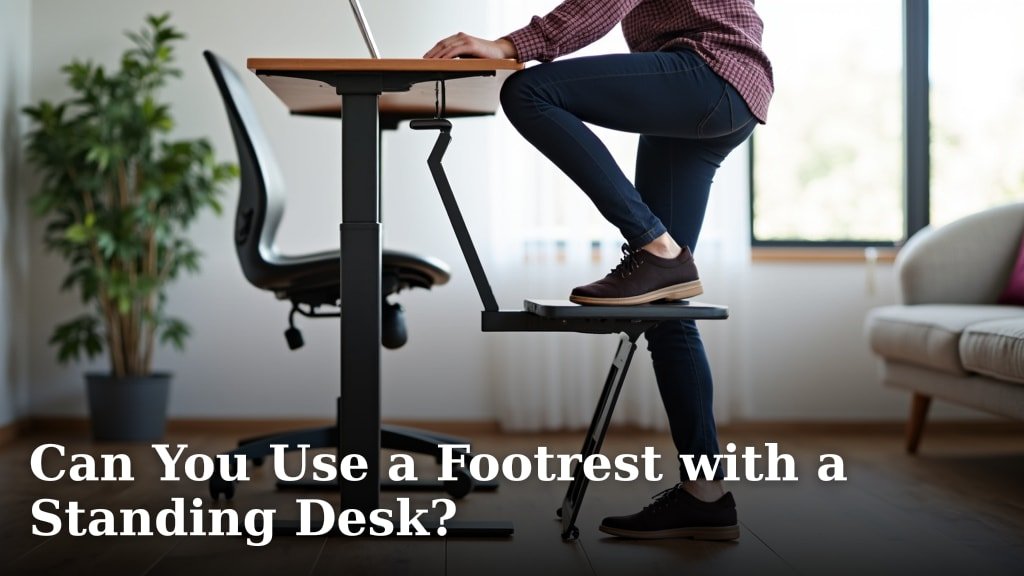
A small footrest lets you shift weight between feet. Alternating reduces strain on your lower back and legs.
Movement and Position Changes
Don’t stand perfectly still. Shift your weight, take small steps, and change positions every 15-20 minutes.
The best standing desk setup encourages natural movement while you work.
Conclusion
Getting your standing desk height right protects your body and boosts your productivity. Start with the 90-degree elbow rule, position your screen at eye level, and make small adjustments based on how you feel. Remember that the perfect setup takes time to find and your body needs time to adapt. Listen to what feels comfortable and don’t be afraid to make changes as you learn what works best for you.
How long does it take to get used to a standing desk?
Most people need 2-4 weeks to fully adapt to standing while working. Start with 30-60 minutes at a time and gradually increase your standing periods as your body adjusts.
Should I wear special shoes when using a standing desk?
Supportive shoes with good arch support work best. Avoid high heels or completely flat shoes. Many people find athletic shoes or shoes with small heels (1-2 inches) most comfortable for extended standing.
Can I use a standing desk if I’m pregnant?
Yes, but listen to your body and consult your doctor. Many pregnant women find standing desks helpful for reducing back pain, but you may need to adjust heights as your body changes and take more frequent sitting breaks.
What’s the ideal ratio of sitting to standing during the workday?
Research suggests a 1:1 or 1:2 ratio works well for most people. Try standing for 30 minutes, then sitting for 30-60 minutes. Adjust based on your comfort level and avoid staying in any one position too long.
Do I need a different desk height for different tasks?
Yes, writing by hand typically requires a slightly higher surface than typing. If you do both regularly, consider a desk with multiple height presets or use an adjustable writing surface for handwritten tasks.