Drafting Table vs Standard Desk Height Guide
On this page (6 sections)
Drafting table height typically ranges from 36-40 inches, while standard desk height sits at 28-30 inches. This 8-10 inch difference affects your posture, work comfort, and productivity based on the tasks you perform.
The right height depends on whether you need to stand, sit, or switch between both positions during your work sessions.
Why Height Matters for Your Workspace
Your workspace height directly impacts your neck, shoulders, and back. When you work at the wrong height, your body compensates in ways that create pain and fatigue.
Think about it like this: would you wear shoes that are two sizes too small all day? That’s what working at the wrong desk height does to your body.
Standard Desk Height Basics
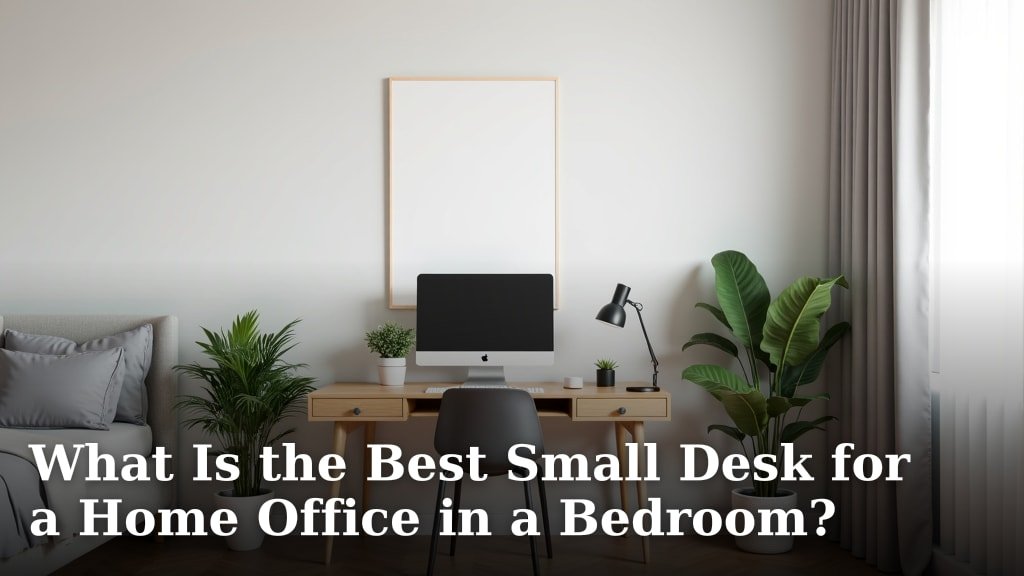
Most office desks measure 29-30 inches tall. See the standard office desk height guide for ergonomic details. This height works well when you sit in a regular office chair.
Your elbows should bend at about 90 degrees when typing. Your feet should rest flat on the floor. Your screen should sit at eye level.
Who Benefits from Standard Height
Standard desk height works best if you:
- Spend most time typing or using a computer
- Prefer sitting while working
- Are between 5’4″ and 6’0″ tall
- Work with documents and paperwork
Drafting Table Height Explained
Drafting tables range from 36-40 inches high. Some models adjust within this range. This height lets you work while standing or sitting on a tall stool.
The extra height gives you better angles for drawing, sketching, or reviewing large documents. For another kind of detailed seated work, see our watchmaker bench height guide. You can lean over your work without hunching your shoulders.
Ideal Users for Drafting Height
Drafting table height suits you if you:
- Draw, sketch, or design regularly
- Review blueprints or large documents
- Prefer standing while working
- Want to alternate between sitting and standing
Health Impact of Each Height
Research from ergonomics experts shows that wrong desk height leads to neck strain, shoulder tension, and lower back pain. The right height keeps your spine in a neutral position.
Standard Desk Health Benefits
Standard height desks support good sitting posture when paired with the right chair. Your spine maintains its natural curve. Your arms rest comfortably at your sides.
Studies from occupational health researchers suggest that proper sitting posture reduces muscle fatigue by up to 40%.
Potential Drawbacks of Standard Height
Sitting all day creates its own problems. Extended sitting can reduce circulation and increase pressure on your lower back.
If you’re taller than 6’2″ or shorter than 5’2″, standard height might not fit your proportions well.
Drafting Table Health Advantages
Standing while working burns more calories and engages your core muscles. You naturally shift your weight, which improves circulation.
The angled surface of many drafting tables reduces neck strain when reading or drawing. You don’t have to crane your neck downward as much.
Standing Work Challenges
Standing for hours can tire your legs and feet. Some people develop knee or hip discomfort from prolonged standing.
You need a good anti-fatigue mat and supportive shoes to make standing work comfortable long-term.
Task-Based Height Selection
Your daily tasks should drive your height choice. Different work requires different body positions for best results.
Computer Work and Typing
Standard desk height wins for computer-heavy work. Your arms stay in the optimal position for keyboard and mouse use.
Long typing sessions feel more comfortable when you can rest your forearms on the desk surface.
Screen Positioning at Standard Height
Monitor placement works better at standard desk height. The screen sits naturally at eye level when you’re seated properly.
You avoid the neck strain that comes from looking up at screens positioned too high.
Creative and Design Work
Drafting table height gives you better control for detailed drawing work. See this architect drafting table setup for related workspace ideas. You can position your hand and arm at natural angles.
The elevated surface lets you see your entire project without shadows from your hand or body blocking the light.
Document Review Benefits
Large documents spread better on drafting tables. You can walk around the table to view different sections without awkward reaching.
Blueprints, maps, and technical drawings become easier to read when positioned at the right angle.
Adjustable Options
Can’t decide between heights? Adjustable desks let you switch between standard and drafting heights throughout your day.
Manual Adjustment Desks
Crank-style adjustable tables cost less than electric versions. You turn a handle to raise or lower the surface.
These work well if you don’t need to adjust height frequently. Changing height takes 30-60 seconds of cranking.
Electric Adjustment Benefits
Electric height adjustment happens with the push of a button. You can switch heights multiple times per day without effort.
Memory settings let you return to your preferred heights instantly.
Hybrid Workspace Solutions
Some people use both heights in the same workspace. A standard desk for computer work plus a drafting table for creative tasks.
This setup works if you have enough room and budget for two surfaces.
| Feature | Standard Desk | Drafting Table |
|---|---|---|
| Height Range | 28-30 inches | 36-40 inches |
| Best Position | Seated | Standing/Tall stool |
| Ideal Tasks | Computer work, writing | Drawing, design, review |
| Cost Range | $100-$800 | $150-$1200 |
Making Your Final Choice
Start by listing your main work activities. Spend 80% of your time on computer tasks? Standard height makes sense.
Do creative work or need to review large documents regularly? Drafting height will serve you better.
Your budget and space also matter. If you are weighing furniture options, compare a vanity table and desk. Standard desks typically cost less and fit in smaller areas. A console table as an office desk is another space-conscious option.
Conclusion
Choosing between drafting table and standard desk height comes down to your work style and physical needs. Standard height excels for computer work and seated tasks, while drafting height benefits standing work and creative projects. Consider your daily activities, physical comfort, and workspace requirements when making this decision. The right height will improve your productivity and reduce physical strain over time.
Can I use a regular chair with a drafting table?
No, regular office chairs are too low for drafting tables. You need a drafting chair or tall stool that positions your legs comfortably at the higher surface.
What’s the best height for someone who’s 5’10”?
At 5’10”, standard desk height around 29-30 inches works well for seated work. For standing work, look for drafting tables around 38-39 inches high.
Do drafting tables work for laptop use?
Drafting tables can work for laptops, but you may need to adjust the angle or use an external keyboard and mouse to maintain good ergonomics while standing.
How much space do I need around a drafting table?
Allow at least 3 feet of clearance on the sides you’ll access most. You need room to move around the table and pull out your chair or stool.
Are adjustable desks worth the extra cost?
Adjustable desks provide flexibility if your work varies between computer tasks and creative projects. The investment pays off if you regularly need both height options.