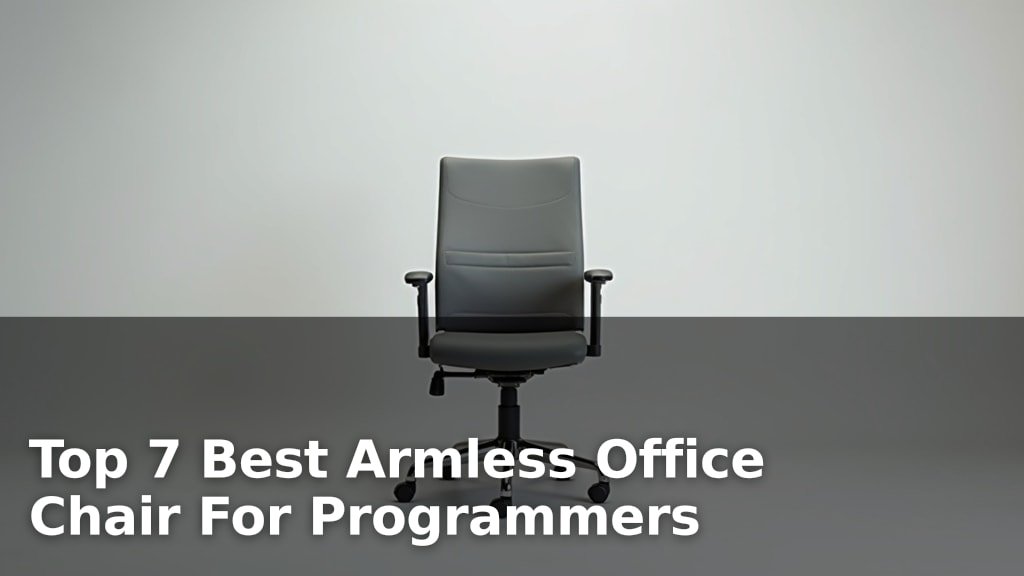
How to Choose the Right Office Chair Height?
On this page (6 sections)
The easiest way to choose the right office chair height is to ensure your feet are flat on the floor and your knees are at a 90-degree angle. This simple adjustment helps you maintain good posture. It also reduces strain on your back and legs when you sit at your desk.
Many people overlook chair height, but it’s a huge part of your ergonomic setup. A chair that’s too high or too low can lead to discomfort. We found that proper height helps prevent aches and makes your workday much more comfortable. Isn’t that what we all want?
- Your feet should be flat on the floor.
- Knees should form a right angle (90 degrees).
- Elbows should be close to your body and at desk height.
- Adjust your monitor to eye level.
Ready to get comfortable? Let’s walk through exactly how to adjust your office chair height step by step and dial in your perfect sitting position.
Getting Your Office Chair Height Just Right
Achieving the right office chair height is all about creating a stable and comfortable foundation for your body. This foundational setup helps you maintain good posture throughout your workday. It’s a simple adjustment that makes a big difference.
Think of it like building a house. You wouldn’t start with a crooked foundation, right? Your chair height is your body’s foundation at your desk. Let’s make sure it’s solid.
The Core Principles of Ergonomic Chair Height
Ergonomics isn’t just a fancy word; it’s about designing your workspace to fit you. For chair height, this means specific angles and positioning. We found that focusing on a few key areas will guide you.
Feet Flat on the Floor
This is often the first step mentioned in ergonomic guidelines (Occupational Safety and Health Administration – OSHA). Your entire foot should rest comfortably on the floor. No dangling feet, no tiptoes, no stretched ankles. This ensures proper circulation and weight distribution.
If your feet don’t reach the floor, even after lowering your chair, you might need a footrest. A footrest supports your feet and maintains the correct knee angle. It’s a simple solution for a common problem.
Knees at a 90-Degree Angle
Once your feet are flat, check your knees. They should form approximately a right angle (90 degrees). This means your thighs are roughly parallel to the floor. We found this position helps reduce pressure on your lower back and keeps your circulation flowing.
If your knees are higher than your hips, your chair is too low. If they’re much lower, your chair is too high. A quick check of this angle tells you a lot.
Hips Slightly Higher Than Knees
Some ergonomic experts suggest your hips should be slightly higher than your knees. This subtle tilt can further encourage a healthy lumbar curve. It’s a small adjustment that can lead to big comfort gains.
This position naturally opens up your hip angle. It can relieve pressure and reduce the tendency to slouch. It’s worth experimenting with this slight elevation.
Connecting Chair Height to Your Workspace
Your chair doesn’t exist in a vacuum. Its height directly impacts how you interact with your desk and monitor. Getting this relationship right is crucial for a fully ergonomic setup.
You can’t adjust one thing without thinking about the others. It’s like a domino effect – one change impacts everything else. Let’s see how your chair height fits into the bigger picture.
Armrests and Desk Height Alignment
After adjusting your chair height, focus on your armrests. Your forearms should be parallel to the floor when you’re typing. Your elbows should form a 90-degree angle, close to your body. This minimizes strain on your shoulders and wrists.
Many office chairs have adjustable armrests. Raise or lower them until they gently support your arms without shrugging your shoulders. They should align with your desk surface, creating a smooth transition.
Monitor Positioning for Neck Health
With your chair and armrests set, turn your attention to your monitor. The top of your monitor screen should be at or slightly below eye level. This prevents you from craning your neck up or down.
Your monitor should also be about an arm’s length away. This distance helps reduce eye strain. We found that proper monitor placement works hand-in-hand with your chair height to protect your neck and eyes.
Common Problems and Quick Solutions
Even with the best intentions, you might run into issues. Perhaps your chair doesn’t adjust enough. Or maybe your desk is fixed. Don’t worry; there are often simple fixes available.
It’s rare for everything to be perfect right out of the box. Think of it as a puzzle – you might need a few extra pieces to make it all fit. Here are some common scenarios and what you can do.
Chair Too High or Too Low
If your chair’s height adjustment range isn’t enough, you have options. We found that these solutions work for many people:
- If your chair is too high: Consider a lower gas lift cylinder if your chair allows it. Some chairs have replaceable cylinders. Another option is a standing desk converter that can raise your monitor and keyboard when standing, or lower them significantly when sitting.
- If your chair is too low: A simple solution is a quality seat cushion. This can add an inch or two of height. If your feet still don’t reach the floor, a footrest is essential.
Remember, a good ergonomic setup is often a combination of several adjustments. Don’t be afraid to mix and match solutions until you find what feels right for you.
Desk Is Not Adjustable
Many desks have a fixed height. This can be tricky if your chair height doesn’t perfectly match. We’ve seen this issue come up frequently.
If your desk is too high for your ideal chair height, you might need to raise your chair and use a footrest. Then, consider a keyboard tray that lowers your keyboard and mouse to the correct height. If your desk is too low, you might need risers to elevate the desk itself, or a monitor arm to bring your screen up to eye level.
Here’s a quick overview of adjustments based on your desk type:
| Desk Type | Common Issue | Recommended Solution |
|---|---|---|
| Standard Fixed-Height Desk | Too high for comfortable arm/shoulder position. | Adjust chair up, use a footrest. Add a keyboard tray. |
| Standard Fixed-Height Desk | Too low, causing you to slouch. | Use desk risers (blocks). Add a monitor arm. |
| Standing Desk (Adjustable) | Easy to adjust! | Change height for sitting and standing; alternate throughout day. |
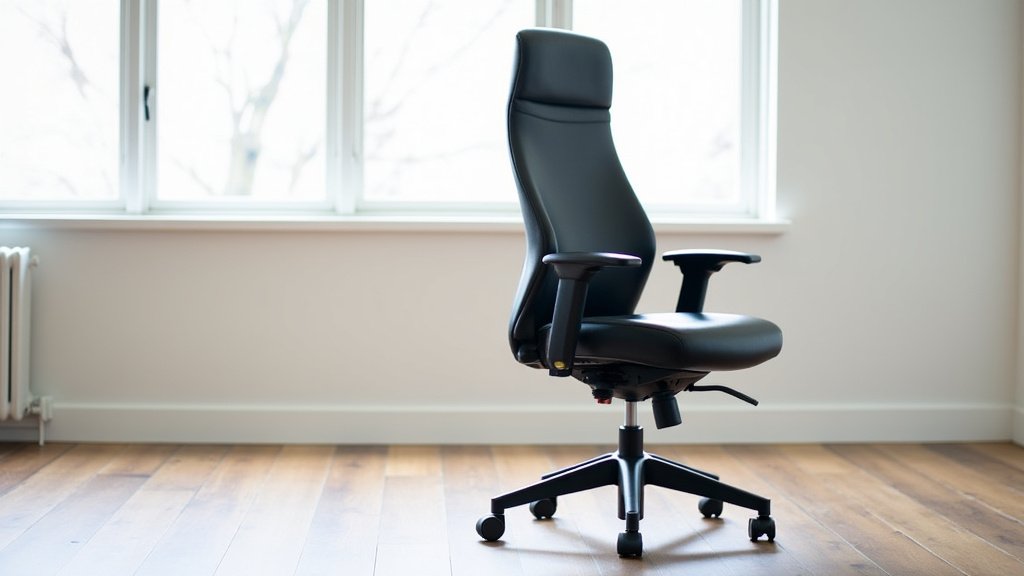
Final Checklist for Optimal Chair Height
Before you settle in for your workday, run through this quick checklist. These steps will help you confirm your chair is set correctly. Your comfort and health are worth these few moments.
It’s like doing a pre-flight check for an airplane. You want everything to be just right before you take off. This ensures a smooth and comfortable “flight” through your day.
- Are your feet flat on the floor (or firmly on a footrest)?
- Are your knees bent at approximately a 90-degree angle?
- Are your hips slightly higher than your knees?
- Are your forearms parallel to the floor when typing, with elbows at 90 degrees?
- Is the top of your monitor screen at or slightly below eye level?
- Are your shoulders relaxed, not hunched or shrugged?
Once you can answer “yes” to all these, you’ve likely found your ideal office chair height. Congratulations! You’ve taken a significant step toward a more comfortable and productive work environment.
Conclusion
You’ve seen that setting your office chair height correctly is more than just comfort; it’s about your long-term health. By focusing on simple principles like feet flat and knees at 90 degrees, you create a healthy foundation. We found that these small adjustments prevent strain and make a big difference in how you feel at the end of the day.
Take a few moments today to fine-tune your setup. Your body will thank you. Now, go adjust your chair and experience the benefits of a truly ergonomic workspace!
Frequently Asked Questions
How often should I re-check my chair height?
It’s a good idea to re-check your chair height any time you feel discomfort or change your footwear. A quick check after a new desk setup or a different sitting posture can also help maintain good ergonomics.
What if my chair doesn’t go low enough for my feet to be flat?
If your chair won’t go low enough, don’t force it. Instead, use a footrest to support your feet. This helps you achieve the correct knee angle and ensures proper circulation, even if your chair is a bit high.
Can a chair that’s too low cause problems?
Yes, a chair that’s too low can cause your knees to be significantly higher than your hips. This can put pressure on your lower back and restrict circulation in your legs. It might also lead to slouching.
Should my armrests be exactly the same height as my desk?
Ideally, your armrests should be set so your forearms are parallel to the floor, and your elbows are at a 90-degree angle. They should align with your desk surface to create a smooth, supportive transition without shrugging your shoulders.
Is it better to sit slightly higher or slightly lower than the recommended 90-degree knee angle?
It’s often recommended to have your hips slightly higher than your knees. This subtle tilt opens your hip angle and can encourage a more natural spinal curve. Avoid sitting much lower, as this can strain your back.