What Is a Task Chair?
On this page (5 sections)
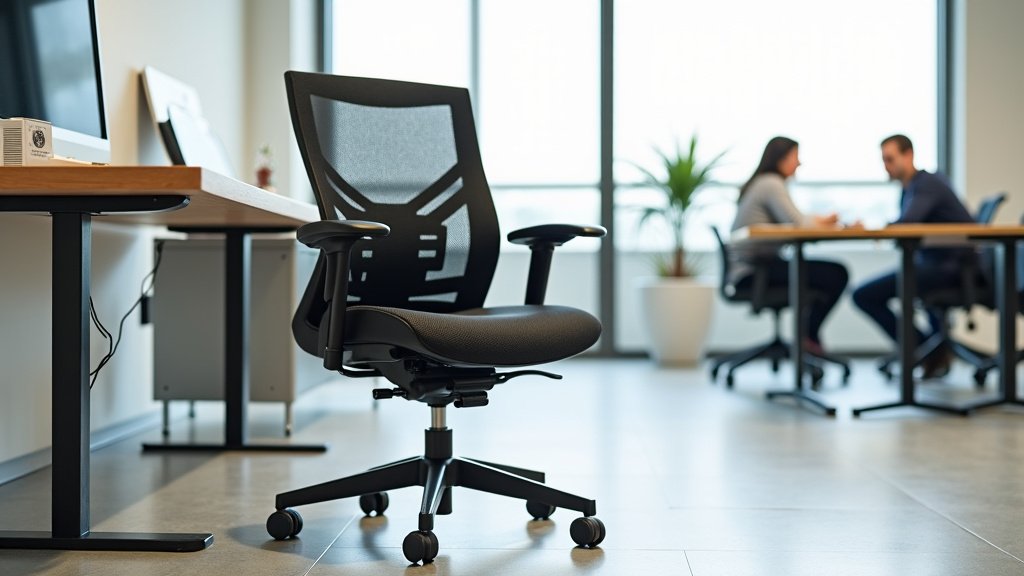
A task chair is a specialized office chair designed for active use at a desk, offering adjustability and ergonomic support to keep you comfortable during long periods of sitting. These chairs focus on promoting good posture and reducing strain, making your workday much more pleasant.
Unlike basic seating, a task chair provides features like adjustable seat height, backrest recline, and armrests. We found that its purpose is to help you maintain a healthy and productive work environment, adapting to your unique body shape and work style.
- A task chair is an adjustable office chair.
- It supports good posture for desk work.
- Features include adjustable height and backrest.
- It helps reduce strain during long sitting periods.
- Designed for comfort and productivity.
So, why is this particular type of chair so important for your daily routine? Let’s break down everything you need to know about what makes a task chair an essential piece of office furniture.
Understanding the Purpose of a Task Chair
A task chair is more than just a place to sit; it’s a tool for your well-being at work. We found that its main purpose is to support your body while you perform desk-related activities. This support helps you stay comfortable and focused for hours.
Think of it as your personal ergonomic assistant. It moves with you, preventing strain and promoting healthy posture. This makes a big difference during a long workday.
Why Traditional Chairs Fall Short
Have you ever spent hours in a standard dining chair or a rigid office chair? You probably felt it in your back or neck. Traditional chairs often lack the necessary adjustments.
They don’t adapt to your body. This can lead to discomfort, fidgeting, and even long-term health issues. Many experts point to prolonged static sitting as a major concern (Mayo Clinic).
The Problem with Fixed Seating
Fixed seating forces your body into one position. Your spine might not be properly aligned. Your legs could dangle or press uncomfortably against the seat edge.
This creates pressure points. It can also restrict blood flow. You might find yourself constantly shifting to find a comfortable spot that simply isn’t there.
The Task Chair Advantage: Movement and Support
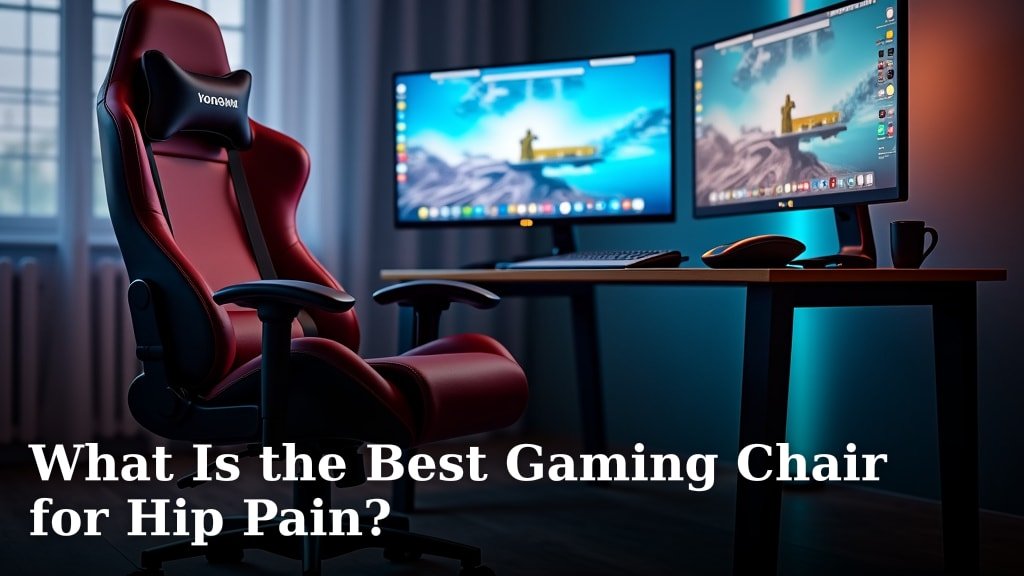
A task chair is built differently. It’s designed for dynamic sitting. For gaming, compare the best task chairs for gaming. This means it allows for small, healthy movements throughout your day.
It provides support where your body needs it most. This includes your lumbar region, arms, and thighs. We found this design helps maintain natural spinal curves.
Key Features That Define a Task Chair
What exactly makes a chair a “task chair”? It comes down to specific adjustable features. These features work together to create a personalized sitting experience.
You’ll often find a range of adjustments. This allows you to fine-tune the chair to your unique body dimensions and work style. Taller users can review task chairs for tall people. It’s about bringing the chair to you, not the other way around.
Essential Adjustments for Comfort
These are the core adjustments you should look for. They provide the foundation for good ergonomic support.
- Seat Height Adjustment: This is crucial. Your feet should be flat on the floor, or on a footrest, with your knees at a 90-degree angle.
- Backrest Height and Angle: The backrest should support the natural curve of your lower back. You can often adjust its tilt for reclining.
- Armrest Adjustments: Armrests should support your forearms. This reduces strain on your shoulders and neck.
Advanced Features for Enhanced Ergonomics
Some task chairs offer even more. These advanced features can further customize your comfort and support.
Seat Depth and Tilt
Seat depth lets you slide the seat forward or backward. This ensures there’s a gap between the edge of the seat and the back of your knees. A good rule of thumb is about two to four fingers of space.
Seat tilt allows you to angle the seat pan. Some people prefer a slight forward tilt. This can encourage a more active sitting posture. It can also relieve pressure on your thighs.
Lumbar Support Mechanisms
Your lower back, or lumbar region, needs special attention. Many task chairs include adjustable lumbar support. This can be a separate pad or an adjustable part of the backrest.
It helps maintain the natural inward curve of your spine. This prevents slouching and reduces lower back pain. We found that proper lumbar support is consistently highlighted by health organizations (NIH).
Headrest and Swivel Capabilities
A headrest can provide neck support, especially during reclined positions. It can be particularly useful if you frequently lean back to think or take calls.
Swivel capabilities are standard in most task chairs. This allows you to rotate easily. You can reach different areas of your desk without twisting your body. It reduces unnecessary strain on your spine.
The Ergonomic Benefits You Can Expect
Investing in a task chair isn’t just about luxury; it’s about your long-term health and productivity. Proper ergonomics can transform your workday.
When your body is properly supported, you feel better. You can concentrate more on your tasks. This leads to less fatigue and a more efficient work environment.
Improved Posture and Reduced Pain
A well-adjusted task chair encourages good posture. It helps your spine maintain its natural S-curve. This alignment distributes your weight evenly.
This means less pressure on your discs and joints. Many users report a significant reduction in back, neck, and shoulder pain. We found this is a common benefit cited in ergonomic studies.
Increased Comfort and Productivity
When you’re comfortable, you’re not distracted by aches and pains. This allows you to focus better on your work. It’s a simple equation: less discomfort equals more concentration.
Imagine not needing to constantly shift or stretch to find relief. That’s the freedom a good task chair offers. It helps you stay in the zone for longer periods.
Better Blood Circulation
Poor posture and restricted movement can hinder blood flow. A task chair, with its adjustability and dynamic support, helps prevent this.
By allowing you to maintain proper angles at your hips and knees, it keeps your circulation flowing freely. This can reduce swelling and fatigue in your legs.
Choosing the Right Task Chair for Your Needs
With so many options, how do you pick the best task chair for you? It’s about understanding your specific requirements and trying out different models.
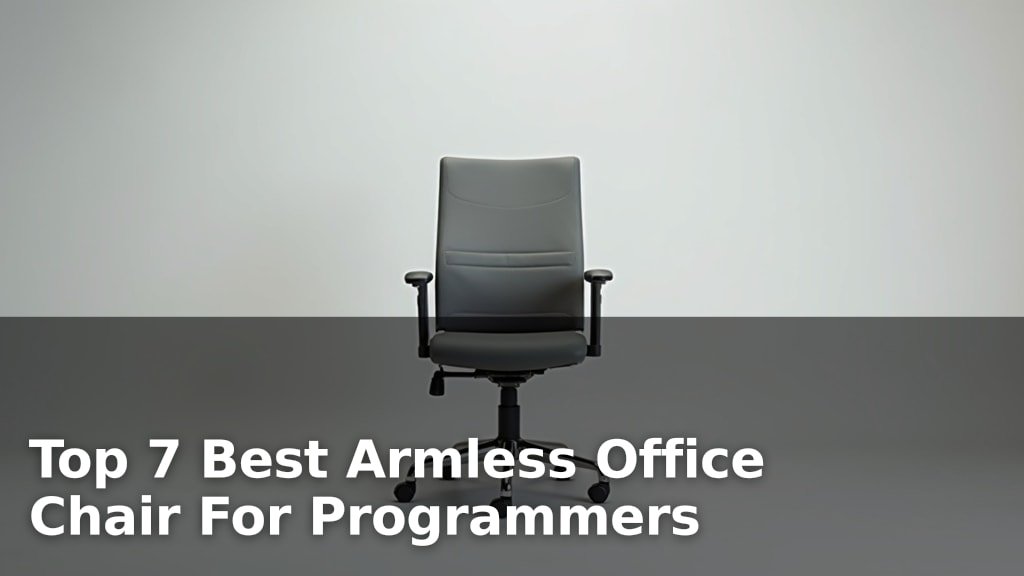
Don’t just grab the first one you see. Your body is unique, and your chair should be too. Consider how you work, how long you sit, and your personal preferences. Programmers can see task chairs for programming.
A Checklist for Your Task Chair Hunt
Keep these points in mind when you’re looking for a new task chair. Students can compare task chairs for studying. They’ll guide you to a chair that truly fits.
- Can you adjust the seat height easily?
- Does the backrest support your lower back?
- Are the armrests adjustable, and do they take pressure off your shoulders?
- Can you comfortably place your feet flat on the floor?
- Does the chair move smoothly when you shift or swivel?
- Is the material breathable and comfortable for long hours?
Comparing Task Chairs to Other Office Seating
How does a task chair stand out from other types of office chairs? Let’s look at a quick comparison.
| Chair Type | Primary Focus | Key Differentiator |
|---|---|---|
| Task Chair | Active desk work, adjustability | Extensive ergonomic adjustments for personalization. |
| Executive Chair | Status, aesthetics, general comfort | Often larger, plush, fewer fine-tune adjustments. |
| Guest Chair | Brief sitting, limited support | Static design, minimal to no adjustments. |
| Gaming Chair | Aggressive styling, some ergonomic features | Often includes high backrest and sometimes less subtle lumbar support. |
As you can see, a task chair is specifically built for the demands of prolonged, active desk work. Other chairs might look good, but they often lack the detailed support your body needs.
Conclusion
You now understand that a task chair is more than just a seat; it’s a vital tool for your health and productivity at work. By offering