Gaming Chair vs Office Chair for Ergonomics
On this page (9 sections)
- Gaming Chair vs Office Chair: Which One Actually Supports Your Body Better?
- What Makes a Chair Ergonomic in the First Place?
- Gaming Chairs: Style Over Substance?
- Office Chairs: Function First Design
- Head-to-Head Comparison
- Who Should Choose Gaming Chairs?
- Who Should Choose Office Chairs?
- Making Your Decision: Practical Steps
- Conclusion
Gaming chairs offer aggressive aesthetics and RGB features, while office chairs prioritize proven ergonomic design for long-term health benefits.
For serious ergonomics, office chairs typically win due to better lumbar support, adjustability, and materials designed for 8+ hour daily use.
Gaming Chair vs Office Chair: Which One Actually Supports Your Body Better?
You spend hours at your desk every day. Your chair choice affects your posture, comfort, and health. But which type really delivers better ergonomics?
I researched both chair types and found clear differences in design philosophy. Gaming chairs focus on style and comfort for shorter sessions. Office chairs target long-term health for full workdays.
What Makes a Chair Ergonomic in the First Place?
Real ergonomics means your chair supports natural body alignment. Think of it as your spine’s best friend.
Key ergonomic features include adjustable lumbar support, proper seat depth, and armrests that match your desk height. Your feet should rest flat on the floor. Your thighs should be parallel to the ground.
The Science Behind Proper Seating
Research shows that poor seating leads to back pain, neck strain, and reduced productivity (Mayo Clinic). If a herniated disc affects your chair choice, see this guide to office chairs for herniated discs. Your spine has natural curves that need support.
When you slouch or sit without proper lumbar support, you create pressure points. Over time, this causes muscle fatigue and joint problems.
Gaming Chairs: Style Over Substance?
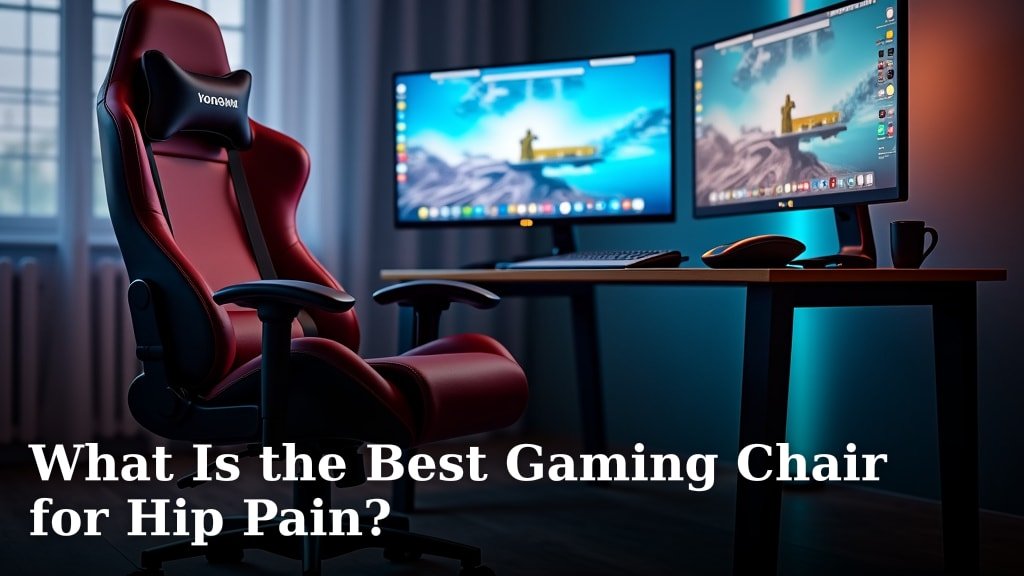
Gaming chairs look like race car seats. They’re designed to grab attention and match your gaming setup. If you stream, compare chairs for streaming as well.
Most gaming chairs use bucket-style seats with high backs and flashy colors. Many include LED lights, speakers, or vibration features.
Gaming Chair Ergonomic Features
I found that gaming chairs typically offer these ergonomic elements:
- High backrests for head and neck support
- Removable lumbar and neck pillows
- Reclining capability (often 90-180 degrees)
- Adjustable armrests (basic models)
- Swivel and tilt functions
The Pillow Problem
Gaming chairs rely on removable pillows for lumbar support. These pillows move around and lose their position. You constantly need to readjust them.
Built-in lumbar support stays in place and provides consistent pressure where you need it most.
Gaming Chair Materials and Build Quality
Most gaming chairs use PU leather or fabric upholstery. The padding is often thick memory foam designed for comfort.
I came across concerns about durability. Many gaming chairs show wear after 1-2 years of heavy use. The synthetic materials can crack or peel over time.
Price Range Reality Check
Gaming chairs range from $150 to $500 for most models. Premium versions can cost $800 or more.
You’re often paying extra for brand names, RGB lighting, and aesthetic features rather than ergonomic improvements.
Office Chairs: Function First Design
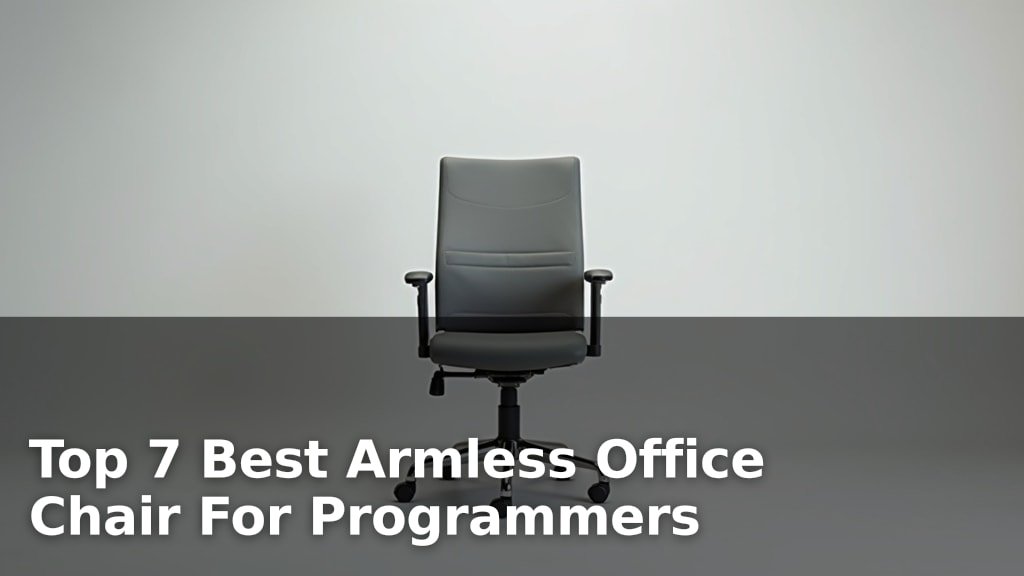
Office chairs prioritize health and productivity over appearance. They’re built for people who sit 8+ hours daily.
These chairs focus on adjustability, breathability, and long-term durability. They look professional but not flashy.
Office Chair Ergonomic Advantages
Quality office chairs typically include:
- Built-in lumbar support with height adjustment
- Seat depth adjustment for different leg lengths
- 4D armrests (height, width, depth, angle)
- Breathable mesh or quality fabric
- Synchro-tilt mechanisms
- Tension control for your weight
Why Adjustability Matters
Everyone’s body is different. Your torso length, leg length, and arm proportions are unique to you.
Office chairs offer more adjustment points to match your specific measurements. Gaming chairs typically offer fewer customization options.
Office Chair Materials and Longevity
High-quality office chairs use breathable mesh backs or premium fabric. These materials allow air circulation during long work sessions.
I found that well-made office chairs often come with 10-12 year warranties. The mechanisms and materials are designed for daily business use.
Investment vs Cost
Quality ergonomic office chairs cost $300-1200. Premium models from Herman Miller or Steelcase can exceed $1500. Students comparing options can also review these ergonomic student chair picks.
The higher price reflects better materials, extensive adjustability, and longer warranties. You’re investing in your health and productivity.
Head-to-Head Comparison
| Feature | Gaming Chairs | Office Chairs |
|---|---|---|
| Lumbar Support | Removable pillows | Built-in, adjustable |
| Adjustability | Basic (3-5 adjustments) | Extensive (8-12 adjustments) |
| Materials | PU leather, thick foam | Mesh, breathable fabrics |
| Durability | 2-3 years typical | 5-12 years typical |
| Price Focus | Aesthetics and features | Ergonomics and longevity |
Comfort vs Health: The Real Difference
Gaming chairs feel comfortable immediately. The thick padding and soft materials create a cozy feeling.
Office chairs might feel firmer at first. But they’re designed to maintain proper posture and prevent fatigue over long periods.
The 4-Hour Test
Try sitting in each chair type for 4+ hours straight. Gaming chairs often become uncomfortable as the padding compresses and pillows shift.
Quality office chairs maintain support throughout extended sitting sessions.
Who Should Choose Gaming Chairs?
Gaming chairs work well if you:
- Sit for less than 4 hours at a time
- Want your chair to match your gaming setup
- Prefer immediate soft comfort
- Have a limited budget under $300
- Don’t mind replacing your chair every 2-3 years
Best Gaming Chair Features to Look For
If you choose a gaming chair, prioritize these ergonomic features:
- Adjustable seat height
- Decent armrest adjustment
- Recline function with locking positions
- Sturdy base with quality casters
- Breathable fabric over PU leather
Who Should Choose Office Chairs?
Office chairs are better if you:
- Work at your desk 6+ hours daily
- Have existing back or neck problems
- Want maximum adjustability
- Prefer long-term value over style
- Need professional appearance
Top Office Chair Features for Ergonomics
Look for these must-have features:
- Adjustable lumbar support
- Seat depth adjustment
- 4D armrests
- Breathable back material
- Weight-responsive tilt tension
The Herman Miller Standard
Chairs like the Herman Miller Aeron set the ergonomic gold standard. They offer extensive adjustability and are backed by ergonomic research.
You don’t need to spend $1000+, but use these premium chairs as a reference point for features and build quality.
Making Your Decision: Practical Steps
Start by honestly assessing your daily sitting time. Are you at your desk 4 hours or 10 hours?
Consider your budget over time. A $200 chair that lasts 2 years costs more than a $400 chair that lasts 8 years. See our guide to office chair lifespan for another way to compare durability.
Try Before You Buy
Visit office furniture stores to test different chairs. Pay attention to how your body feels after 30 minutes of sitting.
Online reviews help, but personal fit matters most. Your body proportions determine which chair works best for you.
The Home Trial Option
Many chair companies offer 30-90 day trial periods. This lets you test the chair in your actual workspace.
Take advantage of these trials. A chair that feels great in the store might not work in your home office setup.
Conclusion
For serious ergonomics, office chairs typically deliver better long-term health benefits. They offer superior adjustability, built-in lumbar support, and materials designed for extended daily use. Gaming chairs excel at style and immediate comfort but often fall short for professional workday demands.
Your choice depends on your priorities. If you value health, productivity, and long-term comfort, invest in a quality office chair. If aesthetics and gaming ambiance matter more, a gaming chair might suit your needs. Just remember that your spine doesn’t care how cool your chair looks – it cares about proper support and alignment.
Can gaming chairs cause back pain?
Yes, gaming chairs can cause back pain if they lack proper lumbar support or don’t fit your body correctly. The removable pillows often shift position, leading to poor spinal alignment during long sitting sessions.
Are expensive office chairs worth the money?
Quality office chairs justify their cost through better materials, extensive adjustability, and longer lifespans. A $600 chair lasting 10 years costs less per year than a $200 chair lasting 2 years, while providing better health benefits.
What’s the ideal sitting position for either chair type?
Sit with your feet flat on the floor, thighs parallel to the ground, and back fully supported. Your monitor should be at eye level, and your elbows should form 90-degree angles when typing.
Do I need a headrest on my chair?
Headrests help if you frequently lean back or take breaks in a reclined position. For active computer work, proper monitor height and neck positioning matter more than headrest support.
How often should I replace my chair?
Replace your chair when it no longer provides adequate support, shows significant wear, or causes discomfort. Gaming chairs typically need replacement after 2-3 years, while quality office chairs can last 5-12 years with proper care.