How to Set Up a Home Office for Two People?
On this page (6 sections)
Setting up a home office for two people is totally doable with smart planning. You can create a functional and comfortable workspace for both of you by focusing on space division and ergonomic setup. Even in smaller homes, a shared office can work well if you get the details right.
When sharing a home office, you’ll want to think about minimizing distractions and maximizing productivity for everyone. This means considering things like noise levels and personal workflow habits. We’ve found that clear communication is key to making it a success.
- Define distinct zones for each person.
- Invest in smart storage solutions.
- Prioritize comfortable seating and desks.
- Plan for shared and individual tech needs.
- Communicate about work styles and boundaries.
Let’s walk through how you can make your shared home office a productive and peaceful haven for both of you.
“`htmlSetting up a home office for two people can feel like a juggling act. You want a space that works for both of you, individually and together. The good news is, with a bit of planning, you can create a functional and harmonious workspace. We’ve seen many setups work well, and they all start with a clear vision.
Creating a Functional Shared Home Office Space
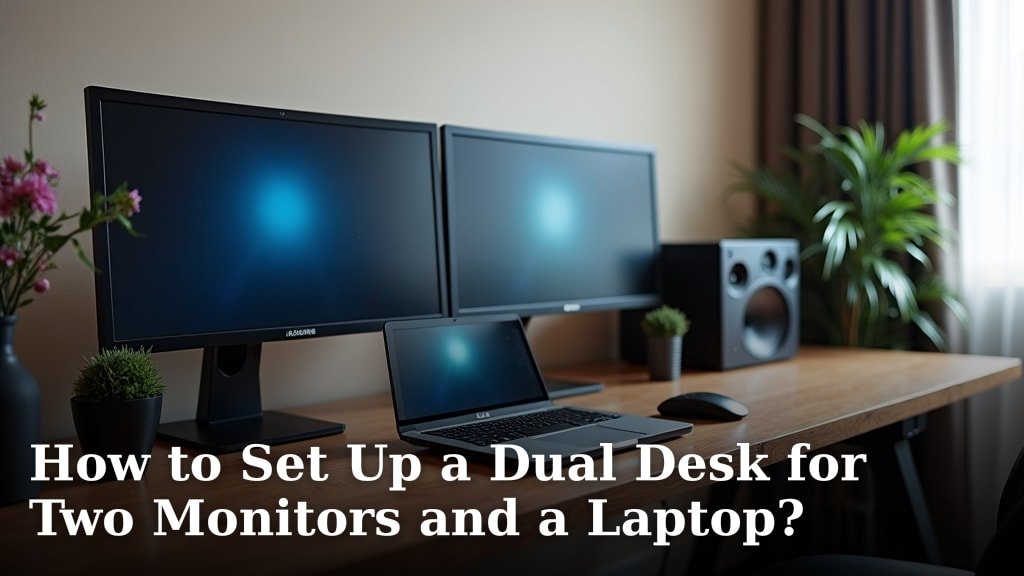
The goal is a workspace that feels functional and comfortable for everyone involved. This means thinking about how you’ll both use the space throughout the day. You don’t want to feel cramped or constantly interrupted. If one station needs several screens, see this dual monitor desk setup. We found that defining personal zones is a great first step.
Assessing Your Space and Needs
Before you buy anything, take a good look at the room you have. How much square footage do you have to work with? Think about natural light and existing furniture. What are your individual work styles? Do you need quiet concentration or are you okay with some background noise? Understanding these basics will guide your decisions.
Consider the types of tasks you both do. One person might need a large desk for spreading out documents, while the other might only need a laptop stand. Some jobs require video calls frequently, meaning you’ll need good lighting and minimal background distractions. Knowing this helps you plan for each person’s specific requirements.
Designing for Separation and Cohesion
Even in one room, you can create a sense of separate zones. This helps maintain focus and reduces the feeling of being on top of each other. Think about how to visually divide the space without making it feel smaller. Even in one room, you can create a sense of separate zones to maintain focus and reduce the feeling of being on top of each other.
Visual Division Techniques
You don’t need walls to create separation. Consider using rugs to define each person’s area. A bookshelf or a strategically placed plant can also act as a natural divider. This makes each workspace feel distinct and personal.
Sound Management
Noise can be a major disruptor. If you’re in the same room, you might be talking on the phone, typing, or listening to music. Research suggests that noise can significantly impact concentration (National Institute for Occupational Safety and Health). Using noise-canceling headphones is a simple solution. You could also consider a small room divider or even arranging furniture to create a buffer.
Ergonomics: A Must for Two
Ergonomics is about making your workspace comfortable and safe. This is especially important when sharing a space, as you both deserve a setup that prevents strain and fatigue. Investing in ergonomic setups can pay off in the long run.
Desk Selection
Desks are the foundation of your workspace. You have a few options when sharing. You could get two smaller, separate desks. Another popular choice is a long, double-desk. This can create a unified look and ensure you’re positioned side-by-side rather than facing each other, which can be less distracting. Many experts recommend desks that allow for standing, if possible.
Chair Comfort
Don’t skimp on chairs! You’ll be spending a lot of time sitting. Look for chairs that offer good lumbar support and are adjustable. Adjustable armrests and seat height are also key features. Many studies highlight the importance of proper chair support for back health (American Physical Therapy Association). If budget is a concern, start with one good chair and consider upgrading the other later.
Monitor and Keyboard Placement
Proper monitor placement is vital for reducing eye strain and neck pain. The top of your screen should be at or slightly below eye level. Your keyboard and mouse should be close enough so your elbows are at a 90-degree angle. Keeping these ergonomic principles in mind for both workstations is essential.
Smart Storage and Organization for Shared Spaces
Clutter is the enemy of productivity, especially when you’re sharing. You need systems that keep things tidy and accessible. Think vertically and consider multi-functional furniture.
Maximizing Vertical Space
When floor space is limited, look up. Wall shelves are fantastic for storing books, supplies, and decorative items. Floating shelves can give a clean, modern look. Pegboards are also a great option for hanging small office supplies, keeping them off your desk.
Desk Organization Solutions
Desk organizers are your best friend. Use drawer dividers to keep supplies sorted. Pencil cups, file holders, and small bins can prevent papers and pens from piling up. We found that using a cable management system can make a huge difference in reducing visual clutter and preventing tripping hazards.
Shared vs. Individual Storage
Decide what needs to be shared and what should be kept separate. Common supplies like printer paper or a stapler can be stored in a central location. Personal items, sensitive documents, or unique supplies should have their own dedicated space, perhaps in a labeled drawer or bin.
The Power of Labels
Don’t underestimate the humble label! Labeling drawers, shelves, and even file folders can save a lot of confusion and time. It clearly indicates ownership and content. This is particularly useful for things like shared filing cabinets or supply drawers.
Technology and Connectivity for Two
Your home office needs to support your technological needs. This means thinking about internet speed, printers, and power outlets. Sharing tech resources can be efficient, but you need to plan carefully.
Internet and Wi-Fi Strength
A slow internet connection is frustrating for everyone. If two people are on video calls or downloading large files simultaneously, you’ll need a robust internet plan. Consider a mesh Wi-Fi system to ensure strong signal strength throughout the entire room.
Printers, Scanners, and Other Peripherals
Do you need one printer or two? A good all-in-one printer can handle printing, scanning, and copying for both of you. Ensure it’s placed in an accessible spot. If you both have large printing needs, two smaller printers might be more efficient to avoid bottlenecks.
Power Outlets and Charging Stations
You’ll likely have multiple devices needing power. Ensure you have enough power outlets or consider a multi-outlet surge protector. A charging station for phones, tablets, and other small electronics can keep your desks clear and devices powered up.
Establishing Boundaries and Communication
The most important element of a successful shared home office is communication. Setting clear expectations and respecting each other’s needs is key.
Work Styles and Schedules
Talk about your working hours and any preferred quiet times. Are you early birds or night owls? Do you need absolute silence to focus, or is some background noise okay? Understanding these differences can help you avoid conflict. Many couples find it helpful to establish “quiet hours” during the workday.
Minimizing Distractions
Agree on rules for things like phone calls, music volume, and snacking. Perhaps one person takes calls in a different part of the house if possible. Clearly communicate when you need uninterrupted focus. Even small gestures, like knocking before entering the office space, can make a difference.
Here’s a quick checklist to get you started:
- Assess your room size and potential layouts.
- Discuss individual work habits and needs.
- Plan for separate or combined desk arrangements.
- Invest in comfortable and ergonomic chairs.
- Set up smart storage to reduce clutter.
- Agree on communication protocols and boundaries.
Conclusion
Setting up a shared home office can transform your workday from chaotic to calm. You’ve learned how to divide your space effectively, prioritize ergonomics for both of you, and manage clutter with smart storage. Remember, clear communication about work styles and boundaries is the glue that holds it all together. By implementing these strategies, you can create a productive, peaceful, and professional workspace you’ll both enjoy. Start by picking one area to tackle this week, like setting up your cable management system.
Frequently Asked Questions
How do I deal with different noise levels needed for work in a shared office?
Noise is a common challenge. Investing in noise-canceling headphones is a highly effective solution for individual focus. You can also try arranging furniture to create acoustic barriers or agree on specific “quiet hours” for focused work.
What’s the best desk setup for two people in one room?
You have a few great options. Two separate, smaller desks work well for distinct zones. Alternatively, a long double desk can create a unified look and place you side-by-side, which research suggests is less distracting than facing each other.
How much storage do we really need for a two-person office?
Think vertically and strategically. Utilize wall shelves and organizers to keep desks clear. Clearly define shared versus individual storage areas to prevent clutter and confusion, and don’t forget to label everything!
Is it better to have one printer or two for a shared home office?
An all-in-one printer is often sufficient for moderate needs and saves space. However, if both of you have high printing volumes or frequent, concurrent printing tasks, two smaller printers might prevent bottlenecks and boost efficiency.
How can we ensure both people feel they have their own personal space in a shared office?
Creating a sense of personal territory is key. Use visual dividers like rugs or small bookshelves to define each zone. Personalize your individual areas with small decor items that reflect your style, making it feel distinctly yours.