How to Set Up a Standing Desk?
On this page (3 sections)
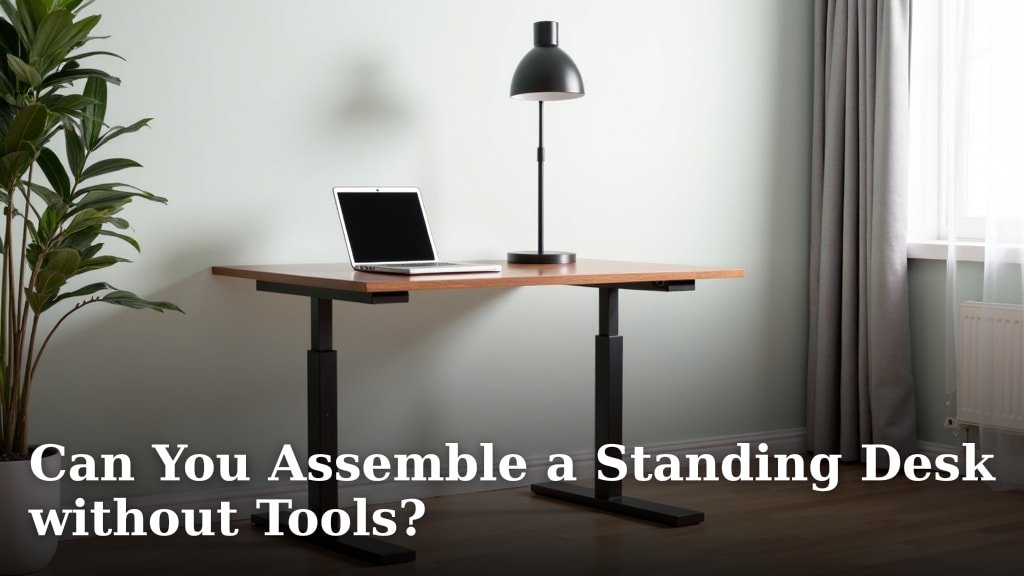
To set up a standing desk, you first need to assemble the frame and desktop according to the manufacturer’s directions. Then, you will organize your workspace and connect your peripherals for comfortable, ergonomic use. It’s simpler than you might think!
Many people find that a properly set up standing desk can boost their energy and even help with focus. You’ll want to get your monitor height just right and ensure your keyboard and mouse are easily accessible. It’s all about creating your ideal workspace.
- Assemble desk frame and desktop.
- Connect power and cables.
- Adjust monitor and accessory height.
- Ergonomic keyboard and mouse placement.
- Manage all your cords neatly.
Ready to stand up for your health and productivity? Let’s walk through exactly how to set up your new standing desk, step by step.
Getting Your Standing Desk Ready for Use
Setting up your standing desk involves more than just unboxing. You’ll build the frame, attach the desktop, and then carefully arrange your workspace for maximum comfort and efficiency.
Each step is important for a stable, ergonomic setup. Let’s make sure your new desk supports

Conclusion
Setting up your standing desk correctly makes a big difference to your comfort and health. You’ve learned how to assemble the frame, manage cables, and fine-tune your monitor and accessory heights. Remember, small adjustments can lead to significant improvements in your daily work life. Take the time to personalize your space for optimal ergonomics. Your body will thank you for creating a supportive and dynamic workstation.
Frequently Asked Questions
How high should my monitor be on a standing desk?
Your monitor screen should be positioned so the top third of the screen is at eye level. This helps you maintain a neutral neck posture. You shouldn’t have to crane your neck up or down.
What’s the best way to manage cables for a standing desk?
Cable management is key for a tidy and safe workspace. Use cable trays, ties, or sleeves to bundle wires together. Make sure there’s enough slack for the desk to move up and down freely without pulling on connections.
Can I use my existing keyboard and mouse with a standing desk?
Yes, you can absolutely use your current keyboard and mouse. The important thing is their ergonomic placement. Ensure your wrists are straight and your elbows are at a 90-degree angle, whether sitting or standing.
How often should I switch between sitting and standing?
Research suggests alternating positions every 30-60 minutes is beneficial. Listen to your body and find a rhythm that feels comfortable and productive for you. It’s about movement, not just standing all day.
Do I need an anti-fatigue mat for my standing desk?
An anti-fatigue mat can greatly improve comfort when standing for longer periods. It helps reduce pressure on your feet, legs, and back. Consider it a worthwhile addition to enhance your standing experience.