What Do You Need to Set Up a Productive Home Office?
On this page (3 sections)
To set up a productive home office, you primarily need a dedicated space, comfortable furniture, and reliable technology. These core components create an environment where you can focus and work efficiently.
Creating a functional home office goes beyond just having a desk and chair. It’s about designing a space that supports your workflow and minimizes distractions. Think about what truly helps you concentrate and be your most effective self.
- Clear, dedicated workspace: Essential for focus.
- Ergonomic furniture: Comfort prevents aches and pains.
- Reliable internet and tech: Stay connected and productive.
- Good lighting: Reduces eye strain and boosts mood.
- Personal touches for motivation: Make it your own.
Ready to build your ideal workspace? Let’s walk through everything you need to set up a home office that genuinely works for you.
Setting Up Your Productive Home Office: Essentials to Consider
Creating a truly effective home office means thinking about more than just a place to set your laptop. It’s about designing an environment that boosts your energy and helps you focus. You want a space where you can naturally fall into a work rhythm, free from common household distractions.
We’ll walk you through the key elements that research indicates are most beneficial for home office productivity. Each choice you make, from your chair to your internet, plays a role in your overall success. Freelancers can also use this guide to furnishing a home office.
Your Dedicated Workspace: Finding Your Zone
A “dedicated workspace” is more than just a spot; it’s a mental switch. When you step into it, your brain understands it’s time to work. This separation helps maintain a clear boundary between home life and work life.
Do you have a spare room? Great! Even a corner of a living room can work, as long as you treat it as your official work zone. The key is consistency.
Choosing the Right Location
Where in your home will this office live? Look for areas that are naturally quieter. Proximity to windows can be great for natural light and a view, but avoid high-traffic areas like hallways or heavily used living spaces. We find that a quieter spot helps reduce interruptions significantly. If your workspace is in a basement, review our dehumidifier guide for basement offices when moisture is a concern.
Think about what’s around your chosen spot. Can you easily close a door? Are there loud appliances nearby? These small details make a big difference in your ability to concentrate without constant noise.
Decluttering and Organization
A messy desk often leads to a messy mind. Before you even bring in furniture, take time to declutter your chosen space. Keep only what you truly need for work within arm’s reach.
Use drawers, shelves, and file organizers to keep things tidy. We found that a clean workspace helps you start each day with a clear head. Everything should have a home, making it easy to find and put away.
Ergonomic Furniture: Comfort for the Long Haul
You’ll be spending many hours in your home office. Investing in ergonomic furniture isn’t a luxury; it’s an investment in your health and sustained productivity. Poor posture can lead to back pain, neck strain, and headaches, all of which kill focus.
The Essential Office Chair
Your chair is perhaps the most important piece of furniture. It needs to provide proper support for your back, allowing you to maintain a healthy posture. Look for chairs with adjustable height, lumbar support, and armrests. Many experts recommend a chair that lets your feet rest flat on the floor with your knees at a 90-degree angle (Cleveland Clinic).
Test chairs if you can. What feels comfortable for one person might not for another. Your body will thank you for taking the time to choose wisely!
Finding the Right Desk
Your desk should be sturdy and provide enough surface area for your setup. Consider its height; your arms should be able to rest comfortably at a 90-degree angle when typing. If a standing desk is within your budget, many people report improved energy and reduced back pain.
A standing desk allows you to switch between sitting and standing throughout the day. This simple change can make a big difference in preventing stiffness and maintaining alertness.
Reliable Technology: Your Productivity Powerhouse
In today’s remote work world, your technology is your lifeline. Slow internet or a constantly crashing computer can derail your entire day. Ensuring you have the right tech is non-negotiable for a home office.
Internet Connection and Router
A stable, fast internet connection is crucial. Consider your typical workflow: do you do a lot of video calls, large file transfers, or cloud-based work? Your internet speed needs to match your demands. Check with your provider to ensure you have adequate bandwidth for your tasks.
Your router also plays a key role. Make sure it’s modern and powerful enough to cover your home, especially if your office isn’t right next to the modem. A weak Wi-Fi signal can be just as frustrating as slow internet.
Computer, Monitor, and Peripherals
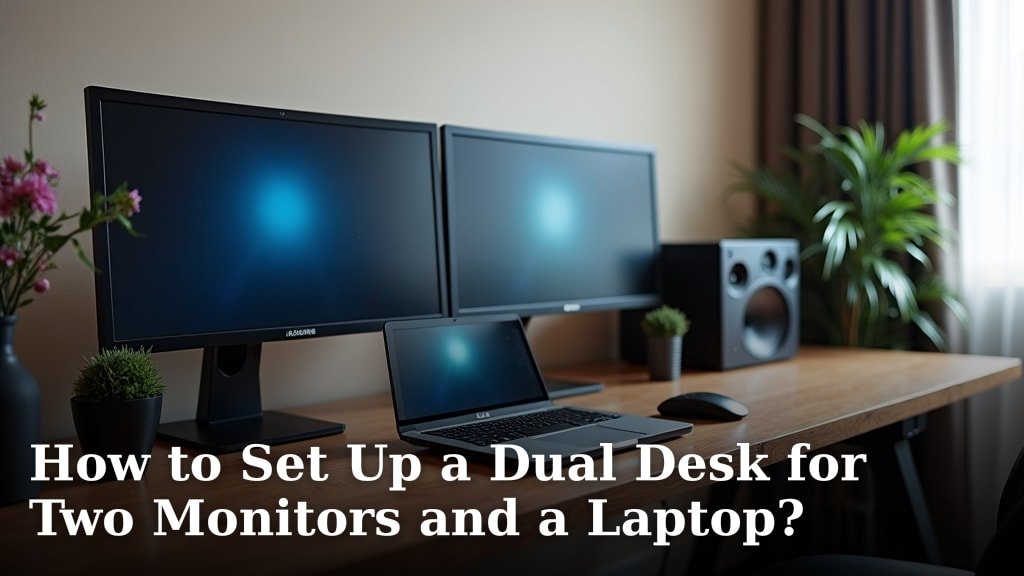
You need a computer that can handle your workload efficiently. Don’t let a slow computer eat into your valuable time. If you use a laptop, consider an external monitor for improved ergonomics and screen real estate. We find that two screens often significantly boost productivity.
Invest in a comfortable keyboard and mouse. These small details can prevent strain and make your daily interactions with your computer much more pleasant. Wired connections for peripherals can also help avoid latency issues sometimes found with wireless devices.
Lighting and Ambiance: Setting the Mood for Focus
Good lighting does more than just help you see. It impacts your mood, reduces eye strain, and can even influence your energy levels. Beyond light, the overall atmosphere of your office can make it a place you enjoy spending time.
Optimizing Lighting Conditions
Natural light is king. Position your desk to take full advantage of windows, but be mindful of glare. If direct sunlight is an issue, consider sheer blinds or curtains. Supplement natural light with good artificial lighting. Our home office lighting lumens guide can help you plan the brightness.
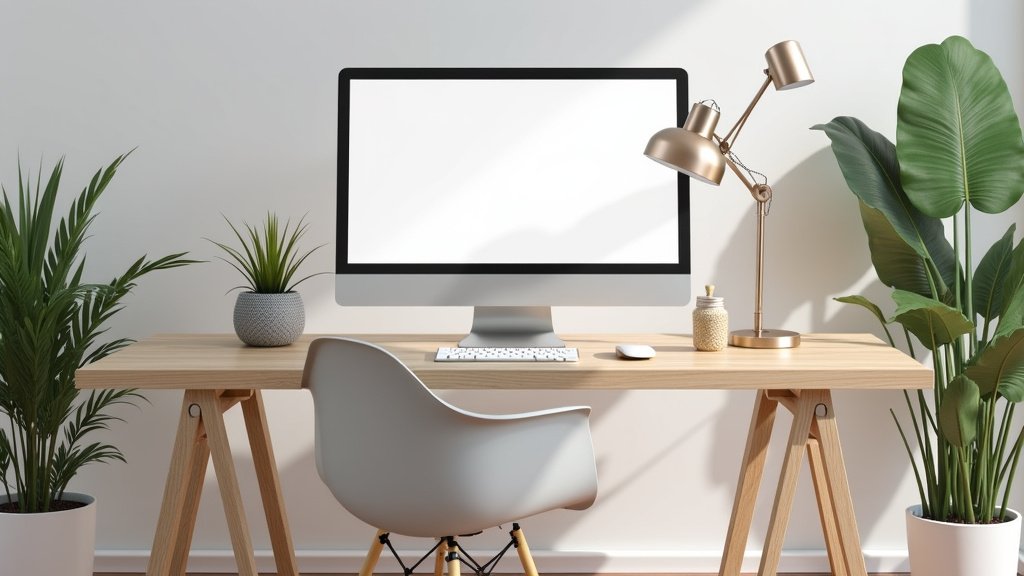
Overhead lighting is good, but a desk lamp can provide focused light exactly where you need it, reducing shadows and eye fatigue (NIH recommendations often highlight the importance of proper lighting for visual comfort). Choose a lamp with adjustable brightness and color temperature if possible.
Personal Touches and Decor
Your workspace should feel like yours. Add elements that inspire you or bring you joy. This could be a plant, a piece of art, or photos of loved ones. These personal touches can make your office feel less sterile and more inviting, helping you feel happier and more motivated.
However, avoid clutter. The goal is to feel inspired, not distracted. A plant can bring life into the room and help with air quality, for example, without taking up too much space.
Beyond the Basics: Enhancing Your Home Office Productivity
Once you have the core elements in place, there are other considerations that can further refine your home office setup. These touches aren’t strictly necessary but can make a big difference in long-term comfort and efficiency.
Noise Reduction Strategies
Even in a dedicated space, outside noises can creep in. Consider strategies to minimize distractions. This might include a white noise machine, noise-canceling headphones, or even acoustic panels if noise is a major issue.
If you have control over it, scheduling your quieter tasks during the quietest times of the day can also help. Sometimes, simply communicating your work schedule to family members can make a big difference in reducing interruptions.
Power Management and Cable Organization
A tangled mess of cables not only looks bad but can also be a safety hazard. Use cable ties, sleeves, and management boxes to keep your wires neat and out of sight. A good surge protector is essential; compare its joule rating when choosing protection for your electronics.
We’ve found that a tidy cable setup reduces visual clutter, which in turn helps reduce mental clutter. It’s a small detail that surprisingly improves the overall feel of your workspace.
The Home Office Checklist
Ready to get started? Here’s a quick checklist to guide your setup:
- Dedicated Area: Is your workspace separated and free from distractions?
- Ergonomic Chair: Does it support your back and help maintain good posture?
- Functional Desk: Is it the right height, with ample space for your setup?
- Reliable Internet: Fast and stable connection for all your tasks?
- Good Lighting: Natural light supplemented with an effective task lamp?
- Personalized Touches: Does your space feel inviting and inspiring?
Conclusion
Creating a productive home office isn’t about expensive gadgets; it’s about making smart choices for your well-being and workflow. By prioritizing a dedicated space, ergonomic furniture, reliable tech, and mindful lighting, you build a foundation for success. Remember, your ideal workspace fuels focus and minimizes distractions, helping you achieve your professional goals.
Take the time to evaluate your current setup and implement these improvements. Your productivity, comfort, and peace of mind will thank you.
Frequently Asked Questions
How can I create a dedicated workspace if I live in a small apartment?
Even in small spaces, you can carve out a dedicated zone. Consider a corner of a room, using a room divider or a strategically placed shelf to create a visual and mental boundary. Use furniture with multiple functions, like a desk that folds away, to maximize your space.
What’s the most important piece of furniture for a home office setup?
We’ve found the ergonomic chair is often the most critical investment. You’ll spend hours sitting there, so proper back support and adjustability are essential to prevent discomfort and maintain good posture, directly impacting your focus and long-term health.
How can I minimize distractions from family members or pets while working from home?
Clear communication is key. Establish quiet hours with your family and explain when you need uninterrupted focus. For pets, setting up a designated comfortable spot for them near you, or ensuring they have toys and attention before you start, can help minimize interruptions.
Should I use a laptop or a desktop computer for my home office?
It depends on your needs. A laptop offers portability, which is great if you sometimes work from different locations. However, a desktop often provides more power and is easier to upgrade. For prolonged use, consider connecting either to an external monitor, keyboard, and mouse for better ergonomics.
Is it really necessary to have good lighting in a home office?
Yes, good lighting is crucial. Poor lighting causes eye strain, headaches, and can even affect your mood and energy levels. Natural light is best, but supplementing it with a quality desk lamp helps ensure consistent, focused illumination, making your work environment more comfortable and efficient.