What Is the Best Glass Desk for Back and Neck Pain?
On this page (3 sections)
The best glass desk for back and neck pain is typically an adjustable-height standing desk with a glass top, allowing you to easily switch between sitting and standing. This flexibility reduces prolonged static postures that can aggravate pain. Look for desks with sturdy frames and smooth height adjustments.
While a glass desk itself doesn’t directly alleviate pain, its ability to be part of an ergonomic setup is key. Many people find glass surfaces aesthetically pleasing and easy to clean. We found that pairing it with proper monitor placement and a good office chair is crucial for overall comfort.
- An adjustable-height glass desk helps reduce pain.
- Switching between sitting and standing is very beneficial.
- Glass tops are stylish and easy to maintain.
- Proper ergonomics, not just the desk, are most important.
Are you ready to find the perfect glass desk to support your back and neck health? Let’s explore the options and what makes a desk truly ergonomic for pain relief.
Selecting the Best Glass Desk for Back and Neck Support
The best glass desk for managing back and neck pain is one that promotes movement and allows for an adjustable, ergonomic setup. We found that the glass itself is a material choice, not a pain solution. The desk’s functionality is what truly matters.
Understanding Why Back and Neck Pain Happens at Your Desk
Sitting for long periods puts stress on your spine and muscles. Your body is designed for movement. When you stay in one position, blood flow decreases, and muscles can become tight or weak. This often leads to discomfort, especially in your lower back and neck.
The Impact of Prolonged Sitting
Sitting still for hours can compress your spinal discs. It also weakens your core muscles, which are vital for supporting your back. Many people slump, putting extra strain on their neck and shoulders.
The Role of Poor Posture
Ever notice yourself slouching toward your screen? This forward head posture increases the load on your neck muscles. It can cause headaches, stiffness, and chronic pain. Good posture is about aligning your ears, shoulders, and hips.
Key Features of a Pain-Reducing Glass Desk
When you’re looking for a glass desk, focus on features that support an active and healthy work style. Adjustability is at the top of that list.
Adjustable Height: Your Best Friend
An adjustable-height standing desk is often considered the gold standard for back and neck pain. It allows you to switch between sitting and standing throughout your workday. This simple change can make a huge difference (CDC).
- It promotes movement.
- It reduces static postures.
- It improves circulation.
- It can help you burn more calories.
Glass Material Considerations
A glass desktop offers a sleek, modern look. It’s also very easy to clean. However, glass can be reflective, which might cause glare. We recommend choosing frosted or tinted glass if glare is a concern for you.
| Glass Desk Feature | Benefit for Pain Relief | Potential Drawback |
|---|---|---|
| Adjustable Height | Allows sit-stand changes, reducing static posture strain. | Higher cost, requires power for motorized versions. |
| Sturdy Frame | Supports equipment weight, prevents wobbling. | Can be heavy to assemble. |
| Spacious Surface | Room for ergonomic setup (monitor arm, keyboard). | May take up more room in your office. |
| Integrated Cable Management | Reduces clutter, prevents tripping hazards. | Not always included, may need add-ons. |
| Frosted/Tinted Glass | Reduces glare and eye strain. | Less transparent look, might hide desktop items. |
Beyond the Desk: Creating an Ergonomic Workspace
Remember, the desk is just one part of your ergonomic puzzle. Even the best glass desk won’t fix everything if your other equipment isn’t set up correctly. Think of your workspace as a complete system.
The Importance of Your Chair
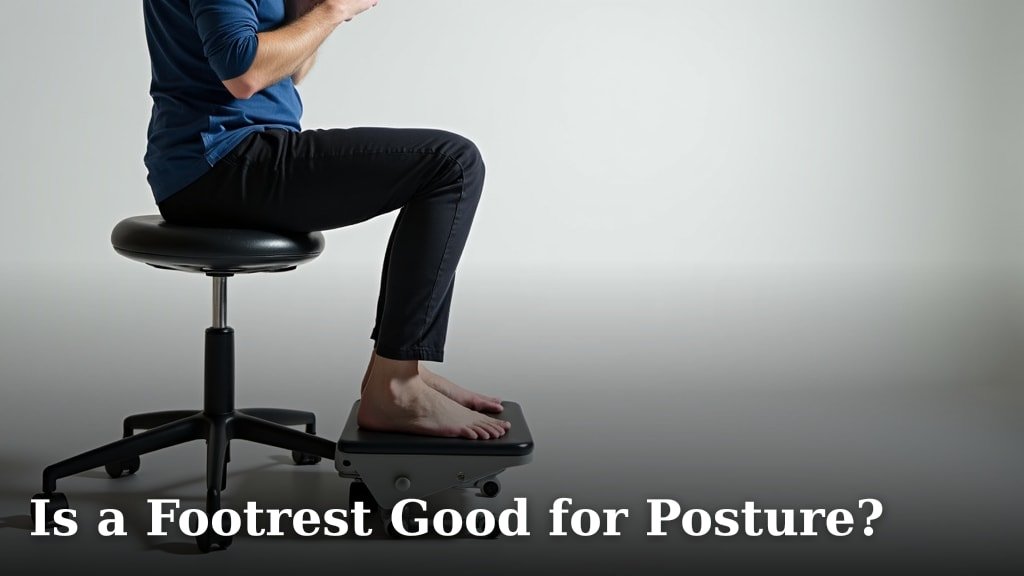
If you’re going to sit, your chair needs to support you properly. Look for a chair with good lumbar support, adjustable armrests, and a comfortable seat. Your feet should be flat on the floor or a footrest.
Monitor Placement for Neck Health
Your monitor should be at arm’s length away from you. The top of the screen should be at or slightly below eye level. This helps keep your head in a neutral position, reducing neck strain. A monitor arm can help you achieve this ideal height and distance.
Keyboard and Mouse Ergonomics
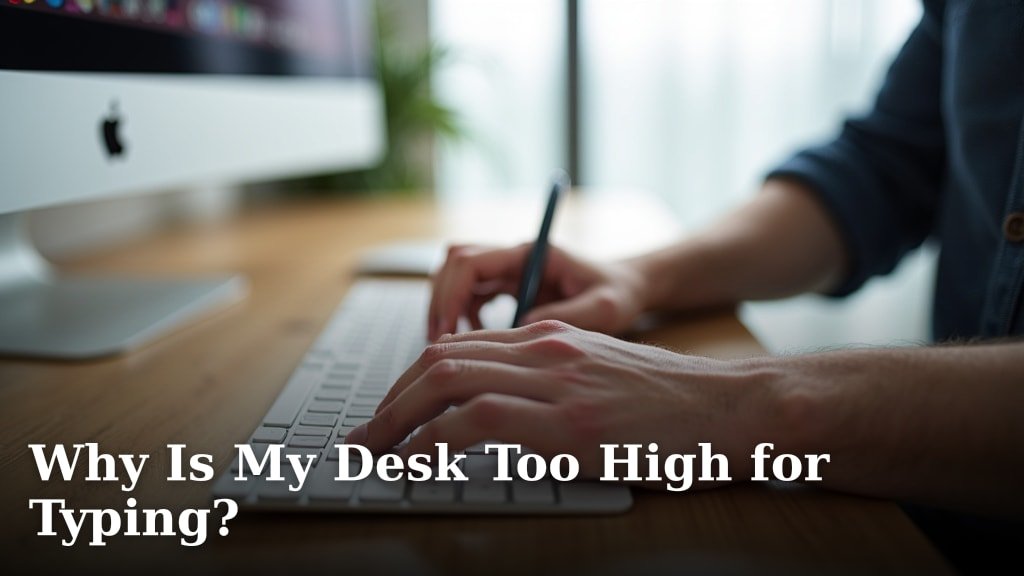
Keep your keyboard and mouse close to your body. Your wrists should stay straight, not bent up or down. A natural typing position prevents strain in your hands and forearms. Consider an ergonomic keyboard or mouse if you experience discomfort.
Your Checklist for a Pain-Free Glass Desk Setup
Ready to put it all together? Here’s a quick checklist to guide your choices and setup:
- Choose an adjustable-height glass desk for sit-stand flexibility.
- Ensure the desk has a sturdy, stable frame to prevent wobbling.
- Select glass that is frosted or tinted to minimize screen glare.
- Invest in an ergonomic office chair with good lumbar support.
- Position your monitor at eye level and arm’s length.
- Keep your keyboard and mouse close, allowing for neutral wrist posture.
Tips for Using Your New Glass Desk Effectively
Having an adjustable desk is great, but you need to use it right. Don’t just set it and forget it. Regular movement is key to pain prevention.
Start with Short Standing Intervals
If you’re new to standing desks, don’t try to stand all day right away. Begin with 15-30 minute standing sessions. Gradually increase the time as your body adjusts. Listen to what your body tells you.
Remember to Move and Stretch
Even while standing, try not to be completely still. Shift your weight, do some gentle neck rolls, or stretch your calves. Take short breaks to walk around your office every hour or so (Mayo Clinic).
Set Reminders to Change Positions
It’s easy to get absorbed in your work and forget to switch positions. Use an app or a simple timer to remind you to alternate between sitting and standing. Consistency is what helps prevent pain.

Conclusion
Choosing the best glass desk for back and neck pain really comes down to its adjustability. We’ve seen that a desk allowing you to switch between sitting and standing is a game-changer. Remember, the glass top is a style choice; the functionality and ergonomic setup are what truly support your body. Pair your adjustable glass desk with a supportive chair and correct monitor placement for the best results.
By focusing on movement and proper ergonomics, you can create a workspace that genuinely cares for your well-being. Take action now and transform your desk into a pain-reducing powerhouse.
Frequently Asked Questions
Is a glass desk top durable enough for a standing desk?
Yes, most modern glass desk tops, especially those made from tempered glass, are designed to be quite durable. They can safely support the weight of monitors, computers, and other office equipment when combined with a sturdy frame. Always check the weight capacity of the desk you’re considering.
Will a glass desk glare cause eye strain?
A clear glass desk can sometimes produce glare from lights or windows, potentially causing eye strain. To minimize this, we recommend opting for a frosted or tinted glass top. Proper lighting in your office and strategic monitor placement can also help reduce reflections.
Can I use a monitor arm with a glass desk?
Using a monitor arm with a glass desk requires careful consideration. Clamp-on monitor arms can stress the edge of a glass top. It’s best to look for a desk frame that includes built-in VESA mounts or specifically states compatibility with monitor arms. Alternatively, a freestanding monitor stand could be a safer option.
Are glass desks harder to keep clean than other materials?
Glass desks are generally very easy to clean and maintain. A simple glass cleaner and a microfiber cloth can remove fingerprints and smudges quickly. Unlike wood, glass won’t absorb spills, making it resistant to staining. However, it may show dust and smudges more readily.
What’s the ideal height for a standing glass desk?
The ideal height for your standing glass desk depends on your own height. When standing, your elbows should form roughly a 90-degree angle, with your forearms parallel to the floor. Your monitor should be positioned so the top of the screen is at or slightly below eye level. An adjustable-height desk makes finding this sweet spot easy.